One of the best investments I’ve made for my office. A fraction of the cost compared to cerec. No monthly club fee. Easy maintenance. Saving a ton on lab costs. Milling and designing crowns is honestly my favorite things to do now. - 6/29/2020
My wife and I practice together and bought our first i500 in August of 2018. This was very early on before Armen had a vast number of technique and online support articles in his blog! Little was publicly known at the time about this new scanner bu...read moreMy wife and I practice together and bought our first i500 in August of 2018. This was very early on before Armen had a vast number of technique and online support articles in his blog! Little was publicly known at the time about this new scanner but I felt confident in my purchase for a few reasons: 1) Armen had validated the product and was standing behind it... I knew of Armen from DentalTown and had many years of public posts to evaluate his character; 2) Limited demos available at the time; 3) some clinical accuracy data out of Europe that required zooming in on a powerpoint presentation that was recorded second-hand via camera phone ha! SO needless to say, I put a lot of eggs in the "Armen is standing behind this product" basket. We have NOT been disappointed. From personalized service from both Frank and Armen, to our vast success and joy using the product and deciding in late 2018 to buy a second Medit i500, I have nothing but good things to say about the product and Cad-Ray. What a bunch of self-less individuals. Armen has offered to remote in and I even took him up on the offer once and he remoted in immediately to take a look at something. Good luck getting service like this from ANYONE else in the industry. Cheers to digital dentistry with the RIGHT partner. Kristian C. Dietz, DDSread less - 3/08/2020
Excellent company to work with. Best customer service and technology available. Can't recommend enough! - 5/05/2021
Charlyn Quiec
Fast response. Customer service eager to help and very friendly. :) - 3/21/2023
Miller Loriaux
Absolutely love dealing with this company. Purchased two intraoral scanners from them over the last 3 years and the support has been beyond exceptional. Frank patiently walked me through all the basics with many a phone call (to his personal cell p...read moreAbsolutely love dealing with this company. Purchased two intraoral scanners from them over the last 3 years and the support has been beyond exceptional. Frank patiently walked me through all the basics with many a phone call (to his personal cell phone, no less) on the first go round. Whenever we've even had a hint of technical difficulty there is ALWAYS a knowledgeable voice on the other end of the line. After 3 years of use a significant issue came up with the scanner and they went above and beyond to get it back up and running. Was so impressed (and I realized how dependent we've become on a scanner) that I purchased another one.Needed some assistance submitting a Valplast RPD design digitally this week. Damien worked me through it in literally 5 minutes and took the time to optimize my graphics card performance while he was there. Top shelf service.Certainly, the first place I go with any dental tech purchase.read less - 6/04/2022
Jacob Masters
Best dental equipment company I have ever worked with! Great response and super helpful for any issues even years later. - 8/03/2023
Madhavi Chavda
Still beginner to use IO scanner. best customer service. Live training was very useful. Andy Nova was great in improving my skill for scanning and showing me all features. Thank you. - 5/19/2022
Cad-Ray's customer service has been amazing since day one! From getting a quote to setting everything up and doing my first scan. Everyone has been super helpful! Heather Gramley has been awesome, it's like having a tech in my back pocket! They offer...read moreCad-Ray's customer service has been amazing since day one! From getting a quote to setting everything up and doing my first scan. Everyone has been super helpful! Heather Gramley has been awesome, it's like having a tech in my back pocket! They offer tons of training videos and offer one on one training. I would 10/10 recommend them for all of your scanning needs!read less - 11/21/2022
Cristy Duval
Kaila is an incredible Rep! Hope Cad-Ray knows what a great employee they have. Thank you Kaila! - 12/16/2021
Scott Chong
The i500 has been a game-changer for our orthodontic practice. Patients love not having to do alginate impressions. Records appointments and debands take much less time plus there's significantly less clean-up. And it's fast/easy enough to use tha...read moreThe i500 has been a game-changer for our orthodontic practice. Patients love not having to do alginate impressions. Records appointments and debands take much less time plus there's significantly less clean-up. And it's fast/easy enough to use that we've even been able to train summer interns to scans with zero prior dental experience. Our retainers, nightguards, and sleep apnea appliances all showed improved fit with less chair-side delivery time due to accuracy of the scans. Customer support is top-notch. Whenever we've had issues, we get someone immediately and they either talk us through a fix or login via screenshare to help us directly. They have a great loyalty program which gives significant discounts to upgrade to newer units. We recently took advantage and are excited to try out the new i700, especially since they're now Mac-compatible. Simple version: Great intra-oral scanner, easy to use/operate, intuitive software interface, fantastic support.read less - 8/16/2023
Yu Gan
Great company. Pioneer in digital dentistry. Armen knows his stuff. Hands down the go to scanner reseller in the US. Support and training courses are incredible. - 10/02/2022
ycsongdds
I have had zoom training with Andy today. I can honestly say that he was the best. He was patient and very throughal. I learned a lot I would ask him again when I need support again Thanks Rodger - 3/15/2023
Steven Acker
The i700 provides amazing ease of use and versatility for any digital restorative application. It’s been game changing for our practice. CAD-Ray’s amazing support and Medit’s constant improvement of the software are revolutionary. I’ve been taking di...read moreThe i700 provides amazing ease of use and versatility for any digital restorative application. It’s been game changing for our practice. CAD-Ray’s amazing support and Medit’s constant improvement of the software are revolutionary. I’ve been taking digital impressions for over 15 years with other systems and nothing comes close to the Medit.read less - 8/27/2021
After weeks of research I purchased the i700 through Nick at cad-ray. My office has never used a scanner before and despite the great pricing, this was still a major purchase for me. Nick was incredibly helpful guiding me through the process while an...read moreAfter weeks of research I purchased the i700 through Nick at cad-ray. My office has never used a scanner before and despite the great pricing, this was still a major purchase for me. Nick was incredibly helpful guiding me through the process while answering my many questions. The customer service was very responsive and my friends who have purchased medit scanner were correct that this is the way to go. 5 Stars!read less - 5/08/2021
Daniel Eley
I just bought the new Medit i700. I placed the order on Friday, it shipped on Monday, and it arrived on Tuesday. So far it has been a great experience. They also provide a lot of quality videos for learning to use the scanner. - 5/05/2021
Zachary Breen
I purchased the Medit i700 from CAD-Ray back in May and the purchasing process, setting-up and trouble shooting has been extremely easy and straight forward with CAD-Ray. The Medit i700 is one of the best, if not the best, scanner I have used in the ...read moreI purchased the Medit i700 from CAD-Ray back in May and the purchasing process, setting-up and trouble shooting has been extremely easy and straight forward with CAD-Ray. The Medit i700 is one of the best, if not the best, scanner I have used in the past 5 years of using intraoral scanners. Recently I ran into a software issues with my scanner and I am extremely impressed with CAD-Ray and Medit's timely manner in addressing my issue. Within minutes I was on the phone with them and they had my concerns addressed and solved. I previously recommended a few colleagues to CAD-Ray and I will continue to recommend with even greater enthusiasm. I am very pleased with their customer service and the Medit i700. Thank you CAD-Ray!read less - 9/30/2021
Never had customer care like Cad-Ray, you can't go wrong purchasing through them. Trios is a great scanner. All the reps at Cad-Ray are very knowledgeable and helpful and will make sure you are up and running smoothly. Above and beyond customer serv...read moreNever had customer care like Cad-Ray, you can't go wrong purchasing through them. Trios is a great scanner. All the reps at Cad-Ray are very knowledgeable and helpful and will make sure you are up and running smoothly. Above and beyond customer service.read less - 8/27/2022
Amazing customer service. Wayne Glassoff helped me with purchase decision, taking the time to find out my needs, and then my order was delivered quickly! Easily the best "dental" purchase experience that I have ever had. - 9/07/2022
dr sheth
It was very powerful and enlightening experience today to do 2 day sessions with Dr. Armen and Damien. I learned a lot, quite amazed by how much we can do with knowledge and Medit scanner. As usual great support by CAD-RAY always. I absolutely love M...read moreIt was very powerful and enlightening experience today to do 2 day sessions with Dr. Armen and Damien. I learned a lot, quite amazed by how much we can do with knowledge and Medit scanner. As usual great support by CAD-RAY always. I absolutely love Medit scanner.read less - 8/08/2021
Ryan Anardi
Just ordered my i700 yesterday and it ships today. Customer support has been amazing in answering all my questions completely. Looking forward to my delivery day like a kid at Christmas. - 11/03/2021
Cadray has great support and service! They are very responsive to questions. Love the new medit scanner! - 5/06/2021
Penelope Lee
Frank and his team have always been ready and able to help us with any issue we’ve come across in the last 2 years since we purchased our mill and equipment from them. Today, Griffen went above and beyond to find a solution to our software issue. I w...read moreFrank and his team have always been ready and able to help us with any issue we’ve come across in the last 2 years since we purchased our mill and equipment from them. Today, Griffen went above and beyond to find a solution to our software issue. I was able to finish a project on time for a patient in pain because of his dedication. “We’ve never had a more helpful team for any of our equipment” was a quote from our head Doctor today. Excellent job Griffen and team!read less - 5/14/2025
Michael Gagaoudakis
Awesome company. The video collection CAD-Ray has put together for their equipment is unparalleled. There is literally no other company that has a library of learning tools like Armen and his team have put together. I highly recommend this company if...read moreAwesome company. The video collection CAD-Ray has put together for their equipment is unparalleled. There is literally no other company that has a library of learning tools like Armen and his team have put together. I highly recommend this company if you are considering making a digital equipment investment. 5 stars!read less - 6/16/2020
Steven Oshins
I've been fortunate to have had the opportunity to work with Frank DeLuca this past year. He is always pleasant, willing to help, responsive to my questions and extremely knowledgeable. I highly recommend Frank!! - 12/16/2021
David Stall
These guys are great. Always available and helpful. My scanning issues were dealt with quickly and courteously. - 10/01/2021
Rusty Fitton
Super happy with our purchase of the Medit i500 from Cad Ray. Overall its a work horse scanner that has handled anything weve thrown at it. The key to success with it is definitely taking the time to actually learn how to use it after purchase. Ca...read moreSuper happy with our purchase of the Medit i500 from Cad Ray. Overall its a work horse scanner that has handled anything weve thrown at it. The key to success with it is definitely taking the time to actually learn how to use it after purchase. Cad Ray has an immense library of straight forward education videos that are updated basically daily. I havent done the 2 day course but that is also included in the purchase. You really cant find that sort of service and education with any of the other scanners on the market. Id recommend them to anyone.read less - 6/26/2020
Lauri Ann
I am about the worst person when it comes to technology. I decided to get a scanner and chose the Medit due to all the positive comments users had. I haven't used it much-the pandemic started right as I received it, however, the customer service has ...read moreI am about the worst person when it comes to technology. I decided to get a scanner and chose the Medit due to all the positive comments users had. I haven't used it much-the pandemic started right as I received it, however, the customer service has truly been amazing! I had an online training and a rep checked in with me several times to see if I needed help. I am going to do another online training soon as a refresher. I wouldn't hesitate to recommend this company and scanner to anyone!read less - 6/16/2020
David Blanco
Cad-Ray is great! Great customer service and they are consistent with their followthrough . Always helpful when you need questions answered and helping to lower the learning curve with newly purchased equipment. I’m very satisfied with my medit i-...read moreCad-Ray is great! Great customer service and they are consistent with their followthrough . Always helpful when you need questions answered and helping to lower the learning curve with newly purchased equipment. I’m very satisfied with my medit i-500 intraoral scanner. Armen and Frank are solid!read less - 6/16/2020
Keith Bracy
My rep Nick at Cad-ray was very helpful in my purchase of the Medit i700. So far, I love the scanner and have no regrets about my purchase. The setup and support from the company have been seamless as well and the purchase process with financing!
I ...read moreMy rep Nick at Cad-ray was very helpful in my purchase of the Medit i700. So far, I love the scanner and have no regrets about my purchase. The setup and support from the company have been seamless as well and the purchase process with financing!
I was considering the new itero as well and happy I got the Medit instead! The lightweight scanner as well as no monthly ongoing fees was what ultimately won me over, as well as the robust software.read less - 7/21/2021
CAD-Ray keeps knocking it out of the park. Upgraded from i500 to i700. Transition was seamless! Thanks again guys! - 11/15/2022
Chris Kleist
Cad-Ray is the absolute best if you're in the market for digital dental tools. I have purchased two Medit scanners through them. There will be hiccups with any complex piece of machinery, but every time I have needed Cad-Ray, they have been there. I ...read moreCad-Ray is the absolute best if you're in the market for digital dental tools. I have purchased two Medit scanners through them. There will be hiccups with any complex piece of machinery, but every time I have needed Cad-Ray, they have been there. I recently had a scanner go down. I called Cad-Ray tech support and they got me on the phone with Medit immediately. Within a day, a replacement scanner was sitting on my desk. It doesn't get much better than that.read less - 10/18/2024
Amber Thomas
Andy was very patient and informative during our Medit Training. He made sure that we understood exactly what we needed to know in order to be successful during scans. Since our training we've moved full steam ahead in completing scans for lab fabric...read moreAndy was very patient and informative during our Medit Training. He made sure that we understood exactly what we needed to know in order to be successful during scans. Since our training we've moved full steam ahead in completing scans for lab fabrications of crowns, bridges, and Invisalign. Thanks so much!!!read less - 4/05/2022
Worked with Laura and she is incredibly knowledgeable. She gave me all the right advice and steered me in the right direction. Her ongoing support is as good as it gets. I feel like I have a 24 hour team at my beckoning call. For the meat and pot...read moreWorked with Laura and she is incredibly knowledgeable. She gave me all the right advice and steered me in the right direction. Her ongoing support is as good as it gets. I feel like I have a 24 hour team at my beckoning call. For the meat and potatoes. I got an Icam 4D from her and now I am printing all on 4 arches same day surgery at our practice in Denver(NUSET). We are going to put ICams and Trios’ in all our offices thanks to Laura and the Cad-Ray team. If you have any questions about the workflow and the success we are having with the Digital work flow call Laura and I will help you succeed with her product support.Thank you Laura and Cad-Ray!read less - 4/28/2022
Frank Gibbons
I just bought my first Intra-oral scanner (Medit I-700). I have demoed scanners from various companies in the past but have been less then thrilled with the applications, scanner ability, ease of use and overall user experience. I feel that now the...read moreI just bought my first Intra-oral scanner (Medit I-700). I have demoed scanners from various companies in the past but have been less then thrilled with the applications, scanner ability, ease of use and overall user experience. I feel that now the technology has caught up to where it should be and after reviewing many scanners on the market have decided to go with Medit. The Medit i-700 gives me all the functionality I could want, has an affordable price and works for all the procedures I need it for (scanning for ortho, dentures, partials, crowns, bridges, implants ect.). I love that they continually update their software and most importantly that those upgrades are free to the end users. Another huge plus is that when I have a question I get actually get someone on the phone!! For all these reasons I finally jumped in. I would recommend anyone else to do so as well!read less - 5/06/2021
Steve Acker
We received our i700 scanner from CAD-Ray yesterday. It was an upgrade from our i500. The scanner is amazing and Laura was amazing in helping us get up and running in no time. Their support, professionalism, and expertise is unmatched. Thanks CAD-Ray...read moreWe received our i700 scanner from CAD-Ray yesterday. It was an upgrade from our i500. The scanner is amazing and Laura was amazing in helping us get up and running in no time. Their support, professionalism, and expertise is unmatched. Thanks CAD-Ray!- Helena from Elite Dentalread less - 12/23/2021
Jansen Bean
Heather with CADRay provided wonderful assistance with setting up our new scanner, and was able to work around a minor scheduling issue on my part. Top notch service! - 6/28/2024
jeff-J65
You guys are great! I have been a Cerec user for about a decade and wanted to expand my horizons. I bought the I700 and have just loved it. We don't do impressions any more, only scanning, even for the full arch. The customer service has been excelle...read moreYou guys are great! I have been a Cerec user for about a decade and wanted to expand my horizons. I bought the I700 and have just loved it. We don't do impressions any more, only scanning, even for the full arch. The customer service has been excellent, even though I haven't had any problems with the scanner. I really like the online learning modules, they have been awesome getting me up to speed with the scanner quickly. I am looking forward to some of the in person courses to maximize the usefulness of this scanner. -- Jeff Allred, DDS FAGD DABOI FAAIDread less - 9/28/2021
I bought a scanner from Nick Statly at Cad-ray a few months back and have nothing but good things to say about them. They were very helpful with setting up my computer that's linked to the scanner and since then have been very eager to help with ques...read moreI bought a scanner from Nick Statly at Cad-ray a few months back and have nothing but good things to say about them. They were very helpful with setting up my computer that's linked to the scanner and since then have been very eager to help with questions that I had regarding the system.read less - 12/08/2021
Russell Schafer
Overall great company to work with. They sell wondeful products and give stellar service for a much lower price than any of the supply houses. I can't recommend them enough. - 8/19/2022
Roy Elturk
Outstanding customer service! Laura helped me purchase my first Trios scanner and she took the time to go over all the specs, models, and details with me. Their on going tech support is what sets this company a part from others. - 3/05/2024
Jason Oh
Everyone at CAD Ray has been amazing. Glad I chose them for my Medit and Sprint Ray purchase. Our training with Kaila was awesome. Thank you - 1/04/2023
Kirk Arritt (fldnstrm)
Whatever digital workflow addition you want to add to your dental practice look no further than Cad-Ray. Top notch support and training. - 1/29/2023
Shilpa Jobanputra
New user and absolutely love my Medit i500 scanner. Easy to use, fast, affordable and so quick for a first timer IOS user like myself. Customer service is fantastic, as are the sales people. It’s good to know you have strong knowledgeable people beh...read moreNew user and absolutely love my Medit i500 scanner. Easy to use, fast, affordable and so quick for a first timer IOS user like myself. Customer service is fantastic, as are the sales people. It’s good to know you have strong knowledgeable people behind the scenes ready to help at every turn. I would recommend this product highly. Happy in PAread less - 9/09/2020
Johnny Vredenburg III
Before working with cad-ray, I was hesitant to dive into digital dentistry due to the complexity of it. Working with Laura at cad-ray made all of my concerns go away. She was there to help me with my Exocad software installation, even outside of norm...read moreBefore working with cad-ray, I was hesitant to dive into digital dentistry due to the complexity of it. Working with Laura at cad-ray made all of my concerns go away. She was there to help me with my Exocad software installation, even outside of normal business hours - really hard to come by! I also purchased a Medit i500 and getting that setup and working in my clinic was seamless. I could not have asked for better support while navigating digital dentistry. My next purchase will be a 3D printer, and i know exactly where i will buy it from! Highly recommend these guys.read less - 11/20/2020
Richard Salvatore
I purchased a Medit Scanner from Cad Ray and the entire experience has been phenomenal. Their customer service is top notch and always accessible by text! I have FaceTimed Frank more than once during a hectic day to help me with my scanner. Thanks te...read moreI purchased a Medit Scanner from Cad Ray and the entire experience has been phenomenal. Their customer service is top notch and always accessible by text! I have FaceTimed Frank more than once during a hectic day to help me with my scanner. Thanks team!read less - 6/19/2020
Buddy “BTay” Taylor
I600 - so far its great! - 8/23/2022
Peipei Yu
I purchased a Medit scanner in August and I am very happy with the scanner. I was trained on an Omnicam in dental school and used Omnicam for 4 years in my associateship. The speed and quality of the Medit scanner is comparable to a CEREC scanner but...read moreI purchased a Medit scanner in August and I am very happy with the scanner. I was trained on an Omnicam in dental school and used Omnicam for 4 years in my associateship. The speed and quality of the Medit scanner is comparable to a CEREC scanner but you can’t beat the price of the Medit! I would highly recommend this if you are a beginner or pro in digital dentistry!read less - 9/21/2020
Jorge Gonzalez
Armen is a dentist and knows what a dentist need, on other words cad ray sells technology that works for dentists! - 6/16/2020
Delicate Dentistry
Cad-Ray's support is truly exceptional. While the equipment represents a significant investment, the peace of mind that comes from knowing they stand firmly behind their products is invaluable. Their support team is efficient, professional, and remar...read moreCad-Ray's support is truly exceptional. While the equipment represents a significant investment, the peace of mind that comes from knowing they stand firmly behind their products is invaluable. Their support team is efficient, professional, and remarkably persistent in ensuring everything runs smoothly. I'm especially grateful to Destaney and Laura for their ongoing assistance- their dedication and expertise have made a world of a difference!read less - 5/15/2025
A good maintenances practice for any milling machine is to check that the tip of the drill is getting adequate water, otherwise you may see sparks flying as you are essentially dry milling material that is not supposed to be dry milled leading to drill and block breakage. We recommend that you run the water for a minute or two at the start of the day and check and make sure the spray is right on the tip of the drill. A simple ortho wire can help unclog the ports and redirect the water spray to where it belongs.
This article features the new Meditlink 2.3 software which has some advanced functionality. One of the greatest achievements is he ability to tell the scanner to avoid imaging certain colors like green and blue. This greatly facilitates the imaging of full arches as you can let your gloves / fingers guide the camera and displace all the soft tissue that impedes image capturing. We also feature how easy it is to launch CAD software to design the restoration and mill it out of lithium disilicate material
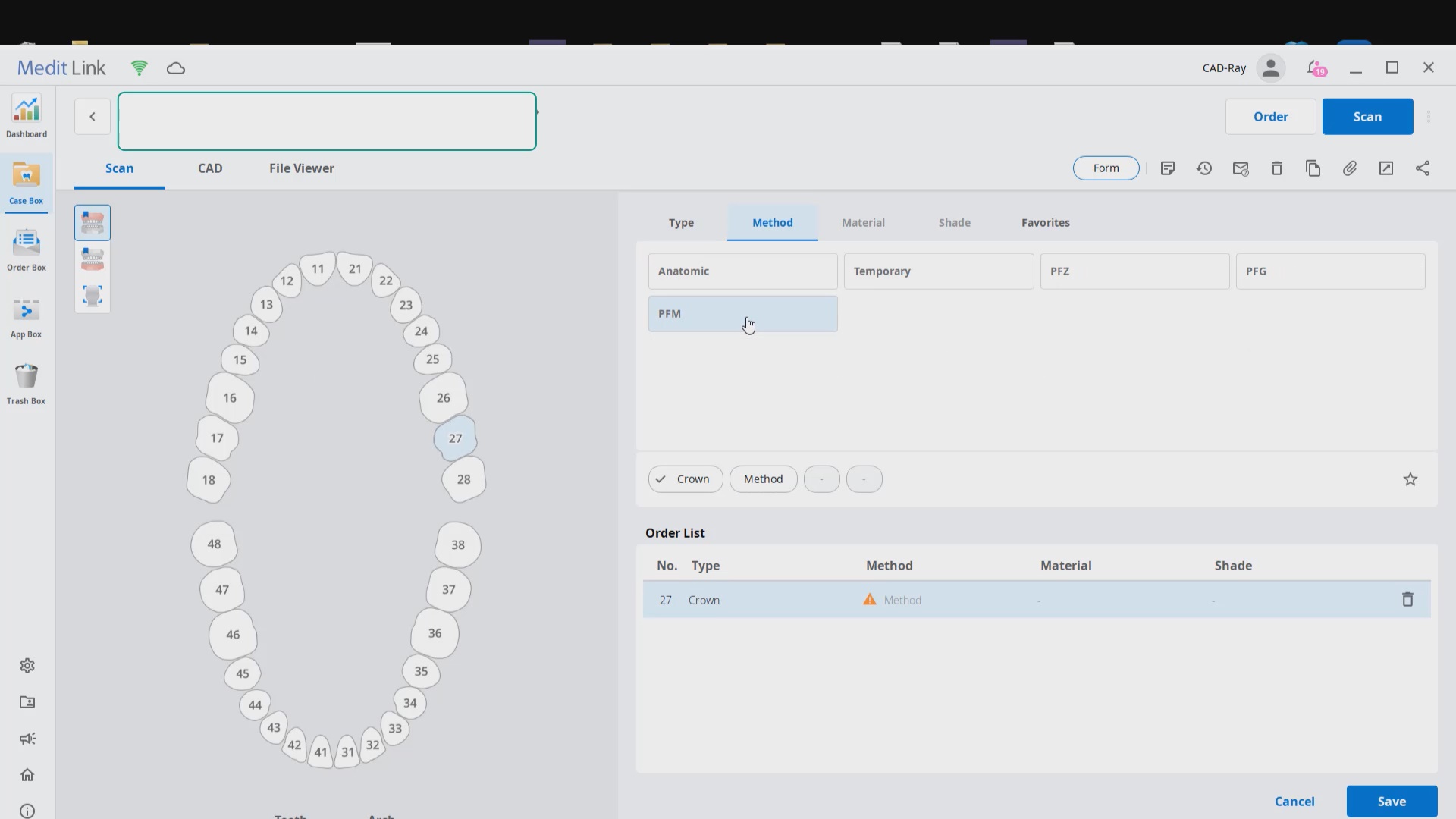
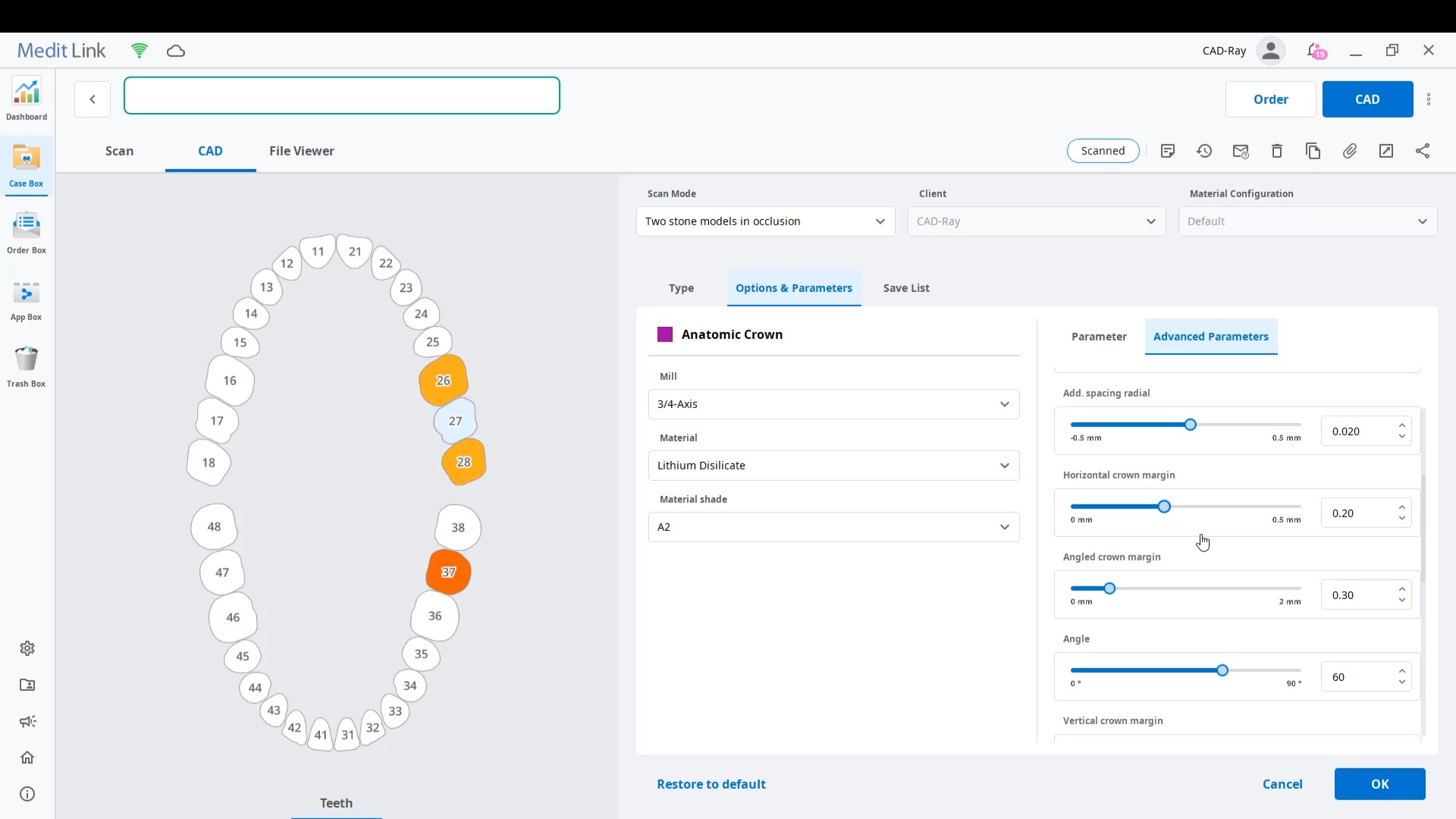
Case set up: here we enter the patients name and a simple tab appears where we chose the material and restoration tab. Once you image, you can place an order to the lab or you can advance to the CAD tab:
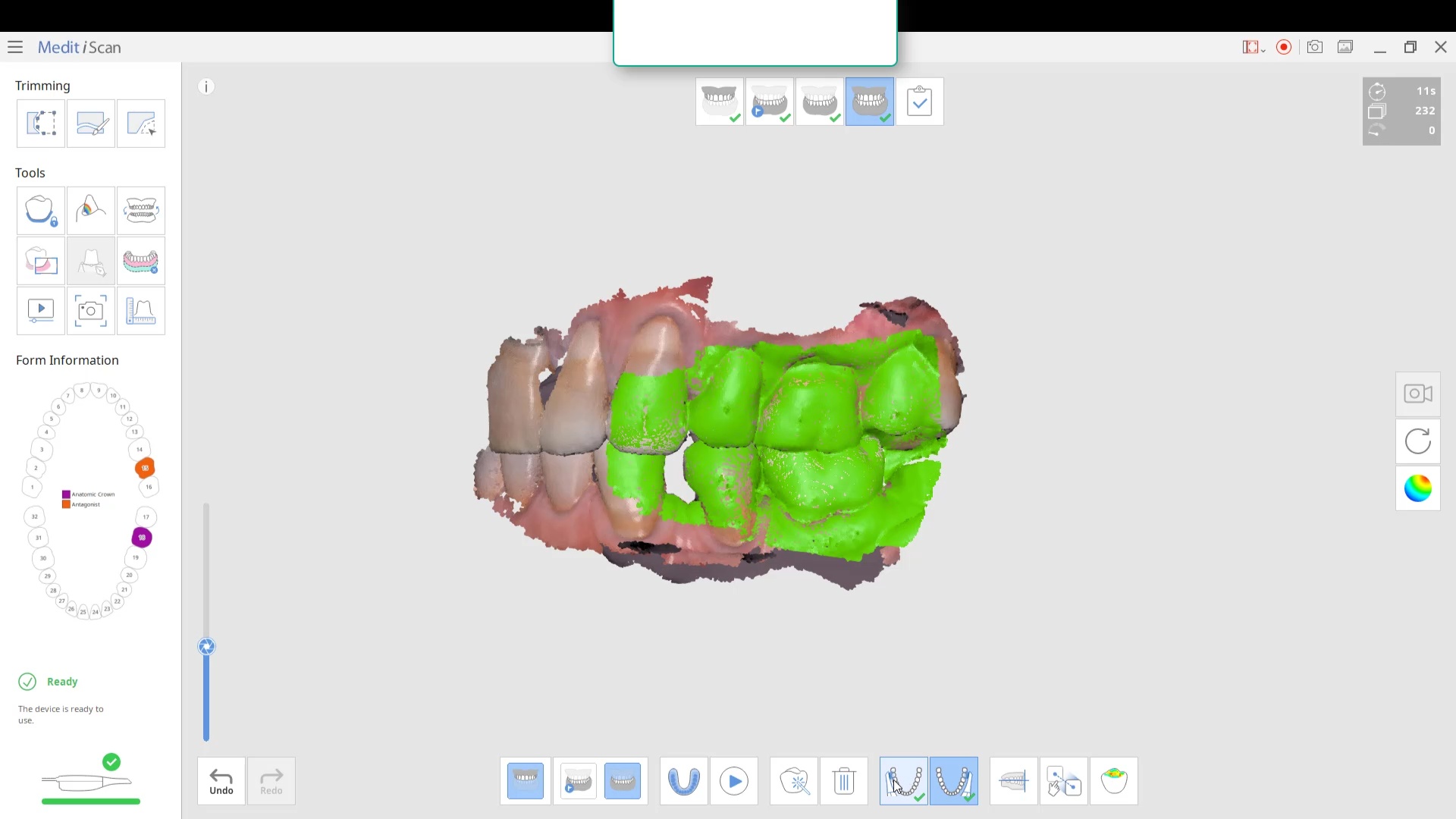
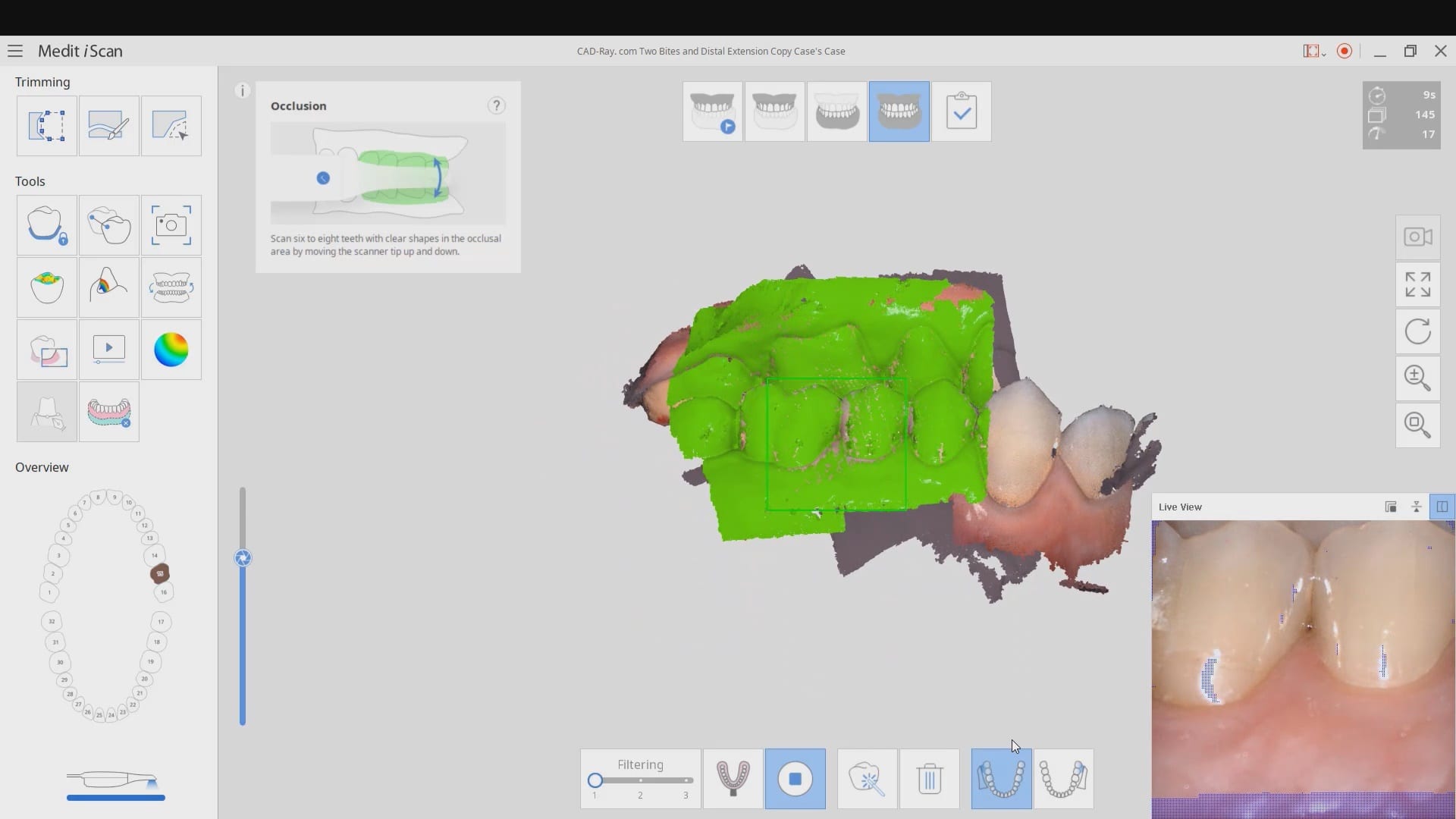
After the Rx has been filled out, you can launch the Medit Scan and image the upper and lower arches. Please note how we tell the camera to avoid the color blue and it ignores the clinicians fingers during imaging. The upper jaw and lower jaw were captured, then the bite registration even before the preparation was finished. This allows the verification of proper reduction and space for the ceramic material
Lower Arch Scan
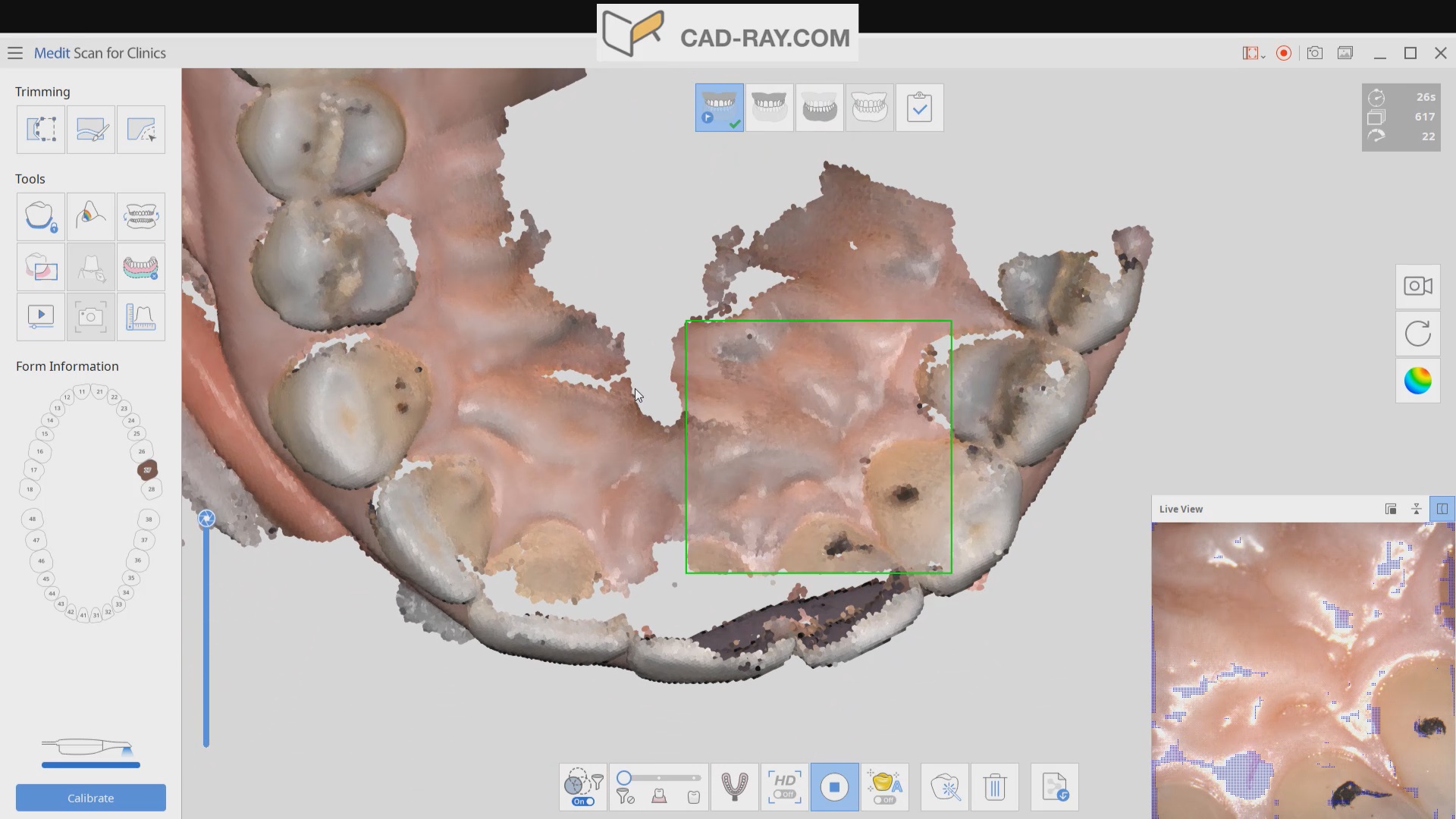
The lower arch is the most difficult area to scan as you frequently have to battle the tongue, saliva, and the lips. The optragate can be of great help but notice how we use the color filter to hide the blue gloves while we advance the camera. It is a great aid in facilitating the capture of the lower arch
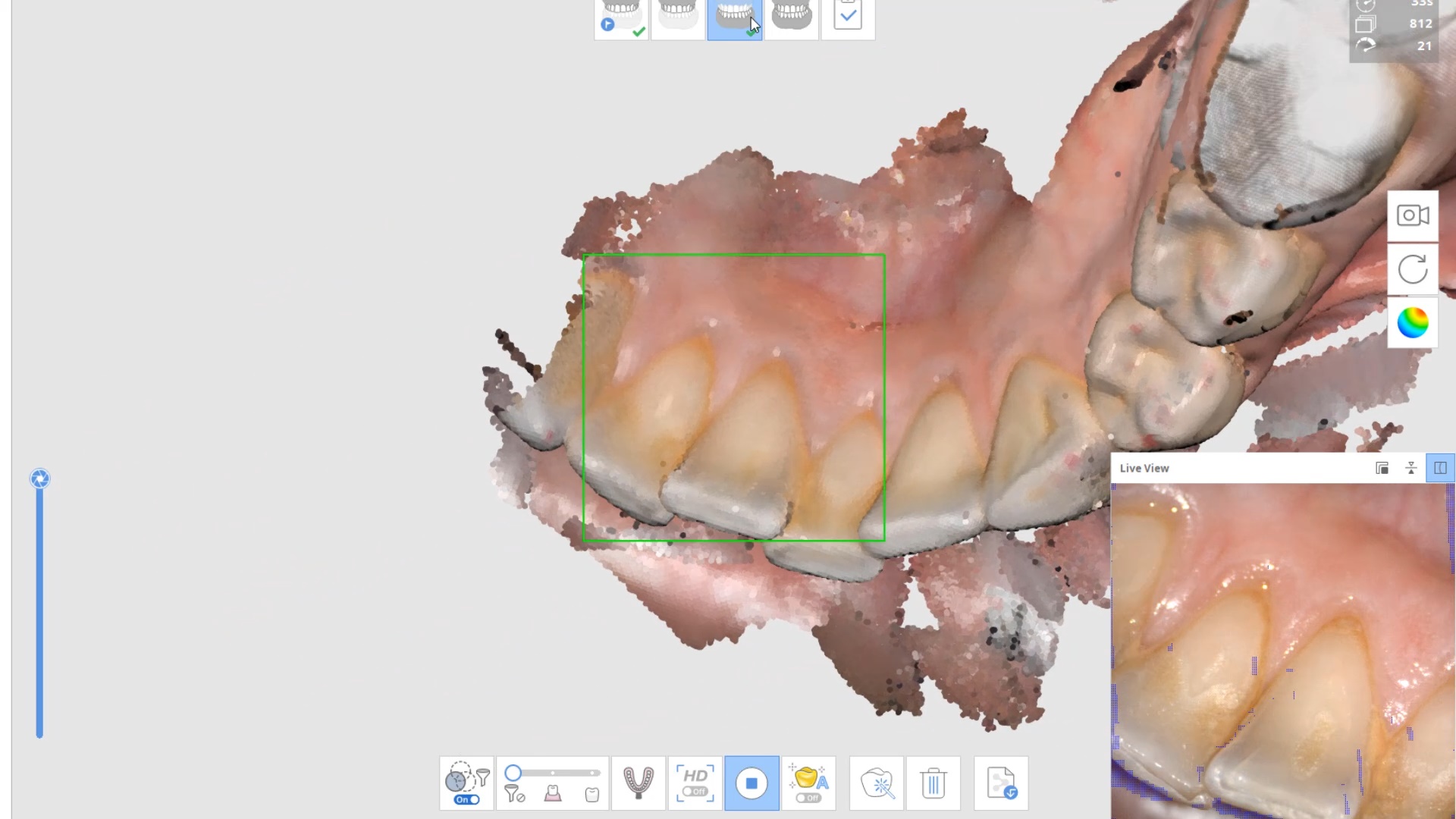
The same principle is applied to the upper arch. Notice that the software does not care if you start with the upper or lower arch. Here, you can visualize how the blue glove was used to displace the cheek and capture the pre-op condition of the upper second molar. The rest of the arch was easily imaged. It is not necessary to capture full arch impressions and this was done just for demonstration purposes. For a single unit case, generally imaging distal from the canine is adequate.
Checkingthe reduction and aquiiring the bite registration
We recommend that you capture the bite before you finish imaging the preparation. This gives you one last chance to verify that you have reduced enough to accommodate material thickness. You can see how we just take regular photos to document the lack of clearance and we continue to adjust the height of the preparation until we achieve the required space. We then activate the imaging process and capture the occlusal relationship between the upper jaw and the lower jaw
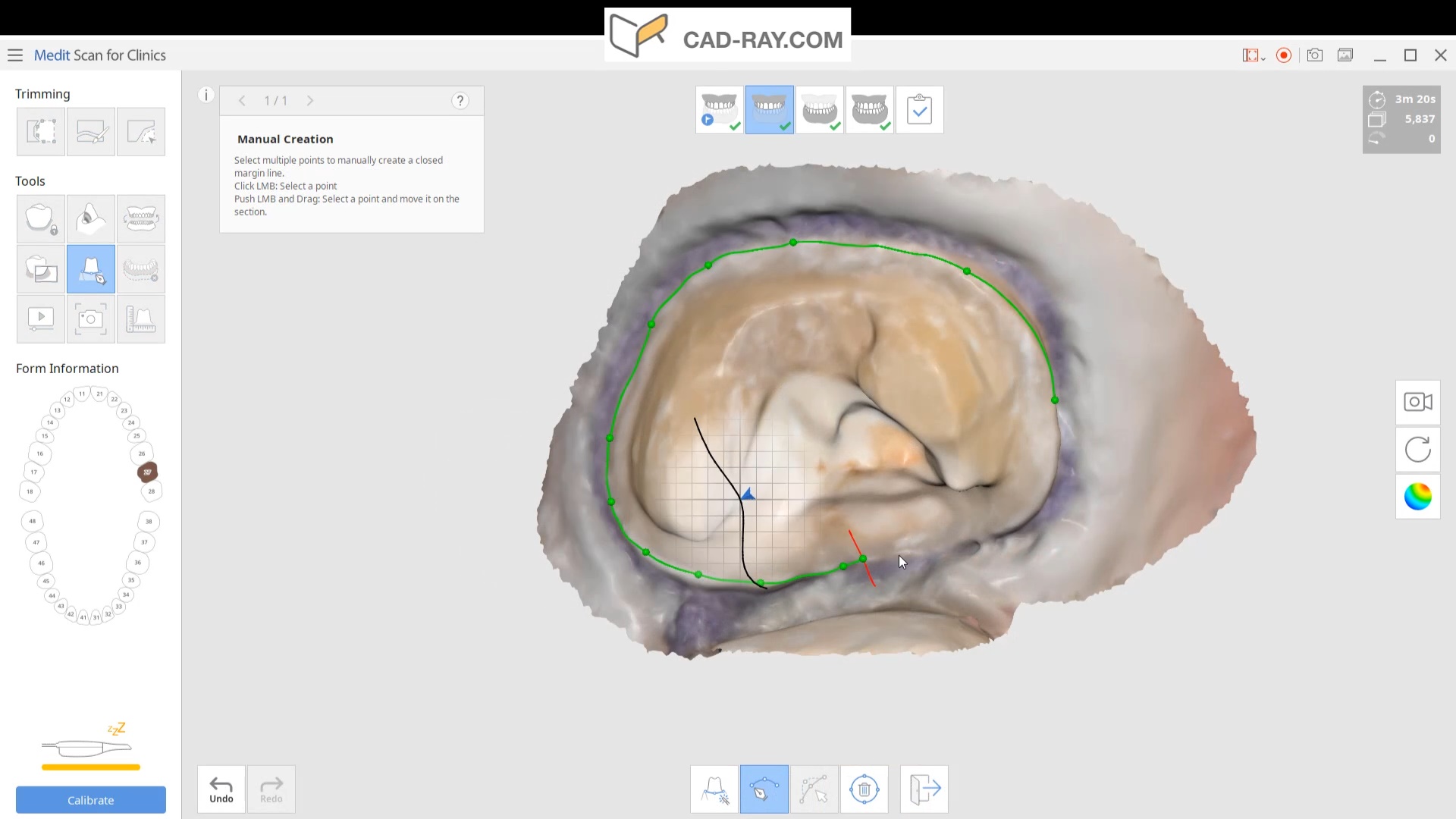
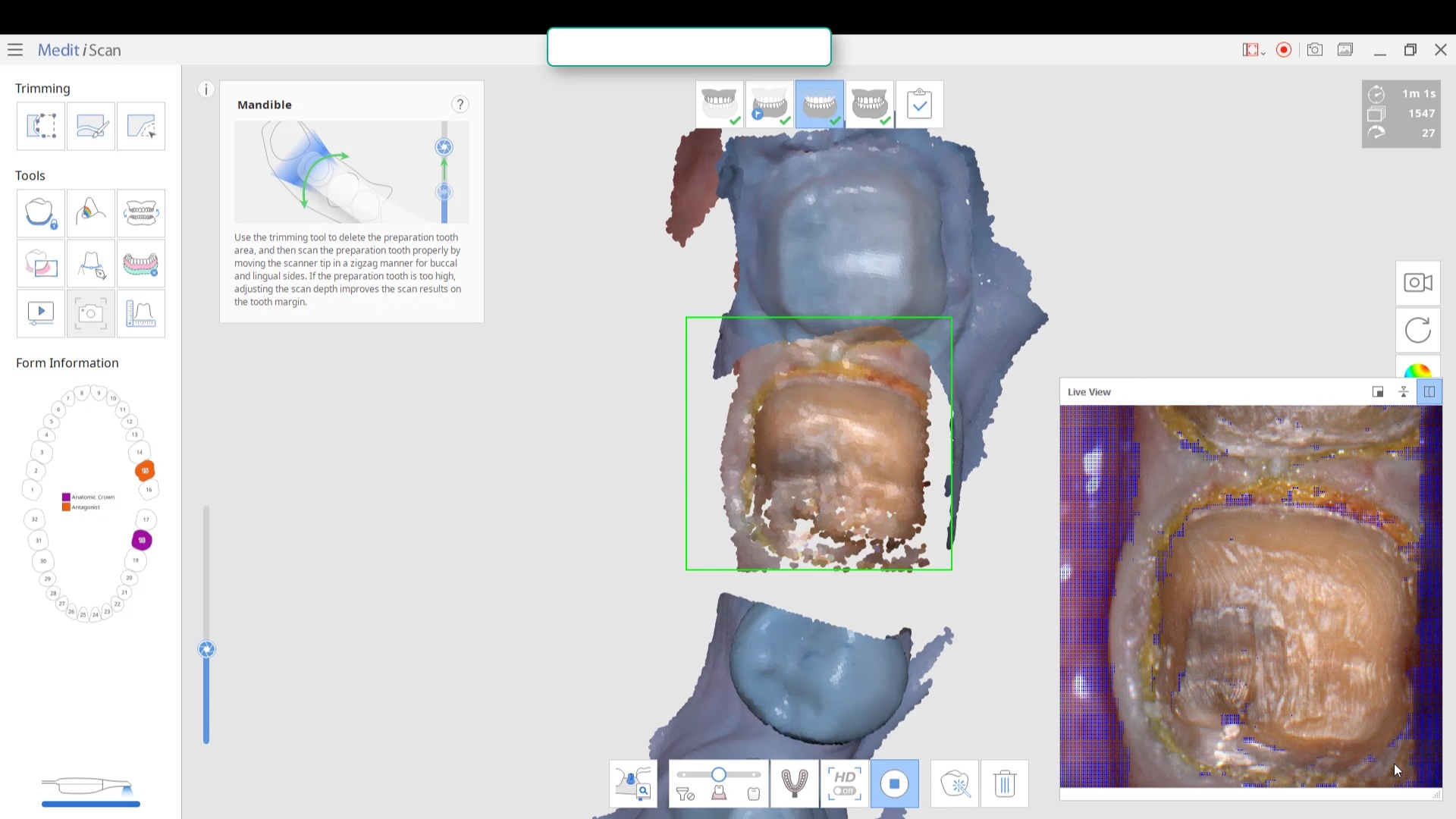
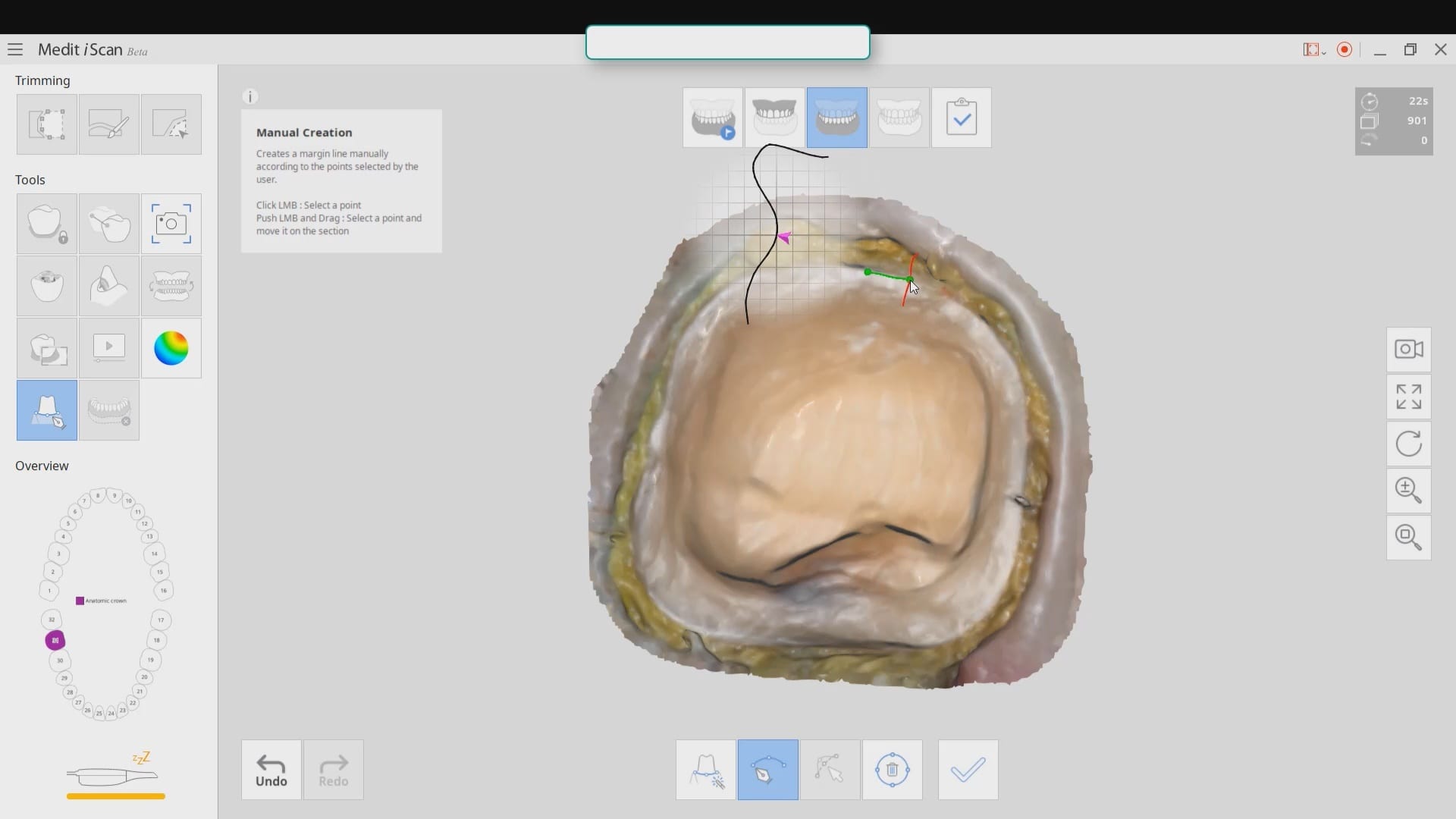
Image the preparation and place margin in native MeditScan Software that transfers to CAD Software
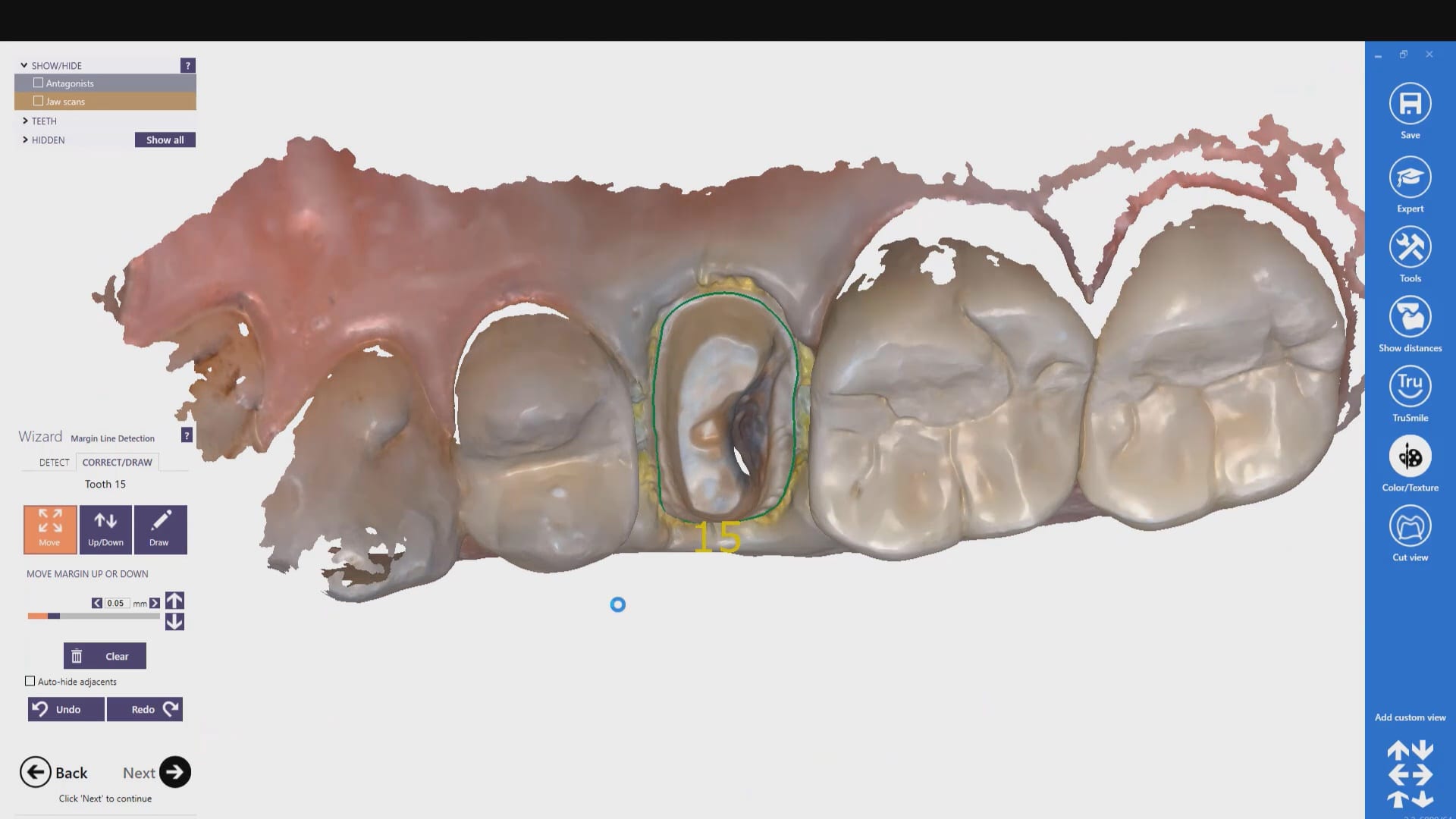
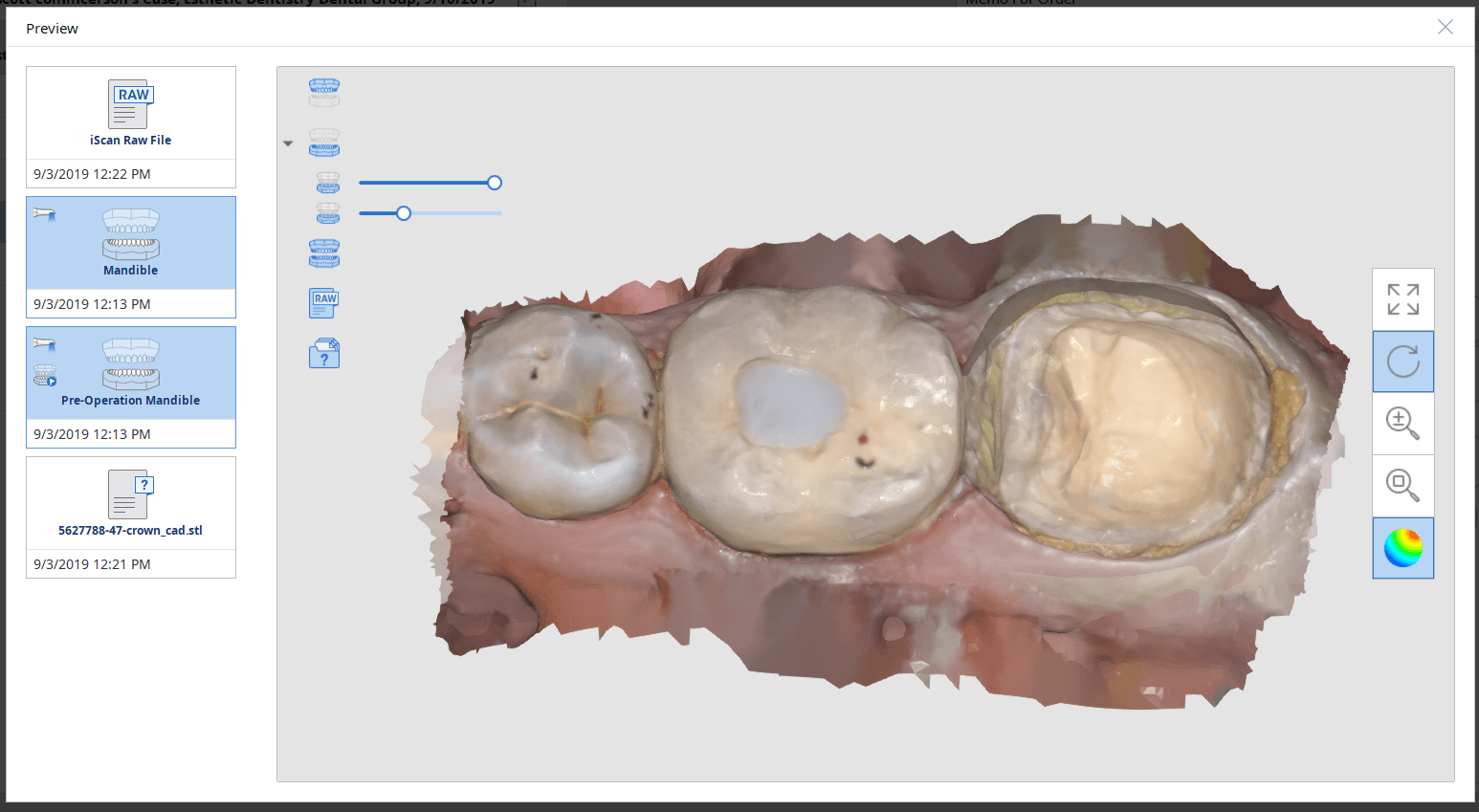
The preop condition is then transferred to the arch model and the tooth in question is cropped out. The rest of the arch is protected so no extra data is added unnecessarily to the equation. This protect feature is used for demonstration purposes and is subsequently removed. The prep in question is then highlighted and the local area is processed and the margins are placed. This margin line can be sent to the lab or it can be automatically carried to the design software
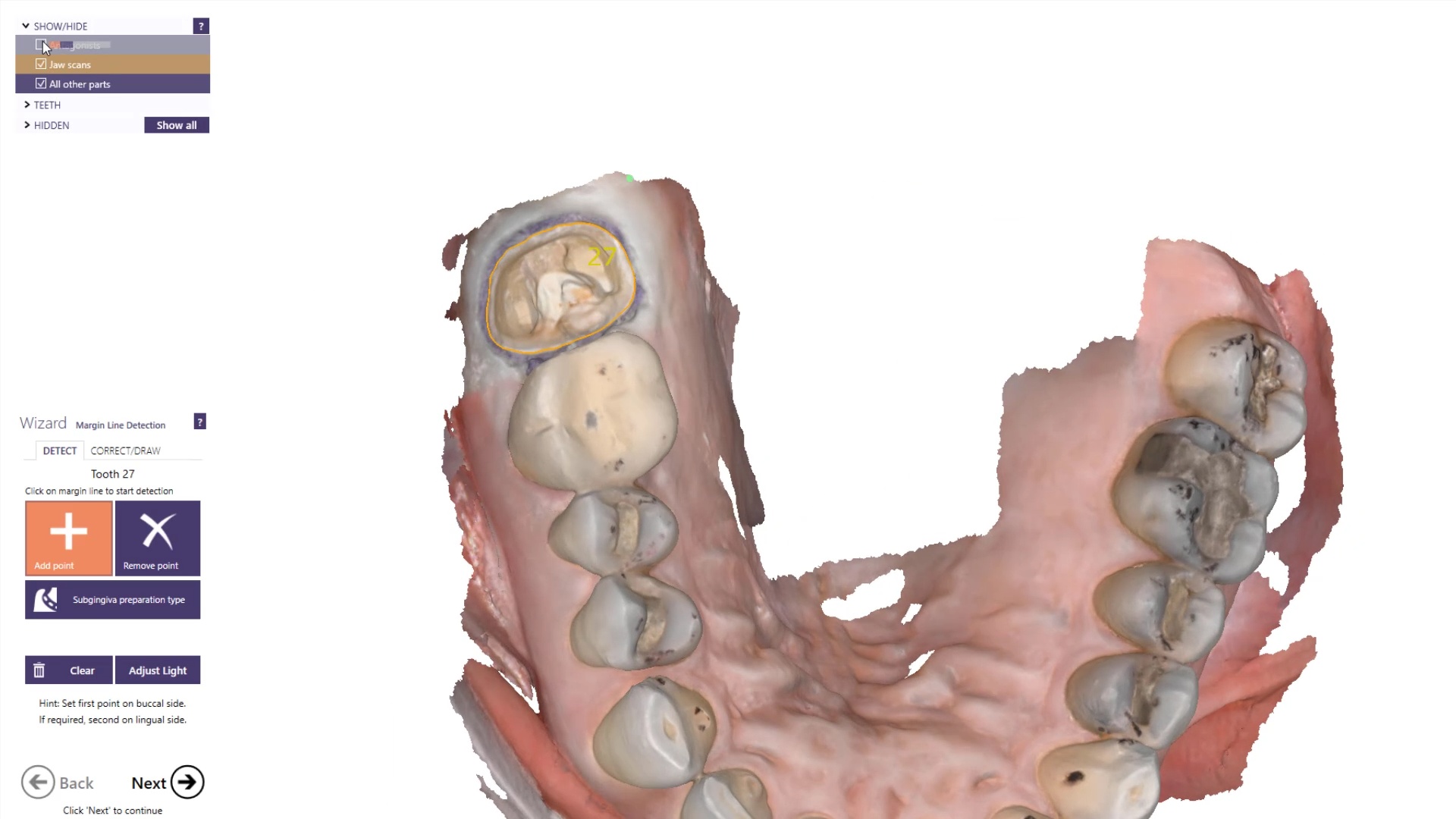
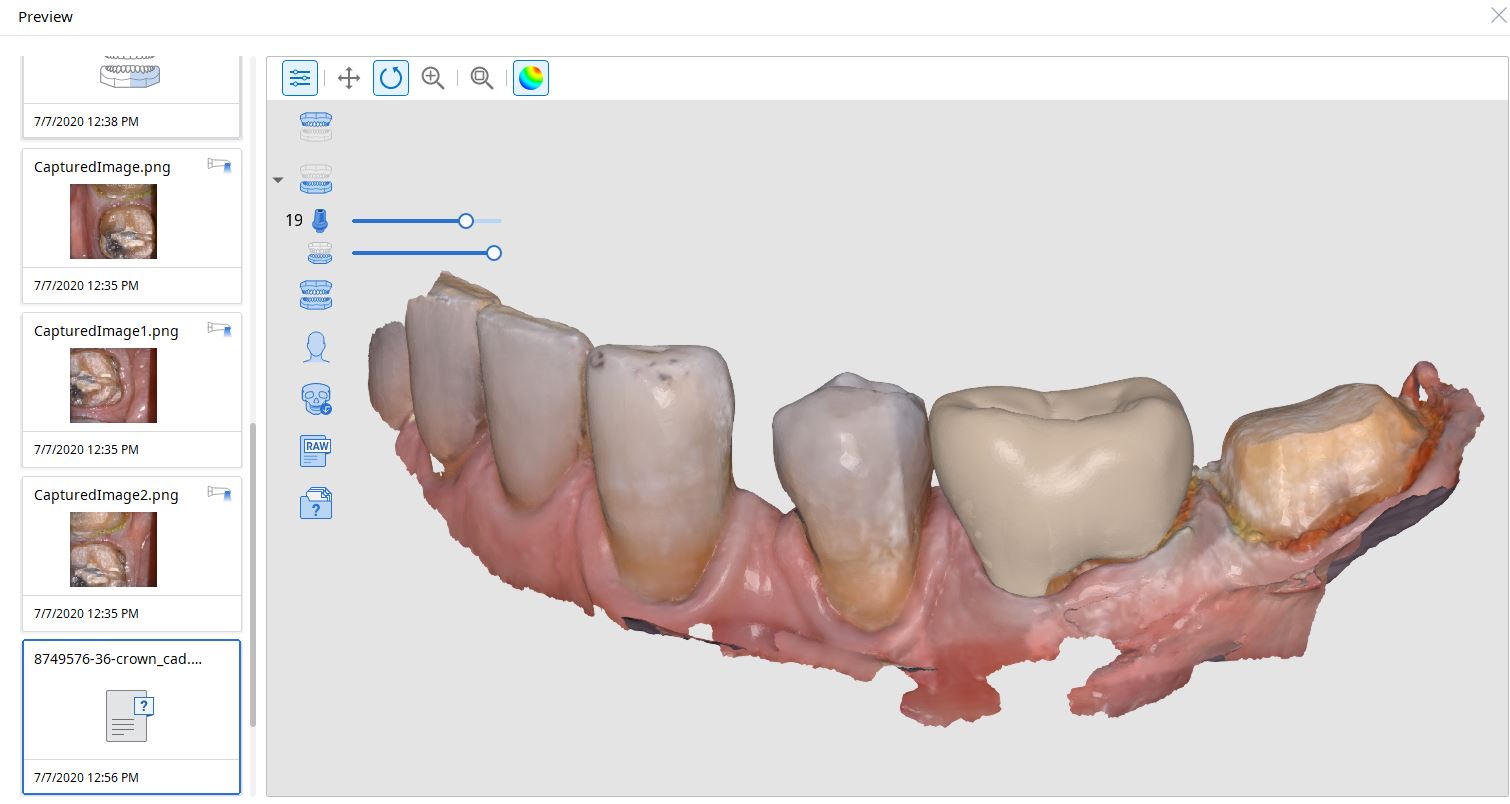
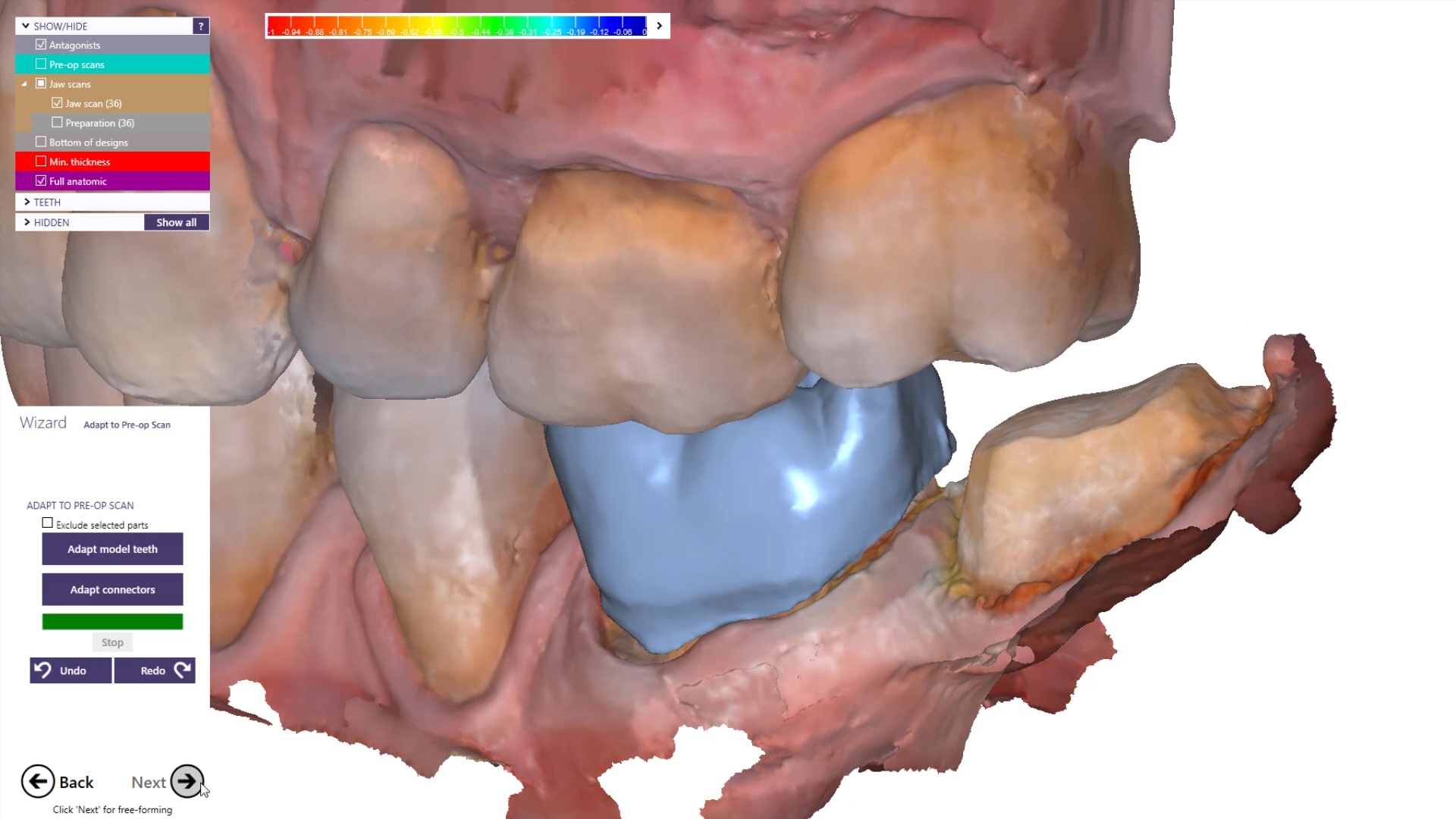
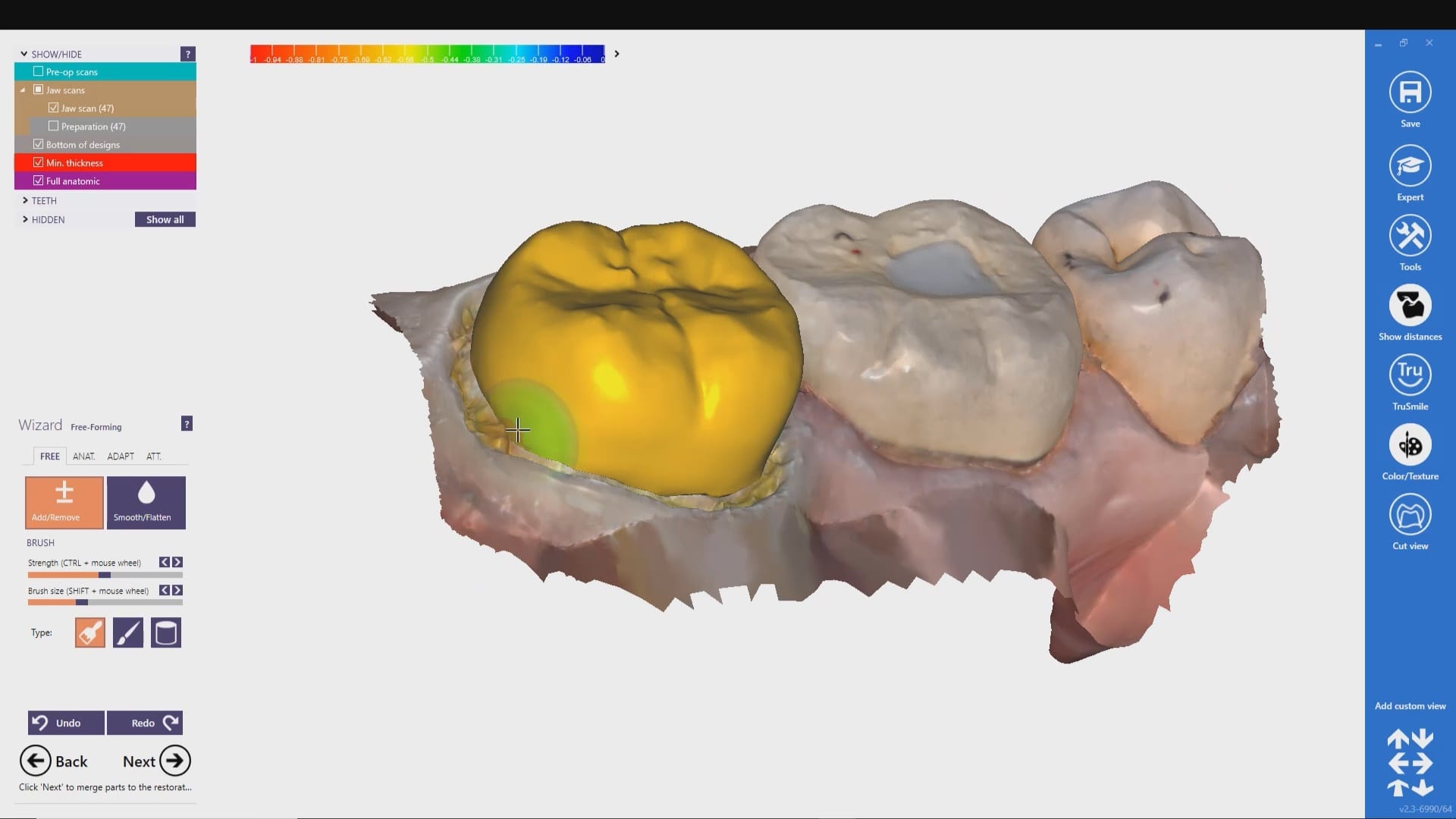
The Meditlink software allow you to launch a variety of CAD programs that include 3shape, exocad, cerec, etc… Here we launch exocad which automatically imports and aligns the models and marks the margins. The restoration is then designed to completion.
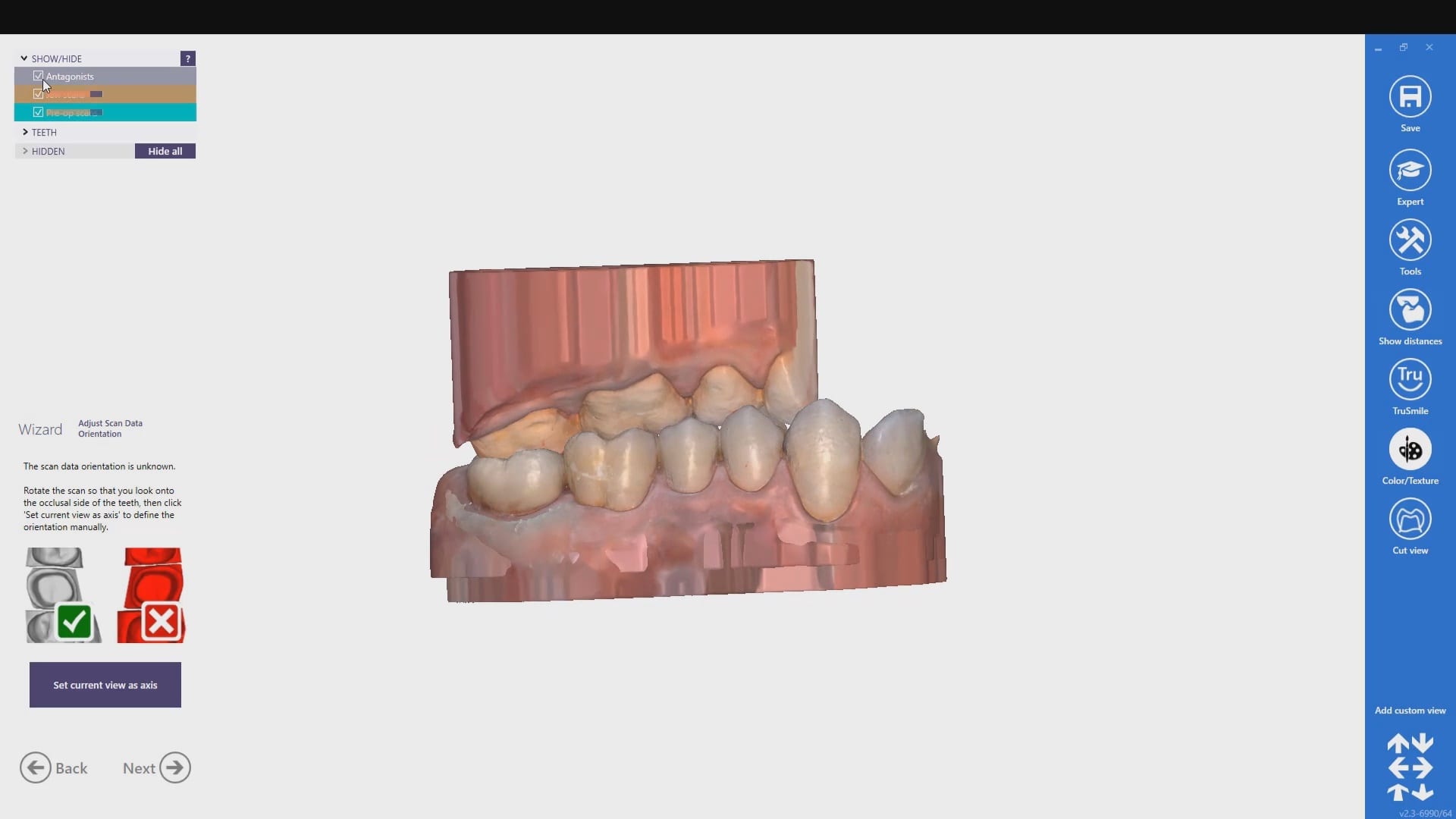
The CAD software allows you or the lab to alter the marked margins if necessary. The restoration is aligned in the arch for and the contacts are adapted to the adjacents and the oppising
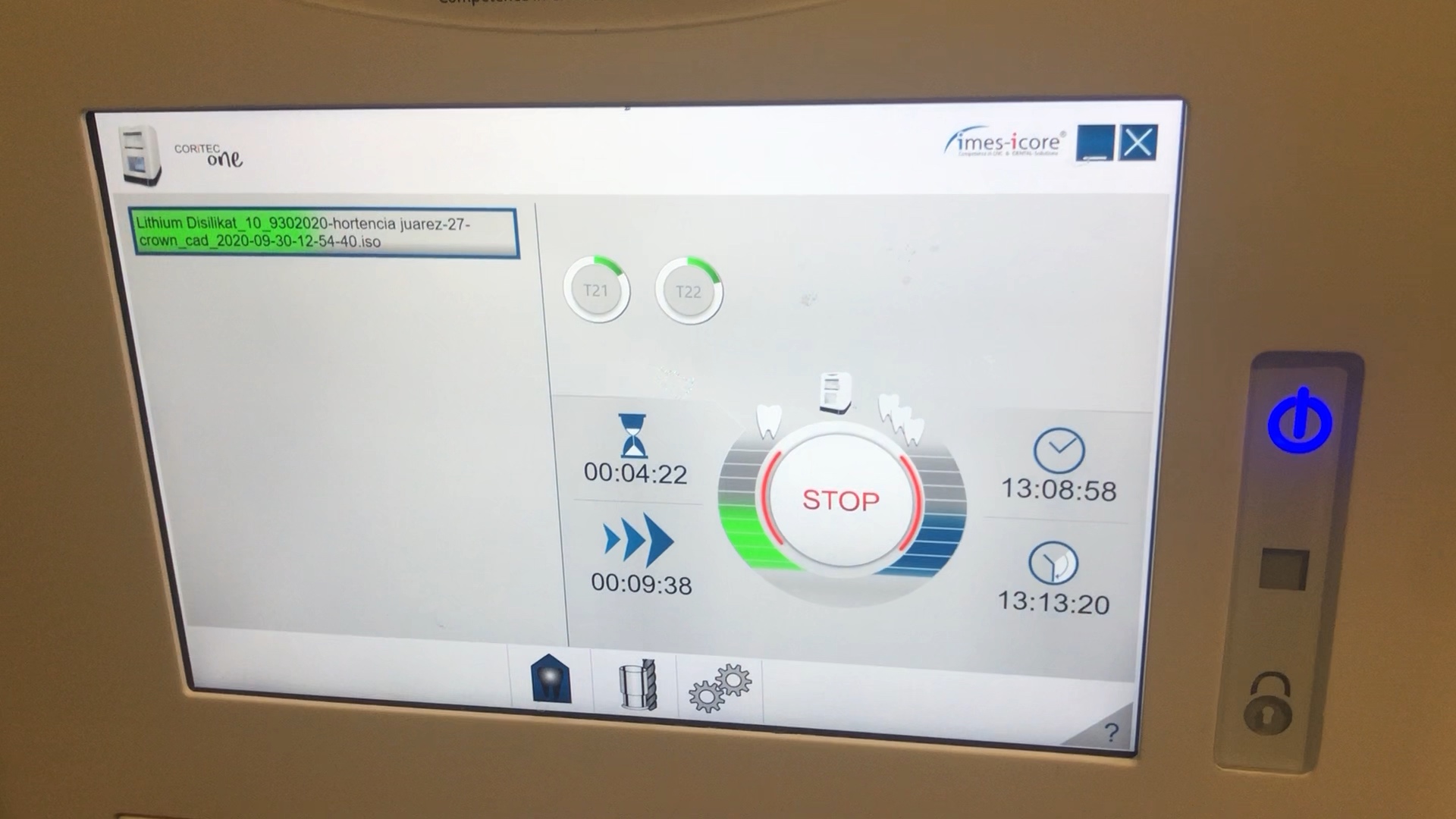
Milling of Lithium Disilicate with Imes Icore Coritec One
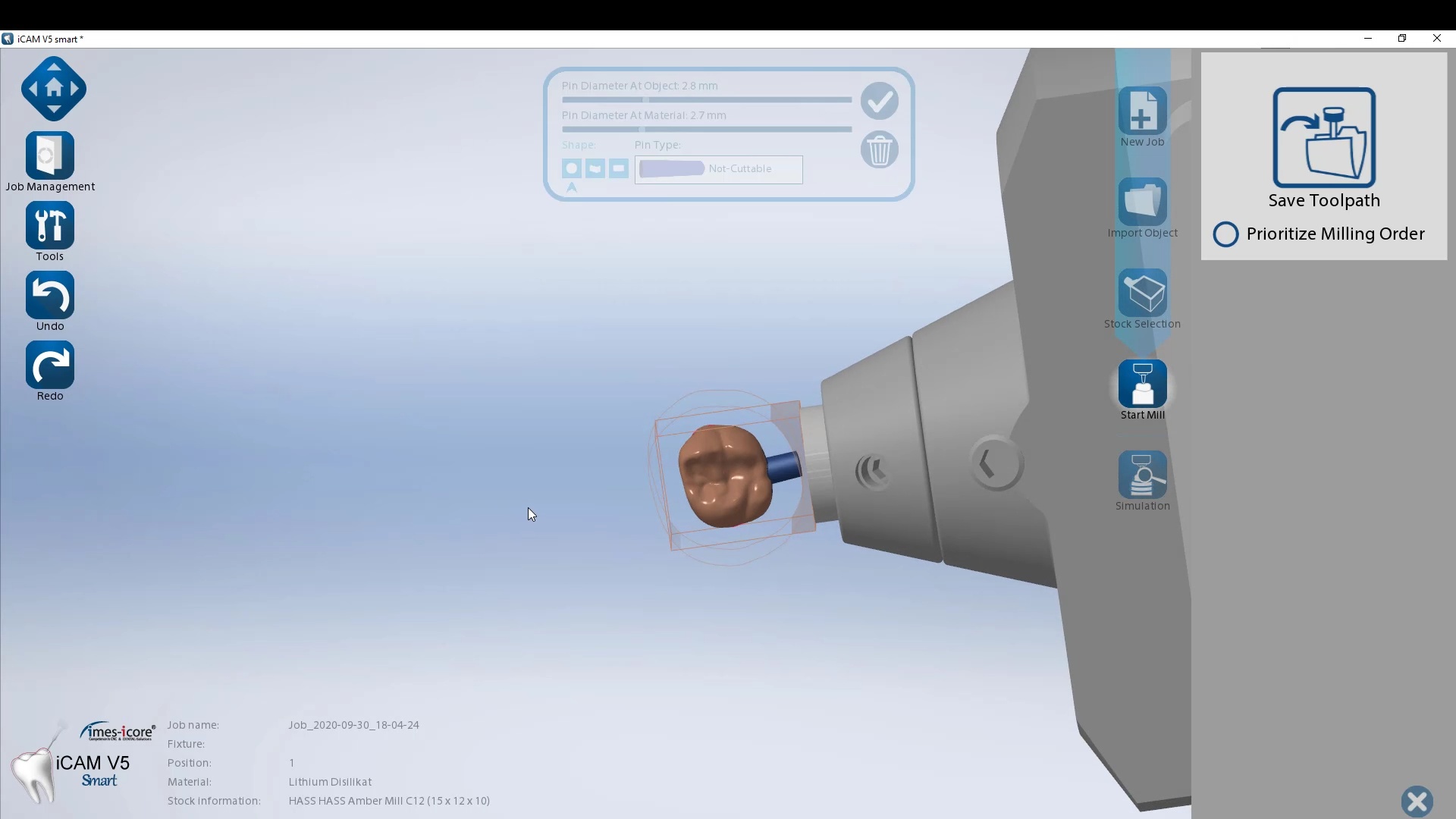
The final restoration design can be exported as an stl and taken to a variety of mills or printers. Here we designed it millbox and milled with the coritec One. The material used was Amber Mill and it was crystalized and seated
The following pictures depict the sequence of burs we recommend that you use to finish a preparation quickly. While patient is getting numb, take a quick look at the clearance you will need to reach proper material thickness. Once the quadrant is isolated with isolite and optragate, take an occlusal router bur and create a trough to gain the proper depth. Follow that with a flat disk, and you can quickly reduce the occlusal height.
A shoulder bur of .8 mm thickness can help you reduce the interproximal areas as well as the buccal and lingual margin lines. Before finishing the prep, place hemostatic agent like expasyl in the sulcus and place retraction cord. while it is setting, check your reduction. If you need more space, now is the time to reduce some more.
Once you have adequate clearance, retraction, and hemostatis, you can readily image and find your margins in the CAD software
Shining3d has a projector and a single camera that takes photos of the surfaces it is scanning. at first, you may think this is a shortcoming, but in many ways, it dramatically reduces errors a new user can introduce.
in the early days of cerec, all you needed to do was capture the margins and the area above the height of contours of the adjacent teeth. This made the try-in and the contacts really easy as the design software just dropped straight a straight wall down to make contacts to. same concept here!
also, after you image and place margins, A SINGLE CLICK takes you to design software where you can finish the case and mill it right away.
This molar’s suggested mill times with the MCXL are for either Size 12 or 14 blocks:
Sprue on distal in normal speed mode is 14:05 minutes, fast speed at 7:54
Sprue on buccal in normal speed is 13:48 minutes, fast speed at 7:46
This molar would only fit in a size 14 block of Amber Mill in Imes Icore Coritec
Sprue on distal in normal speed mode is 14:15 minutes, sprue on buccal in normal speed is 14:42 and speed crown is proosed at 13:23
For our advanced users who mill in house or what to speed up their digital impressions we advocate taking advantage of digital dentistry’s unique features that allow you to take impressions over a period of time and segments, building larger models over different sequences and time. In this particular case we have two molars in the lower left quadrant that warranted replacement. The traditional method would be to prep both, isolate both, retract both, and take your final impression, but we will approach this as if there are two separate patients involved
Case Presentation on how to manage two crowns with a single milling machine
For the second molar, we will take advantage of the anesthesia time and capture the first bite, the opposing, the pre-existing situation and then crop out the preparation area digitally. Once the tooth is prepared, we will check for proper reduction. We will then take the second bite to verify the vertical dimension has not changed.
While the second molar is being designed and milled in the first case, we will launch a second window by cloning the first case. All the data remains the same and this time we crop out the first molar digitally and protect the rest of the arch. Once the first molar is isolated, it is digitally captured and then designed and milled.
image first molar while second molar is being milled
To manage the contact between the two crowns, there are many advanced applications. Here is a simple explanation of how we use the prep model from case 1 as the pre-op model for case two. Since the second molar in case 1 made contact with the distal wall of the first molar, when we design the crown for the first molar in case 2, all we have to do is make sure the distal wall is flush to the pre-op. This guarantees us a contact between the two. There are lots of shortcuts to this puzzle once you get the basics of digital impressions under your belt.
One of the big limitations of CEREC (a registered trademark of denstply sirona) with tibases and implant crowns is that it is limited to very few implant lines and the antirotational notch can just ruin your day as it needs to go into a specific location. You also have to deal with making sure the tibase is seated all the way and the scanbody is properly indexed. The one benefit is that you are dealing with just crown and bridge and you do not need to know implant position or timing at all when doing the design.
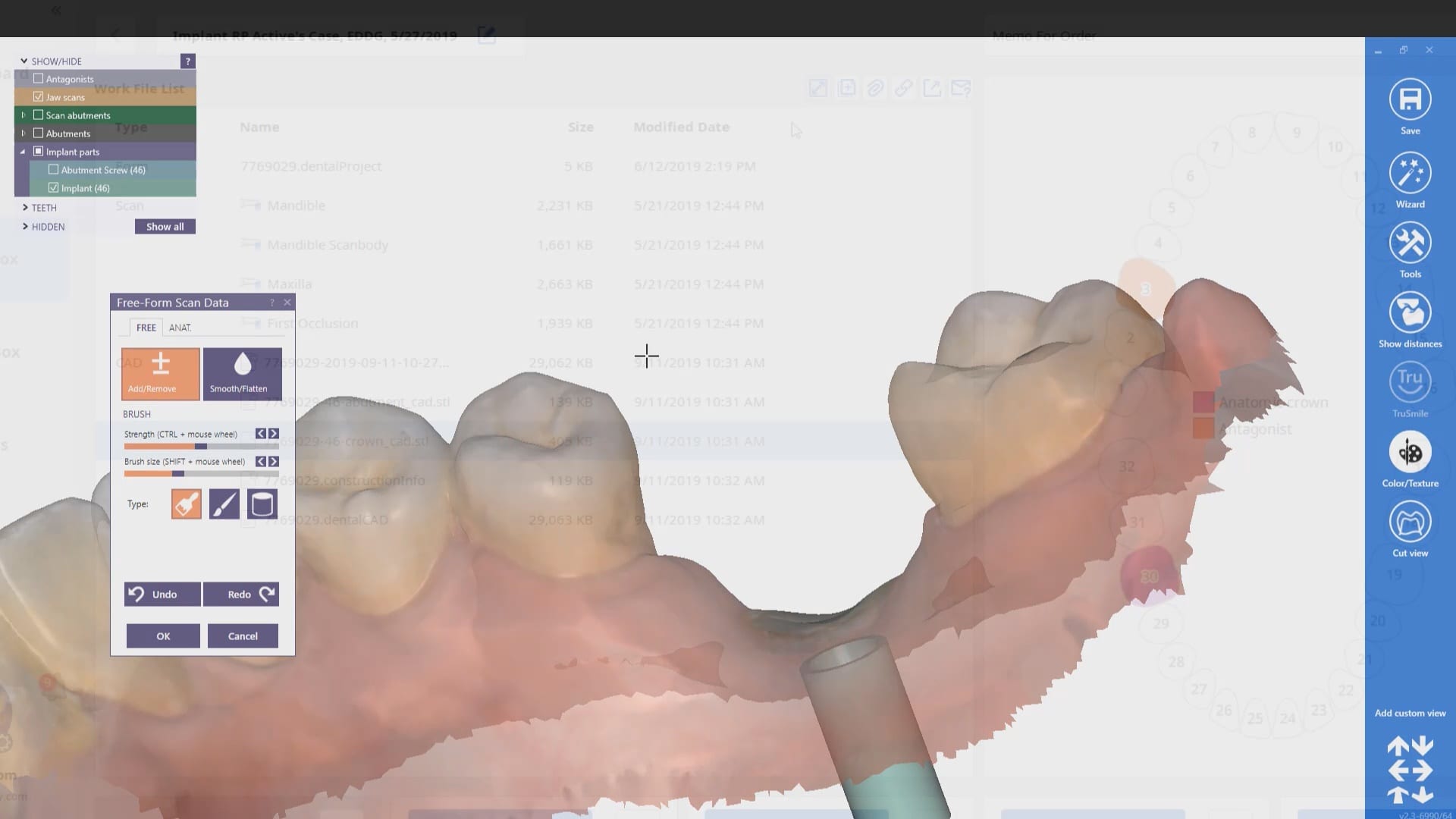
In this case, we demonstrate how we utilize the Medit i500 to capture a Tibase from Blueskybio, Biomax NP Conical Connection. Once the tibase is seated, we simply start scanning and then use the artificial intelligent implant suprastructure identification system to identify the location of the tibase. This in essence allows you to capture your margins OUTSIDE the mouth and you don’t have to bother with imaging the tibase, which is highly reflective in the patient’s mouth.
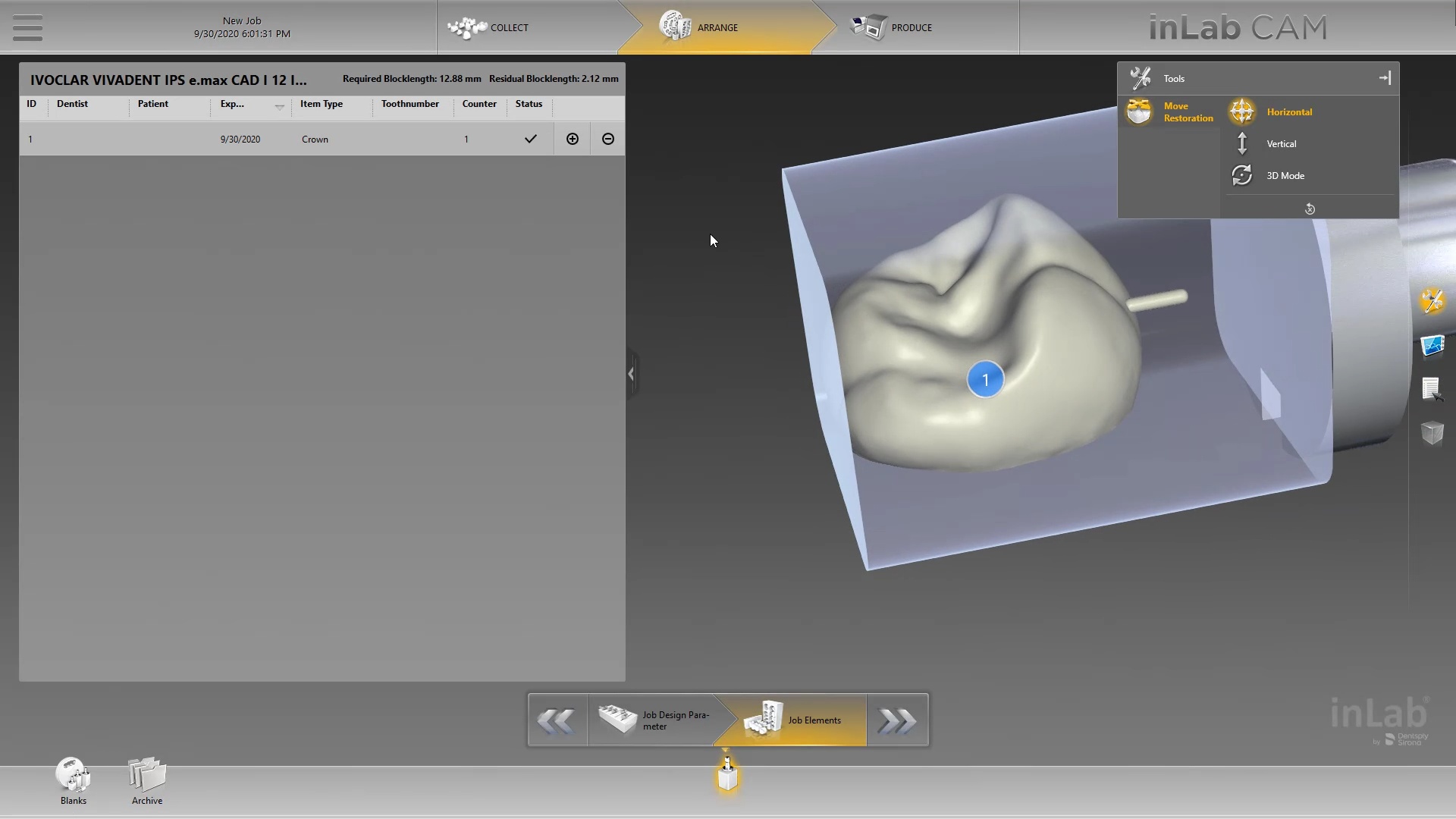
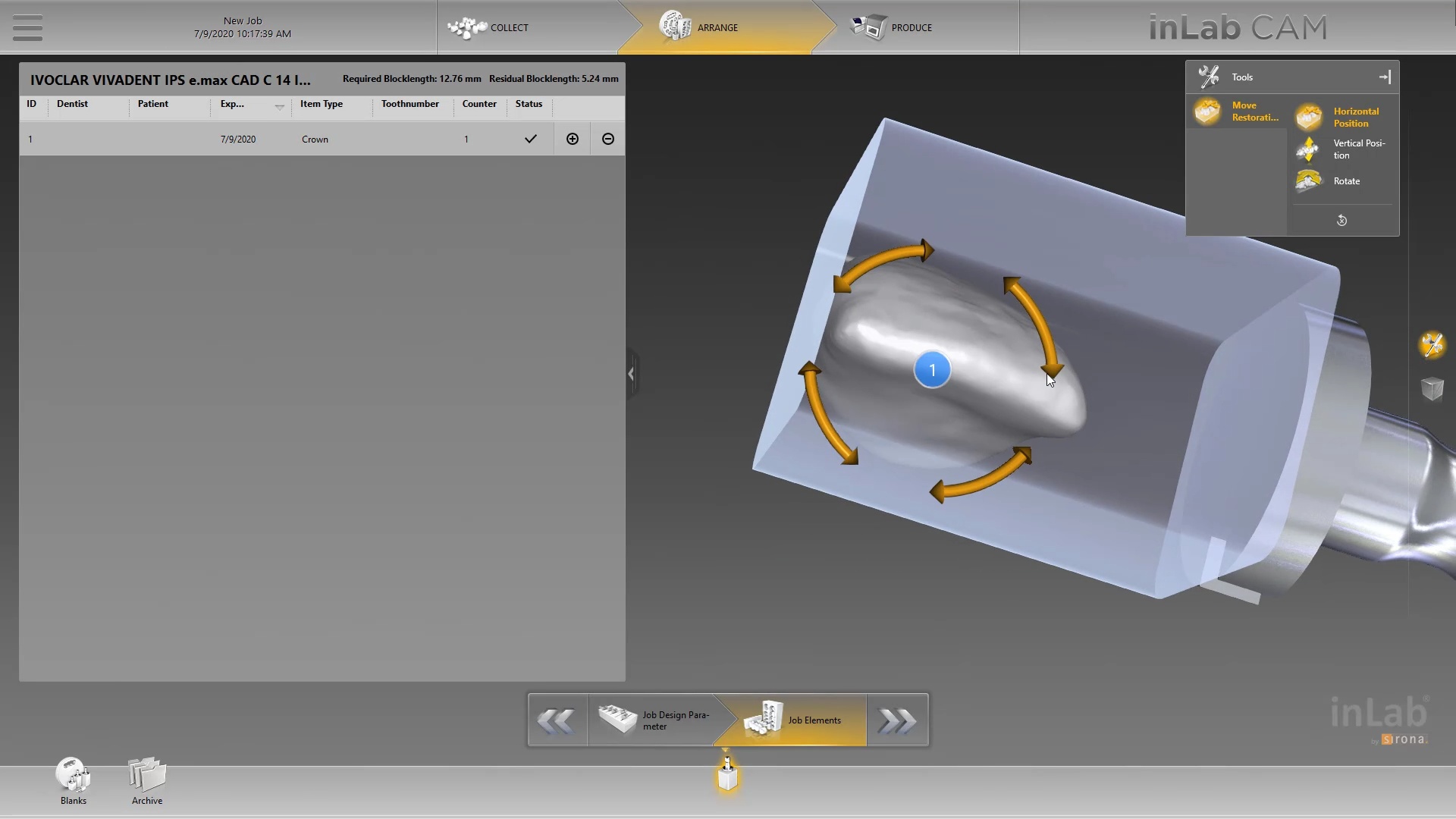
Once processed, you can then modify the tissue digitally and gain access to the tibase margins. You can print the model if you want and manufacture the restoration. In this particular case, we took the design to the CEREC mcxl inlab cam, nested it, and milled it out to demonstrate how we can image with one device from one manufacturer and fabricate a restoration by another company’s manufacturing machine. But the single greatest benefit is that you can place the sprue wherever you want.
IMPORTANT NOTE: The Tibase that you use MUST be wider than the drill milling the intaglio and the sprue must be thick enough to handle the milling process.
Once you understand how the digital workflow goes, you can image with one device, design in another, and then either print or manufacture with yet another device. Here we mill a sectional stent with the cerec that was designed in Blueskybio plan, although printing makes more sense because it is less wear and tear on your drills
For our coritec users: new users often mislabel restorations in the Rx form that leads to a lot of trouble. like calling a crown and onlay or vice versa. this can lead to all kinds of trouble
first sign of trouble is if the two purple lines don’t define the borders of the the restoration. sometimes it is missing, other times it is off the restoration. so always double check this step and usually the missed nomenclature is what causes the trouble.
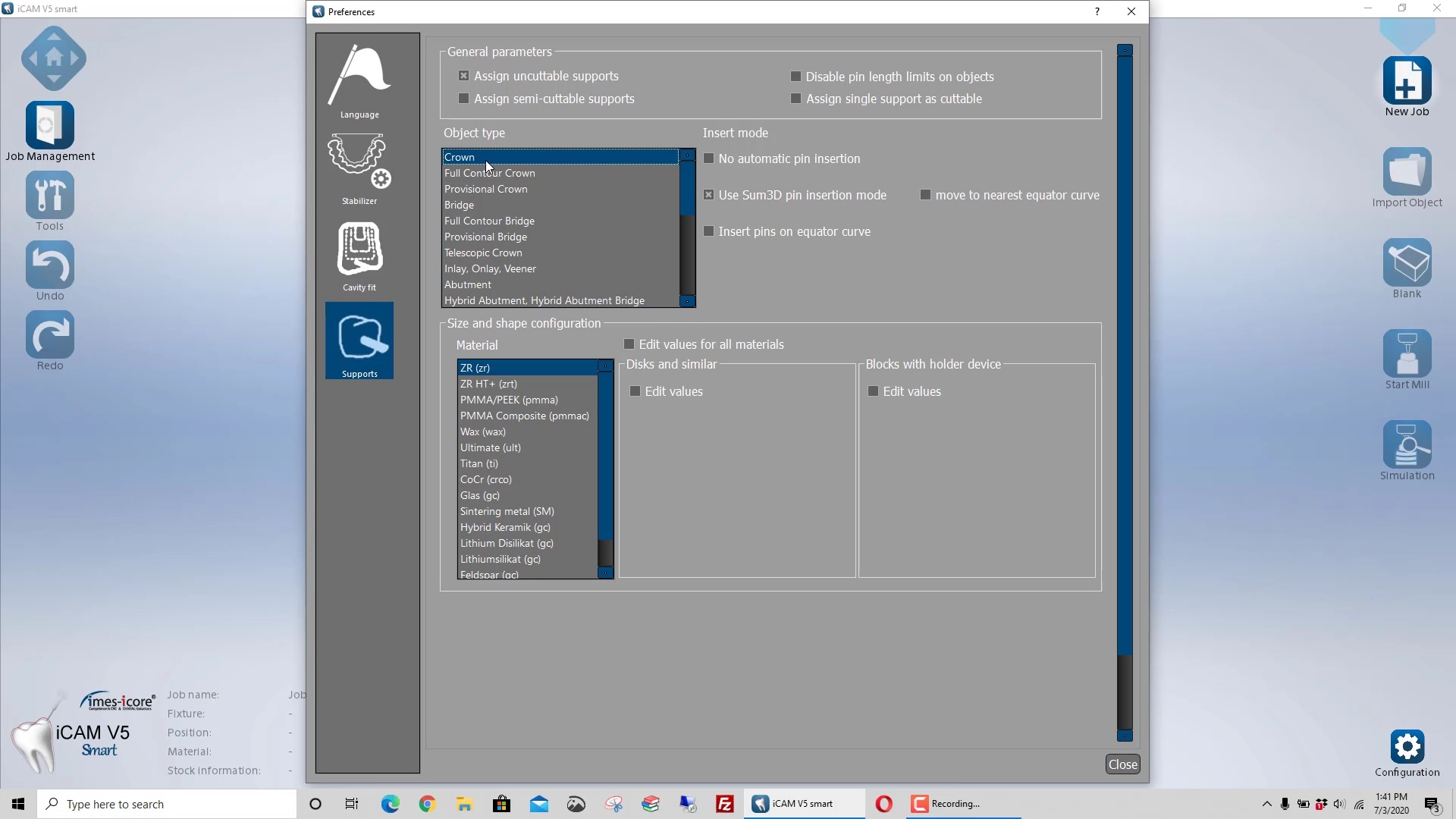
the next problem people have is that the default setting for the sprue design is poor. it makes the sprue thicker at the mandrel than the restoration. this creates a crevice that the drill can’t get to. this leads to quick drill breakage as it tries to drill into that space (red circle). it is easy to set change these settings so the drill “flows” with the design of the sprue and you get a lot of use out of it. it’s annoying to do this manually so a subsequent video shows you how to change this by default.
another problem is the offset. the last video shows the distance from the restoration to the mandrel as 2mm. the drill is 2.5 in diameter. if you set it at 2, the calculation doesn’t allow enough space for the drill that also breaks it off. set it at 2.7 or 3 and it will last you a long time.
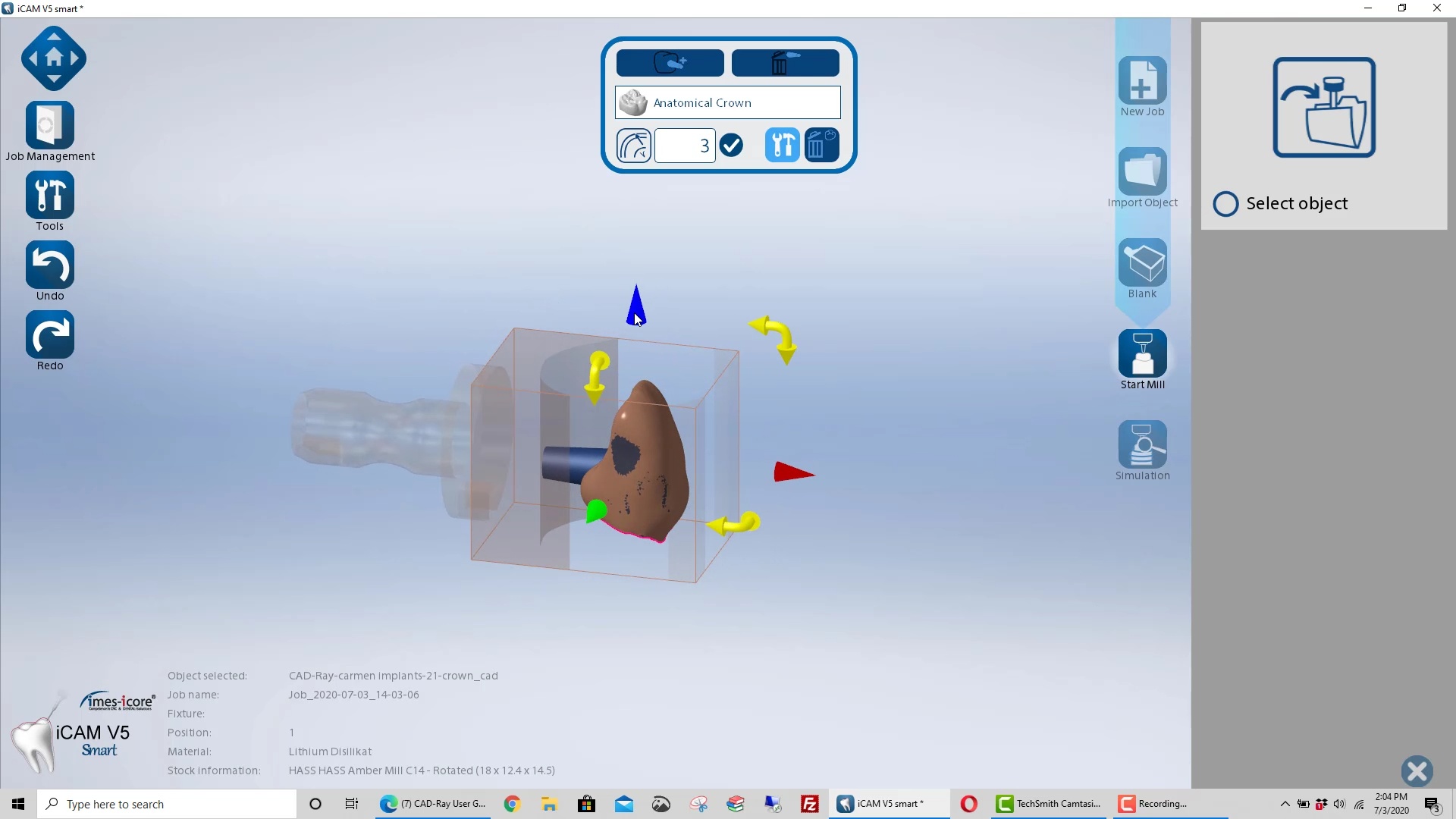
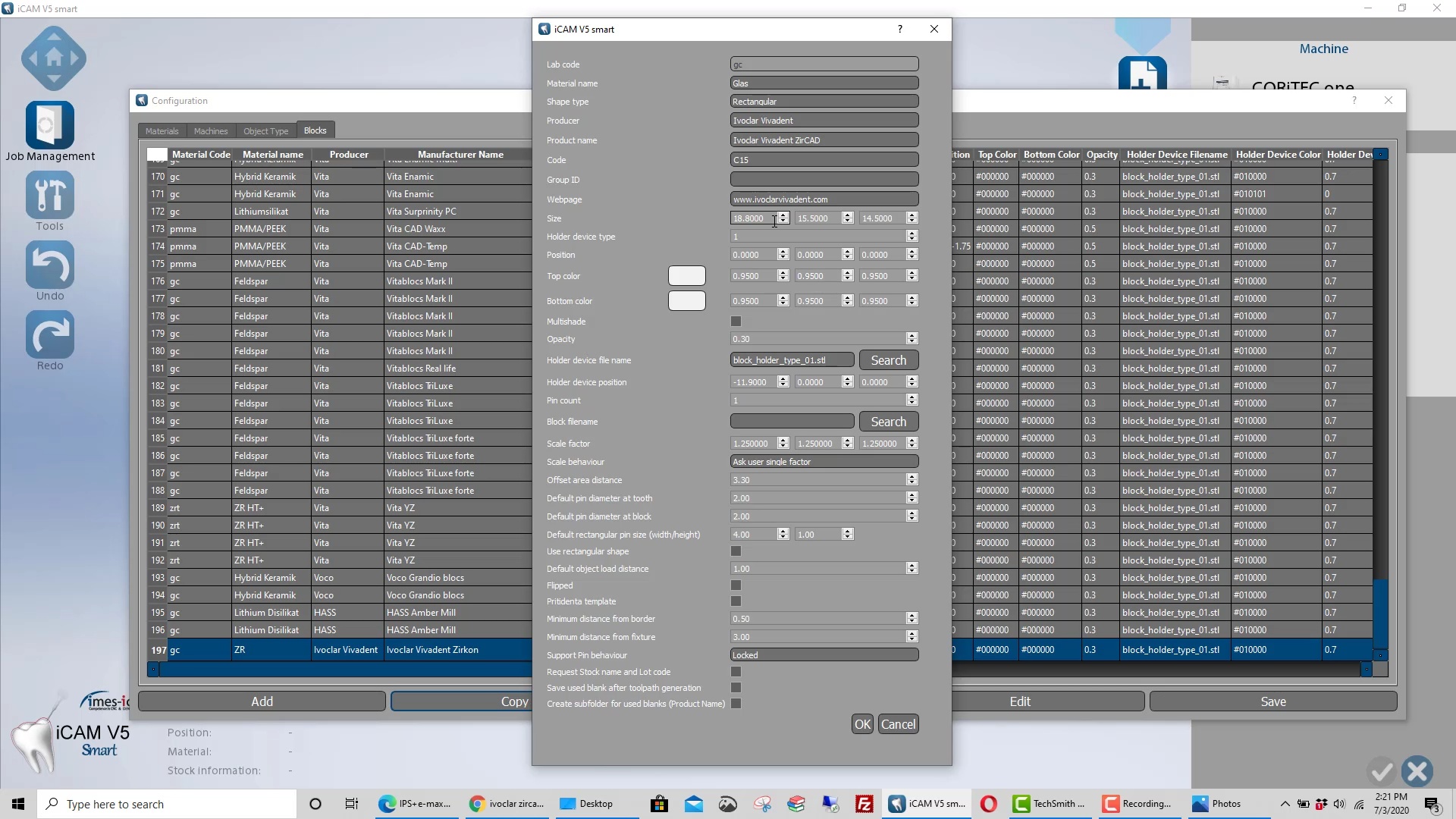
two subsequent videos will show you how to create your own blocks and change their orientation, so you can fit a taller design into a smaller size block
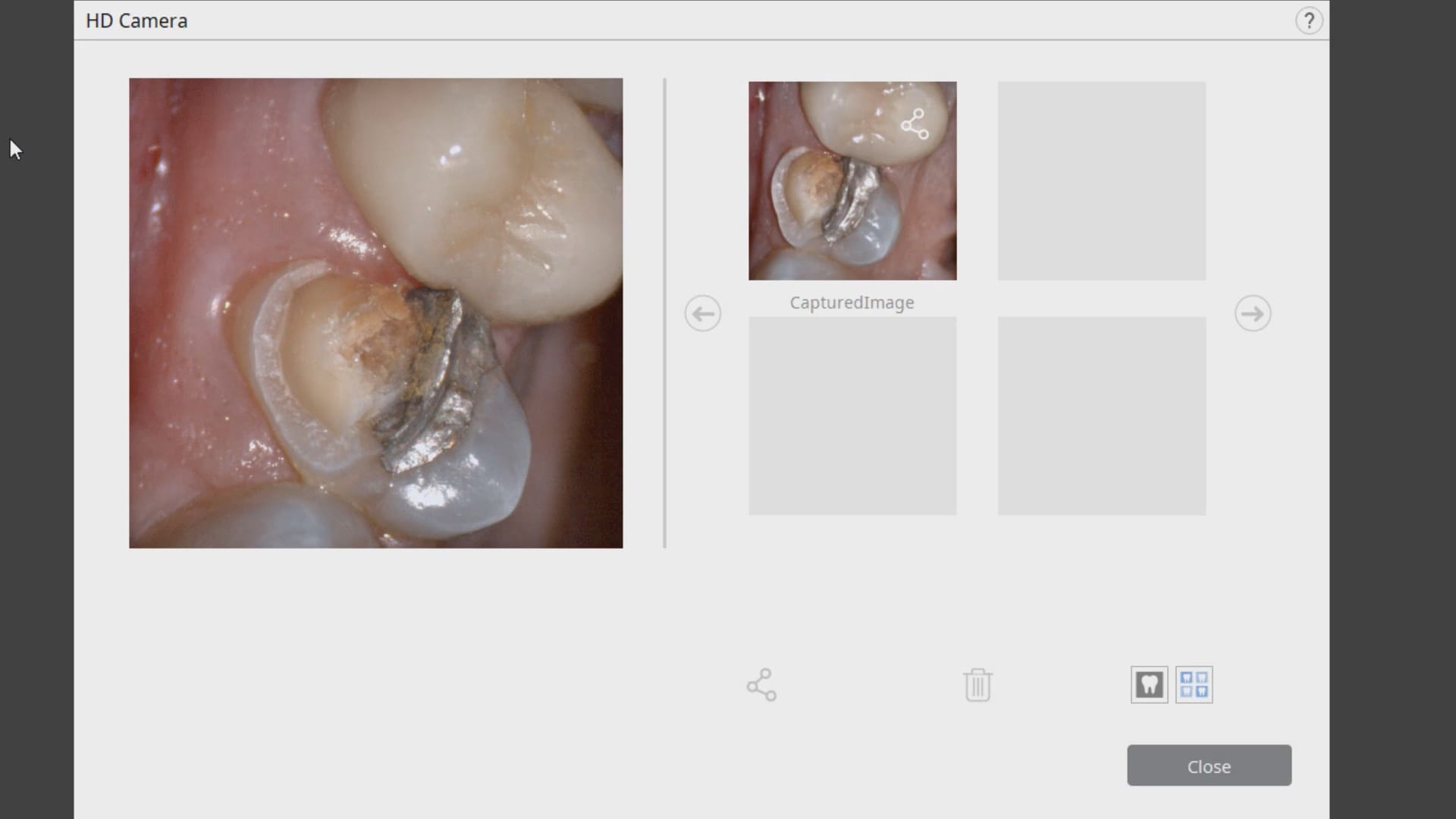
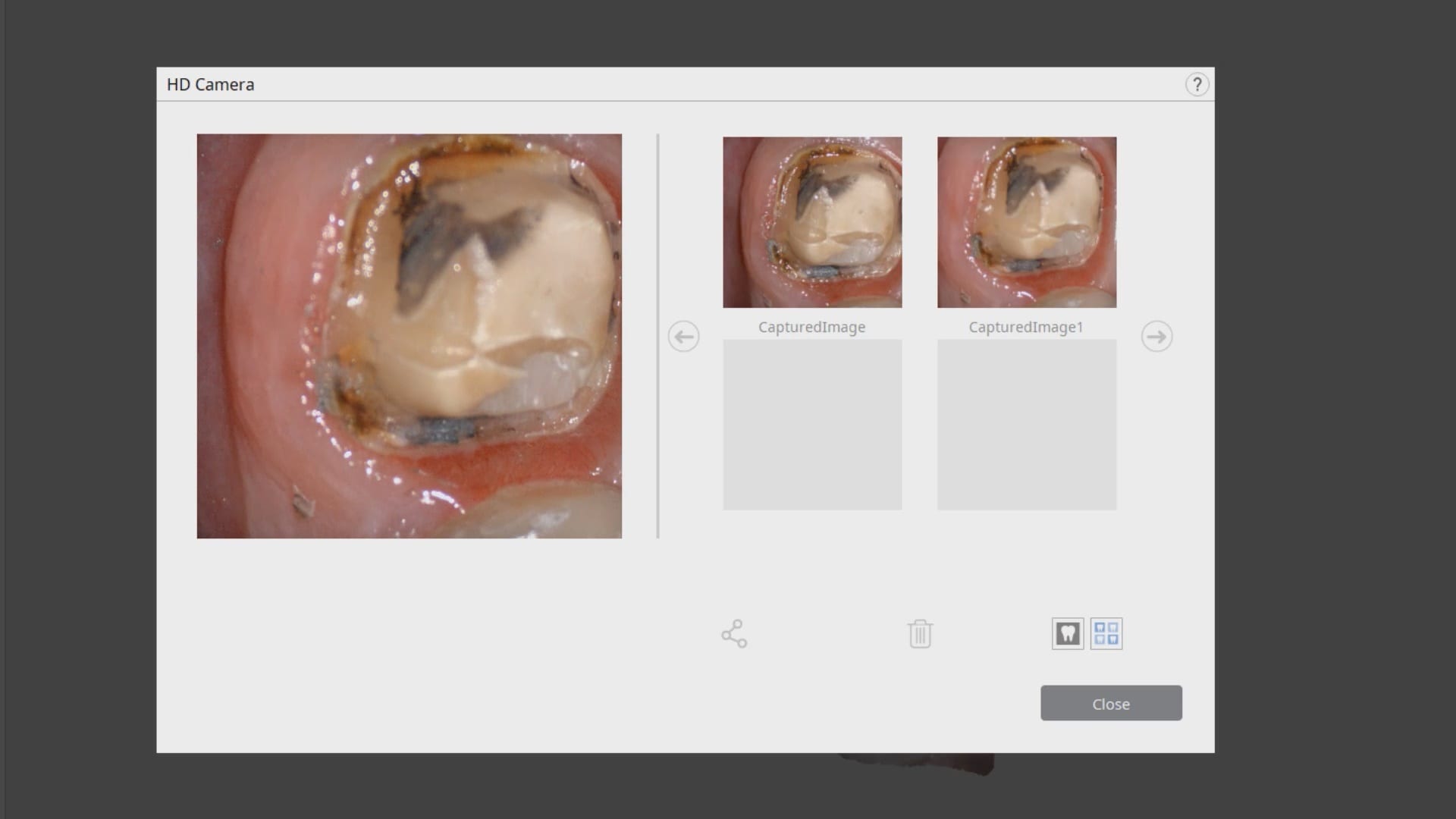
In this clinical case a patient lost a pre-existing crown. The remaining tooth structure had recurrent decay and a new crown was warranted.
After anesthesia was administered, the clearance from opposing dentition was assessed. The preparation was reduced to accommodate the necessary thickness of the material.
Once adequate clearance was achieved an Optragate was placed and an isolite was used to isolate the area. The preparation was scanned and then the lower arch was captured. The buccal bite was then taken to along the arches together
With Meditlink software, you have the option of designing the case yourself or sending it off to your partnered lab. The following video shows what happens to your case once the lab downloads the case
In this particular case, we designed our own crown and milled it with the coritec one milling machine
Once the amber lithium disilicate material was milled, its for was verified clinically. The crown was then crystallized and seated with NX3 resin cement
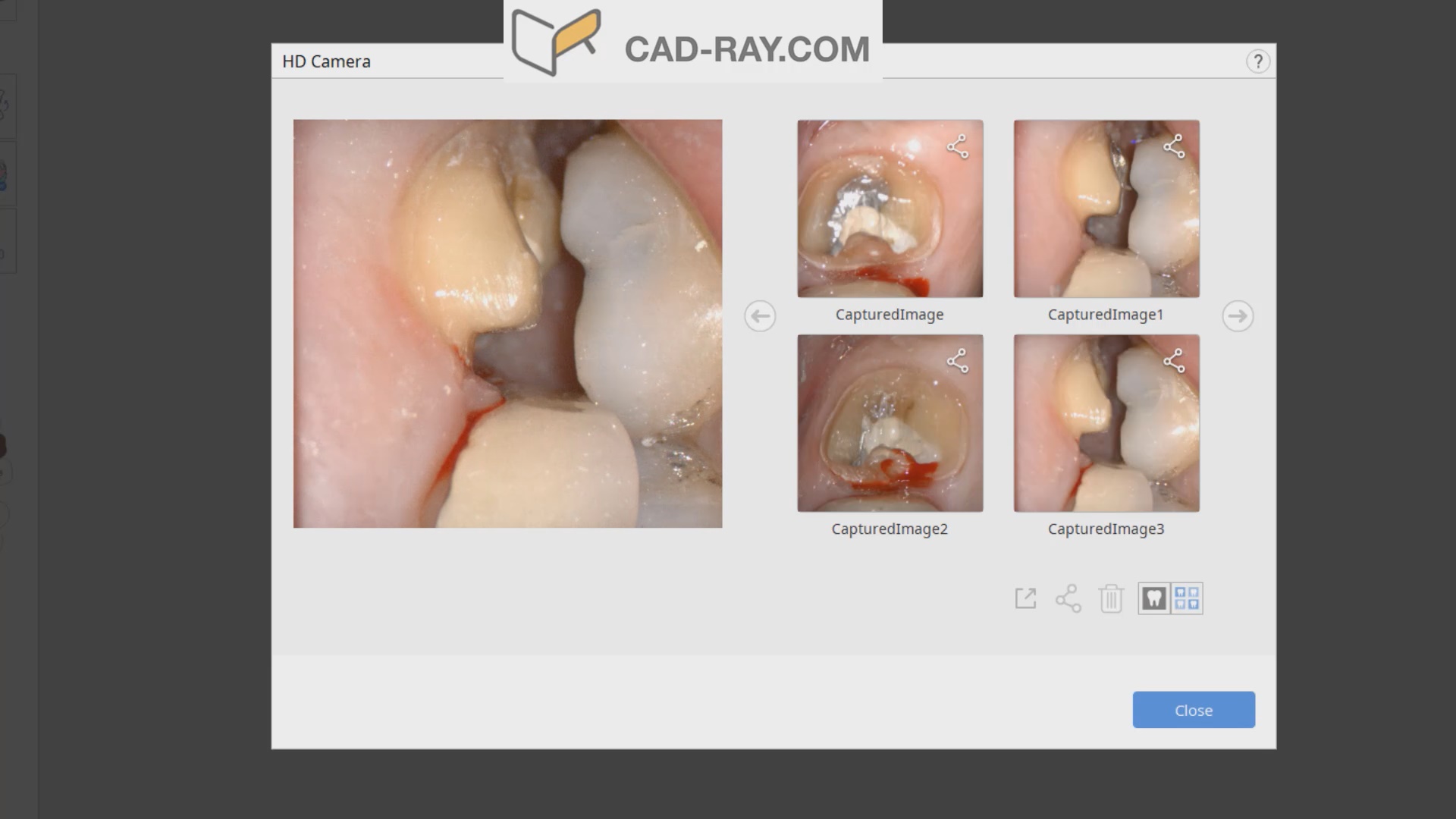
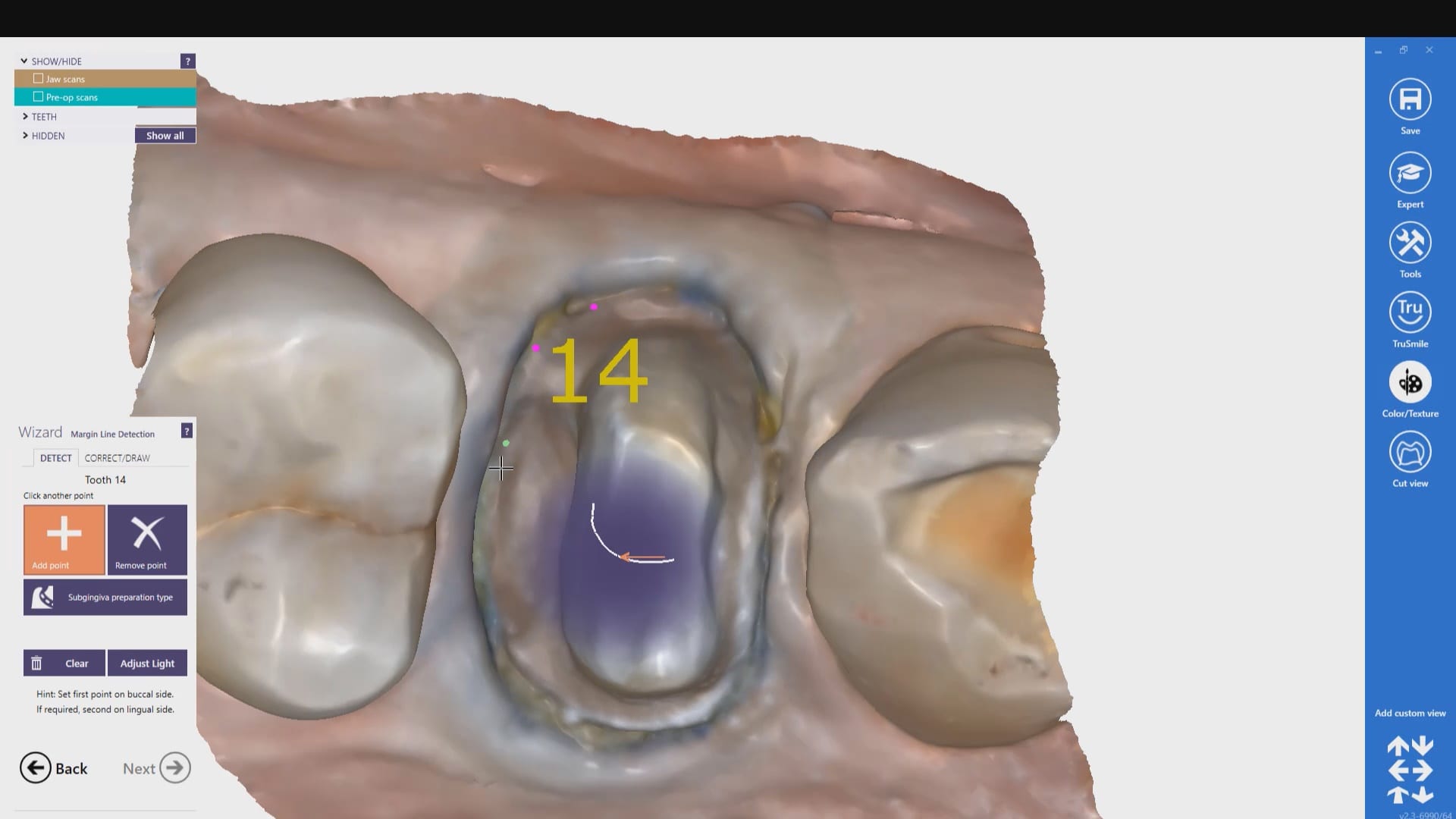
In this clinical presentation, we demonstrate the removal of a crown that has recurrent decay. The bleeding tissue was managed with a double cord technique and expasyl and the margin was captured with the medit i500. The margin was also defined in the native imaging software which allows the user to visualize the detail before designing it or send it off to the lab. Once the case is transferred to cad software, the designed margins carry through and there is an opportunity to modify it
Have you ever compared the milled product with the designed restoration?
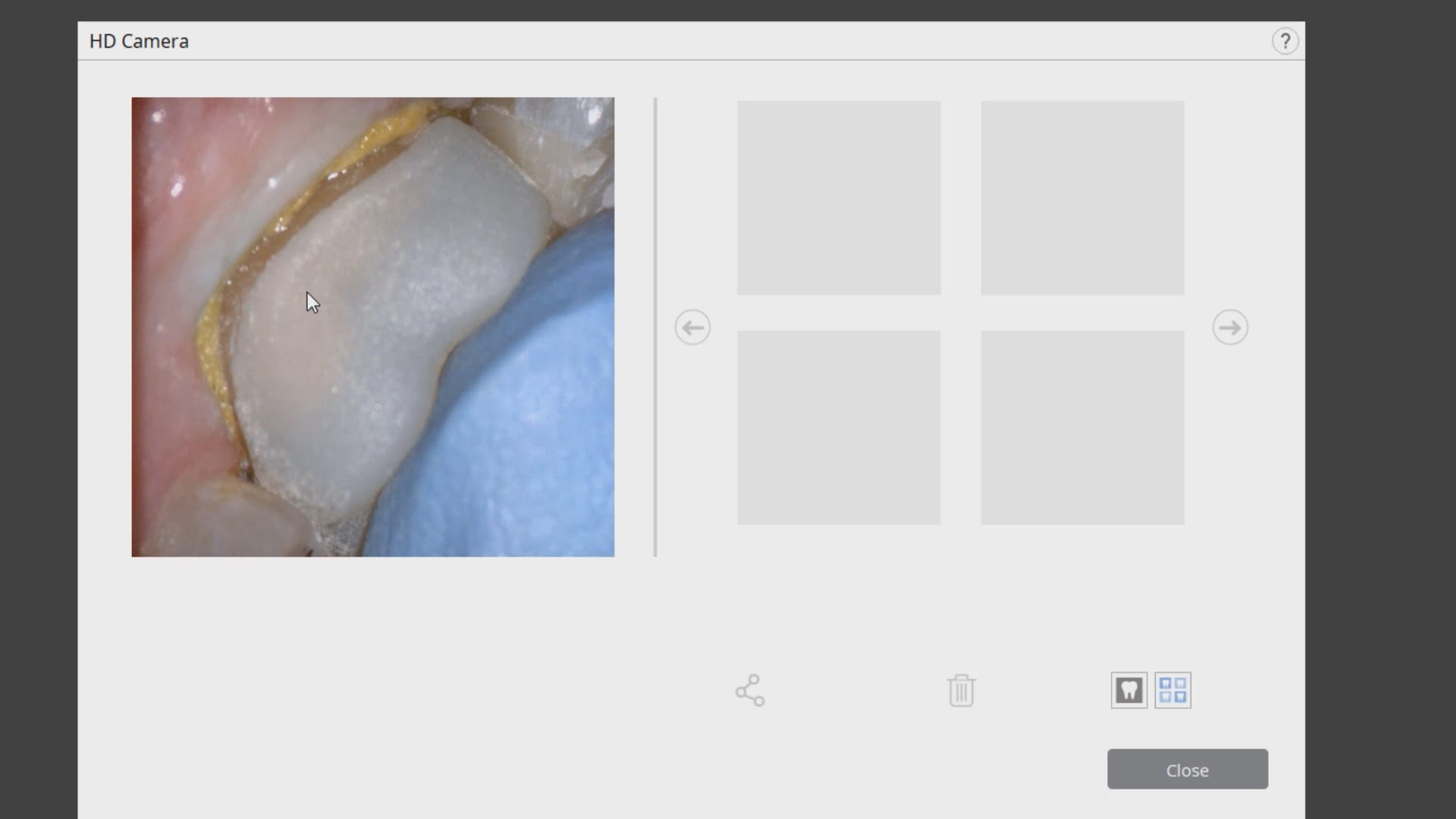
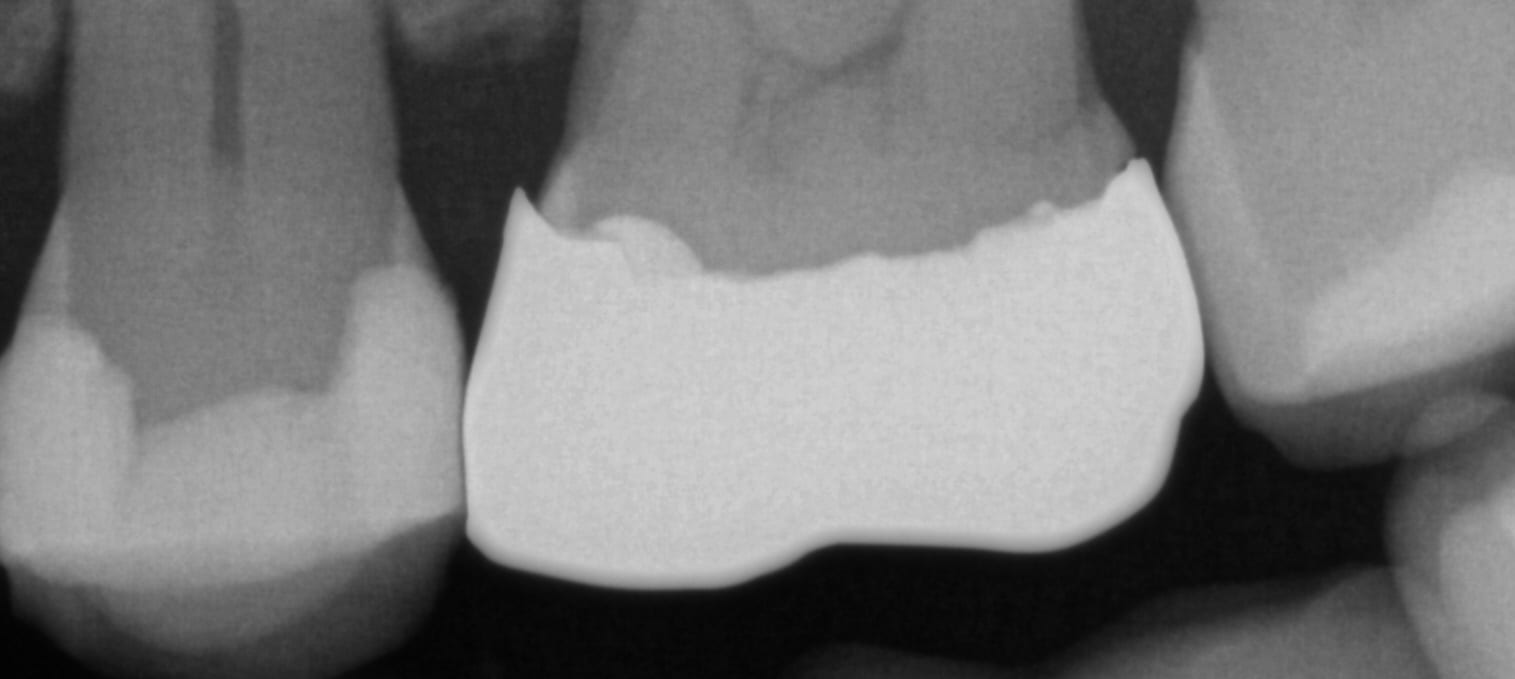
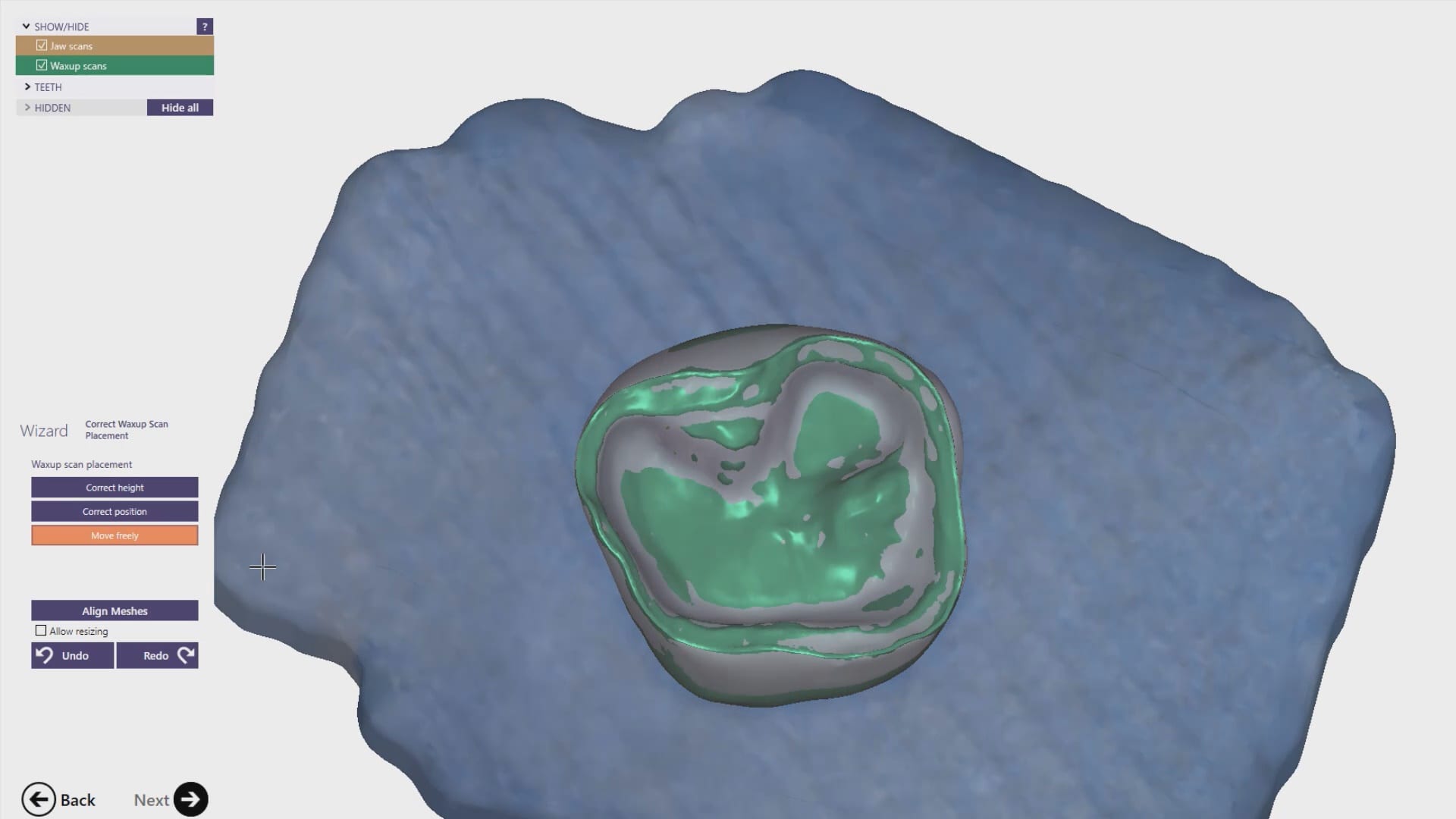
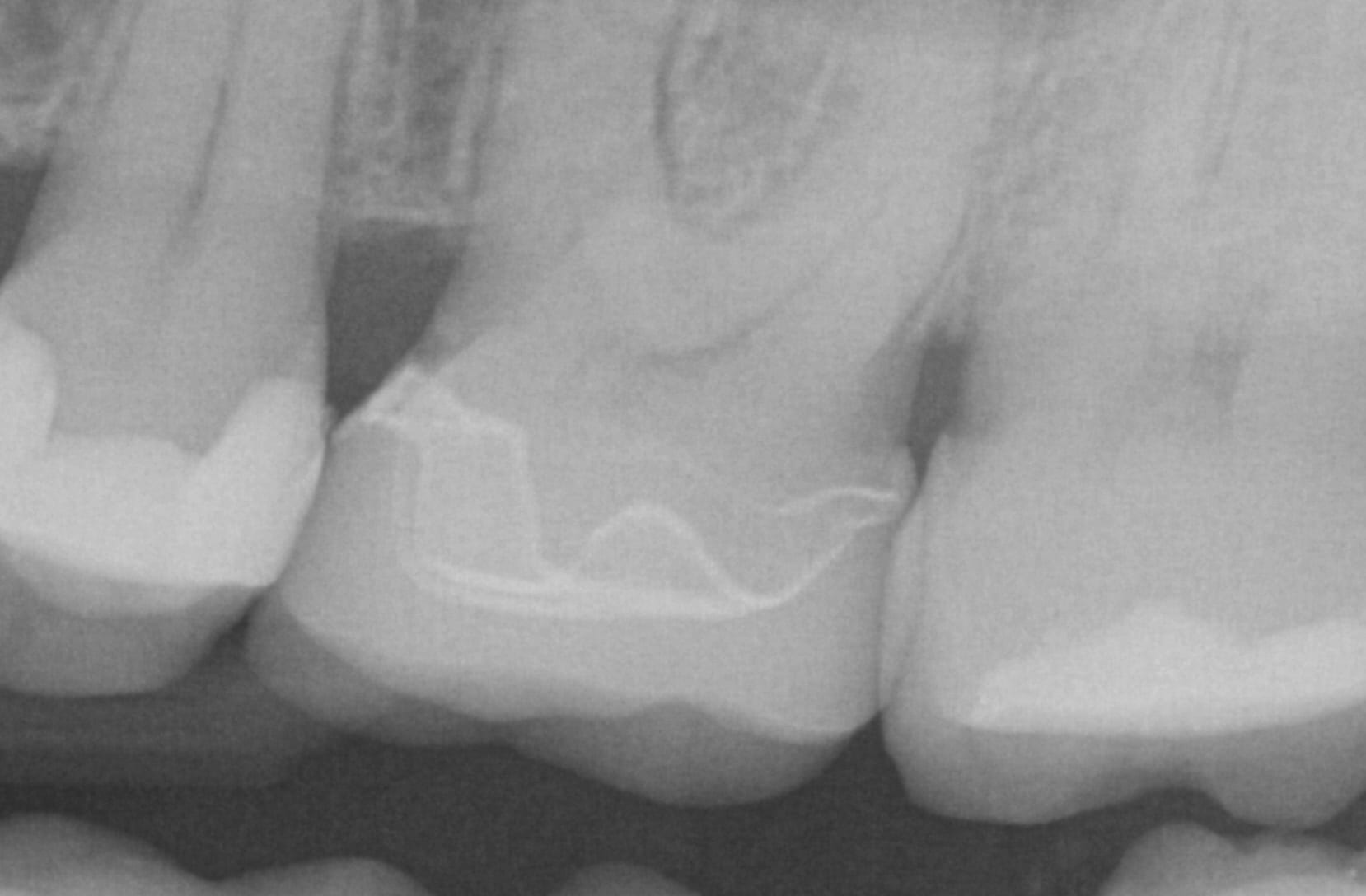
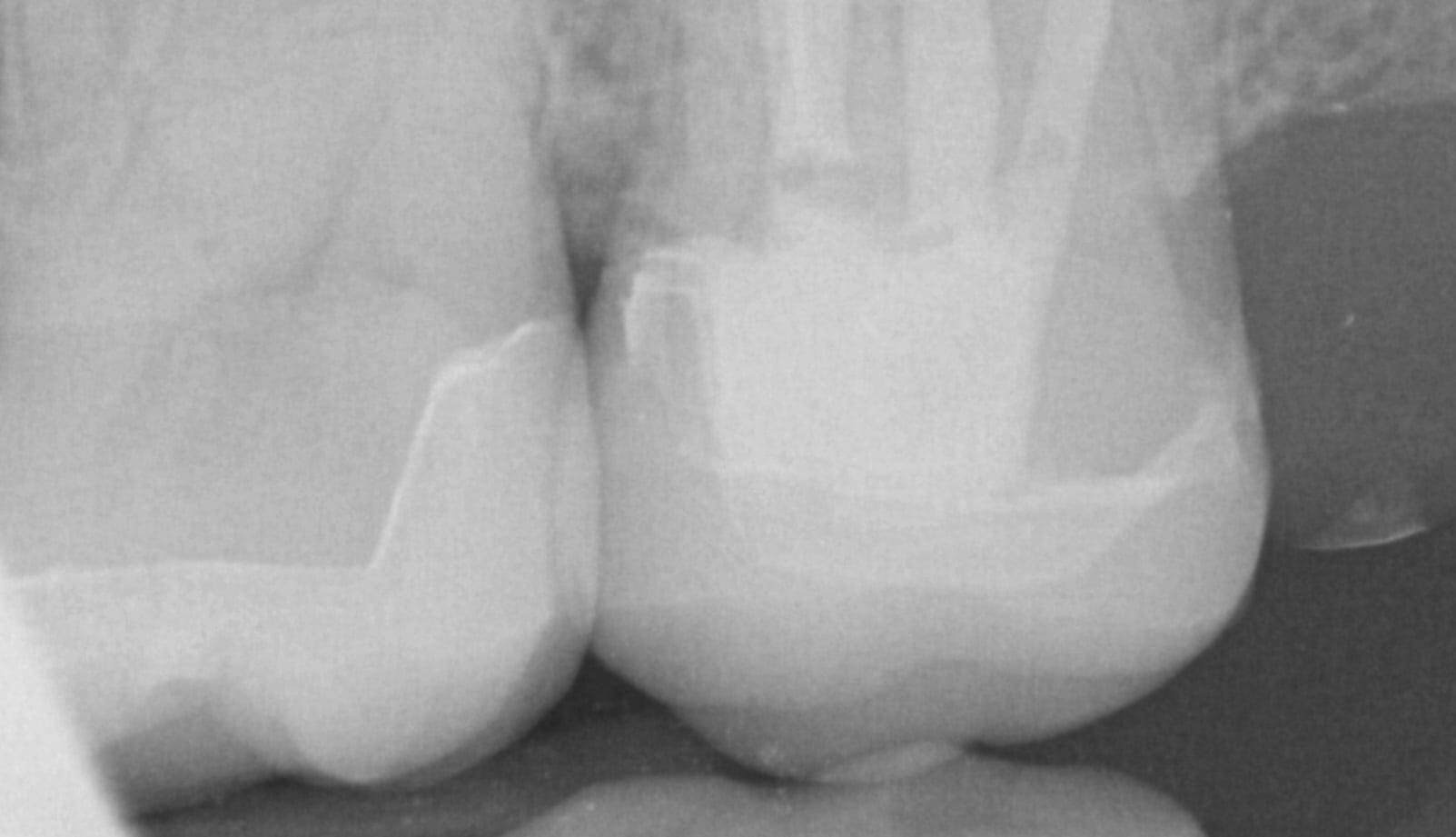
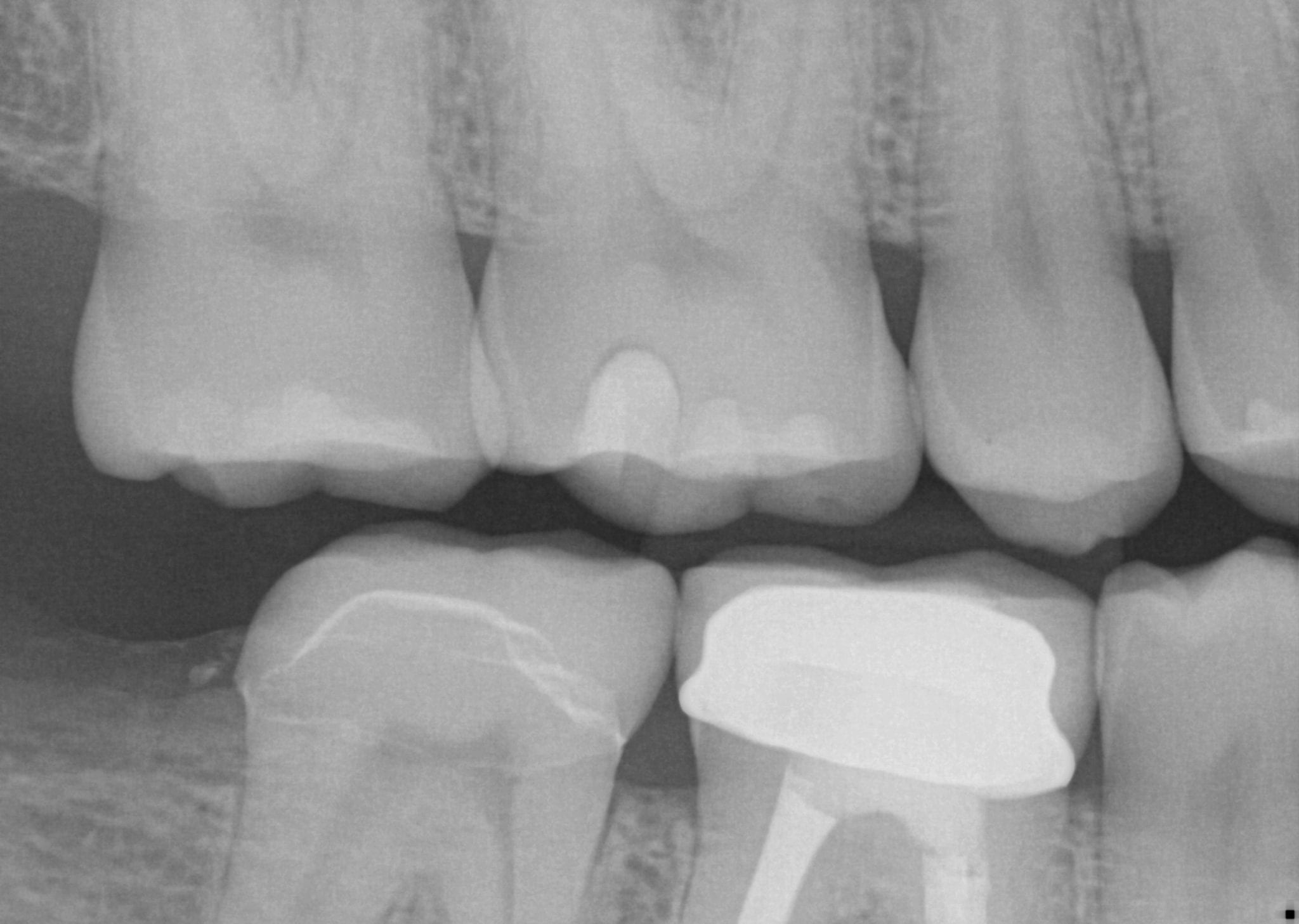
We scanned with the medit i500, designed with exocad and milled with coritec. after try-in, we scanned the restoration in the bluephase and then merged it with the design in exocad to see how well our material, or design, and our margins measured up against the proposal. we also documented the fit clinically and with radiographs. you can download the 3d models of the case and compared them yourself
In this video we demonstrate a simple premolar case that is prepared and imaged with the Medit i500, designed in the cad software named exocad and then milled with the imes icor coritec one machine. Pay attention to the order and sequence of events and how we leverage anesthesia time with scanning time.
We have a large library of instructional videos on our site that can be found on our support page that can help you learn everything there is to know about the Medit i500
Every distal extension case I have to accomplish the following:
take two bites to make sure my vertical dimension does not change with pre-op and prep images
make sure I have proper clearance
We usually take the bites and all other images BEFORE I have even imaged the prep- I usually grab the prep images last
most of this you can delegate to your team and just take the prep images and make it simple for yourself
this video shows the clinical steps. to see what the lab does with your case, click in the link to see the subsequent steps. you can also choose to design and mill it, which is what I did
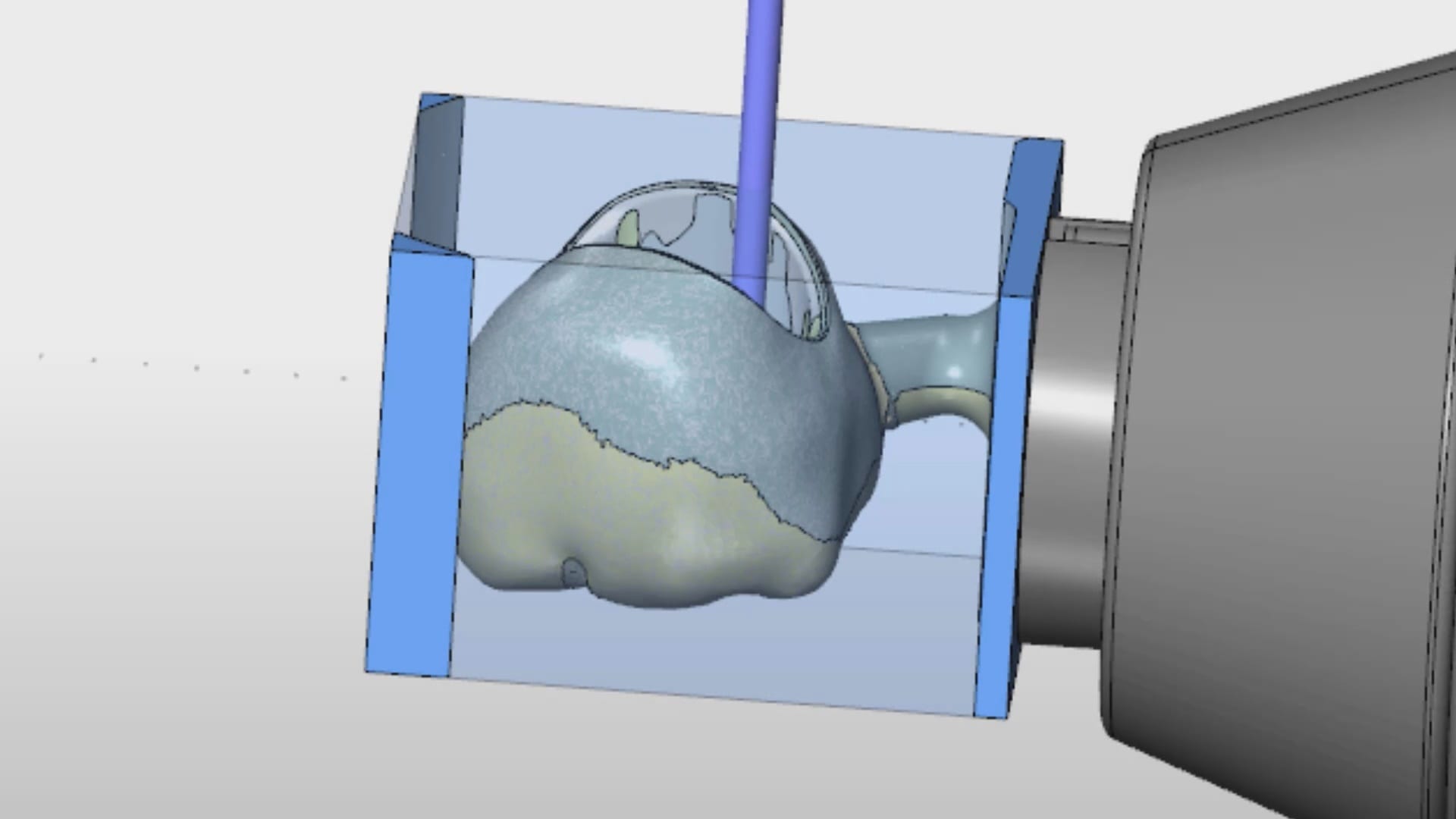
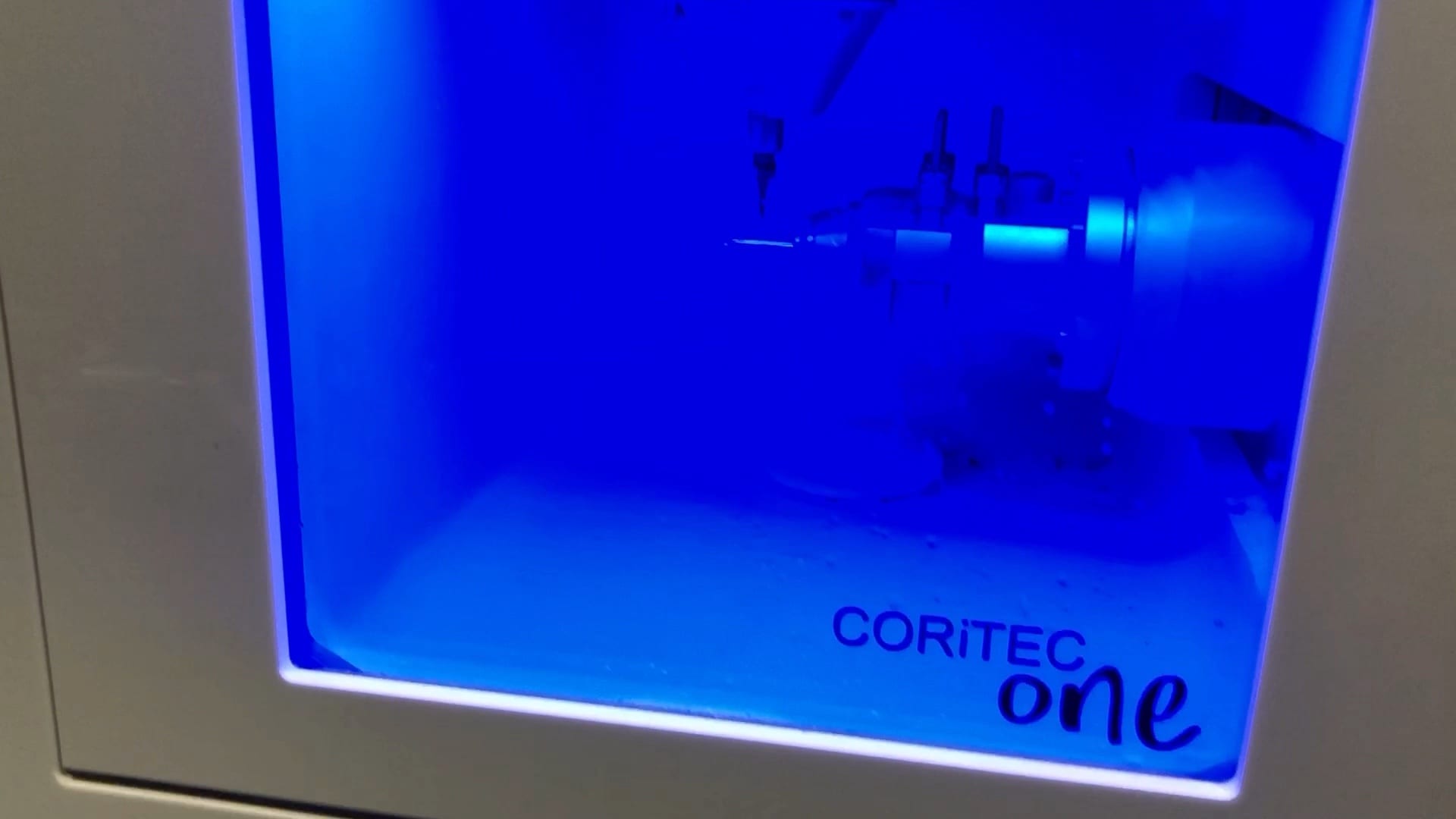
We are very pleased with millbox and the imes icore coritec one for a chairside milling solution. We’ve been testing it for a long time and its CAM (millbox) is very intuitive and the results are always predictable. It can mill titanium abutments, emax, and zirconia blocks.
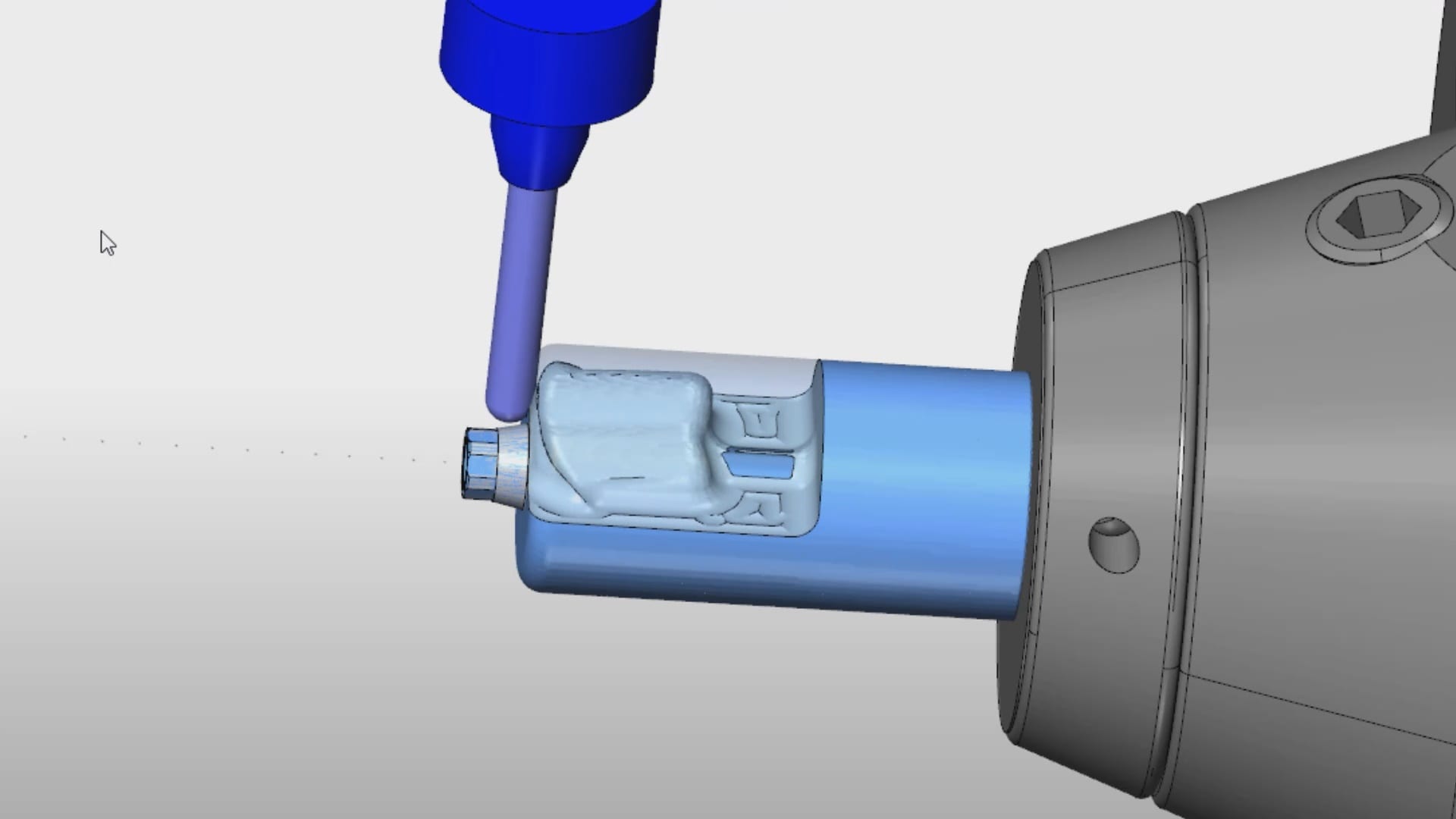
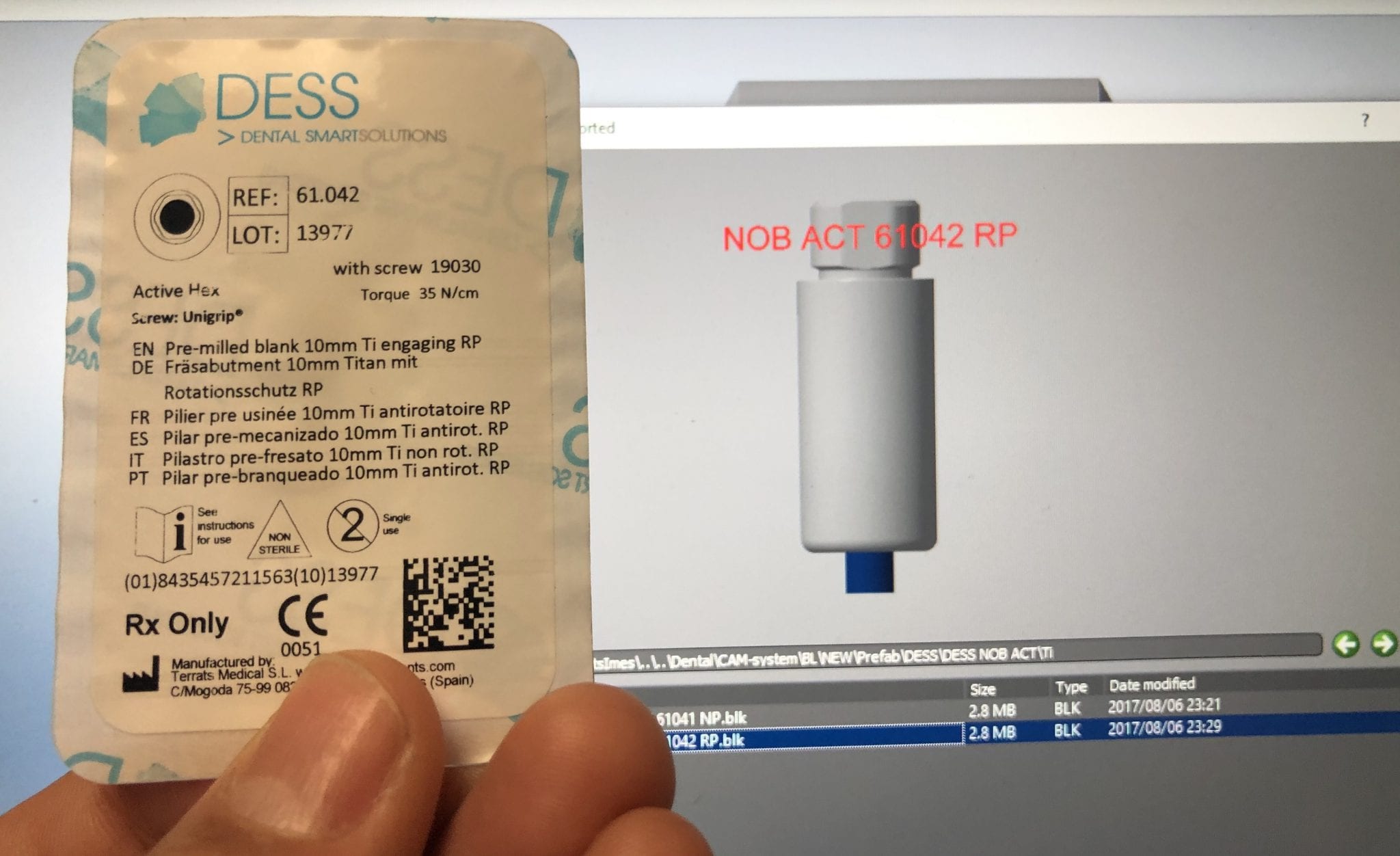
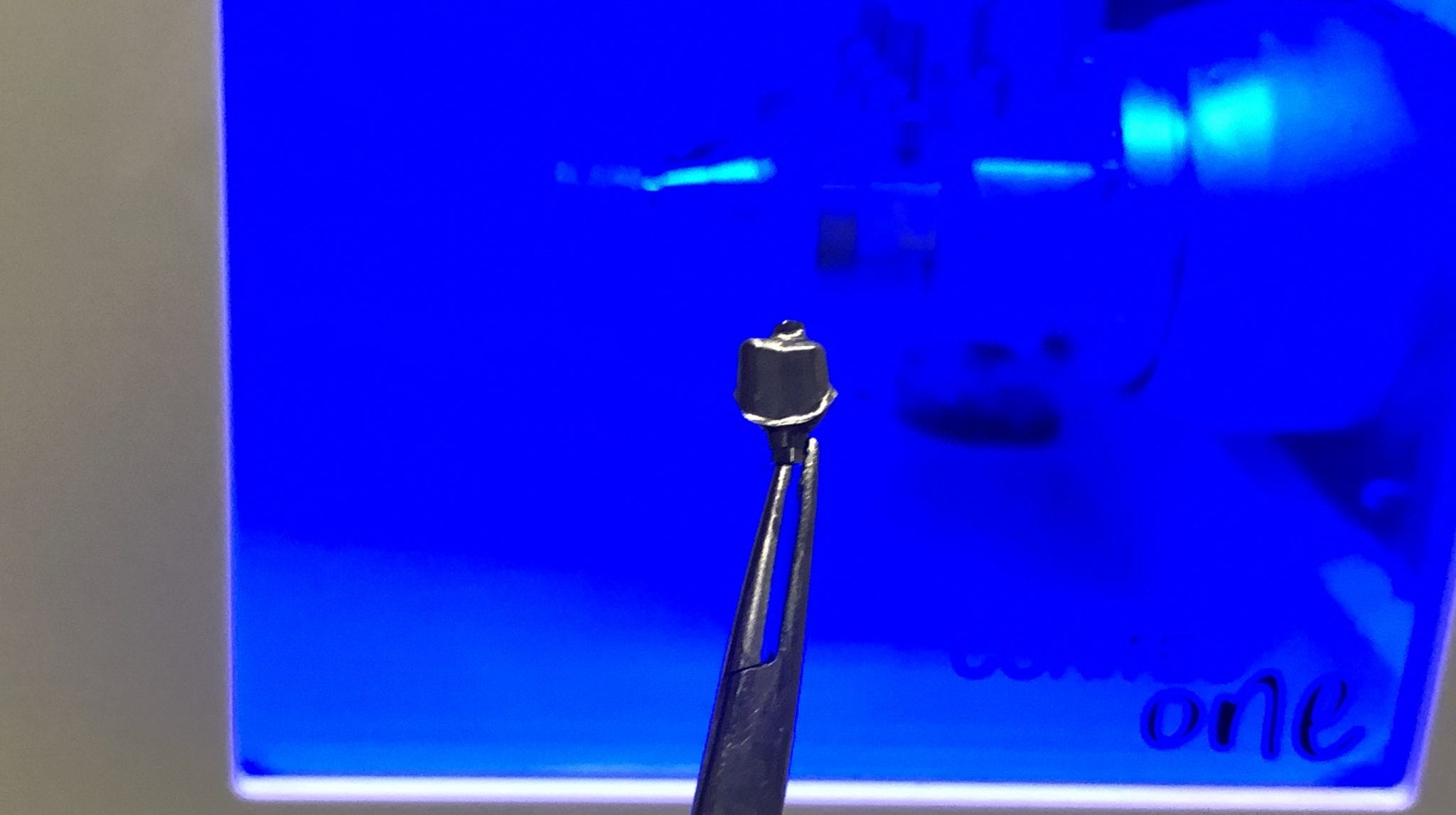
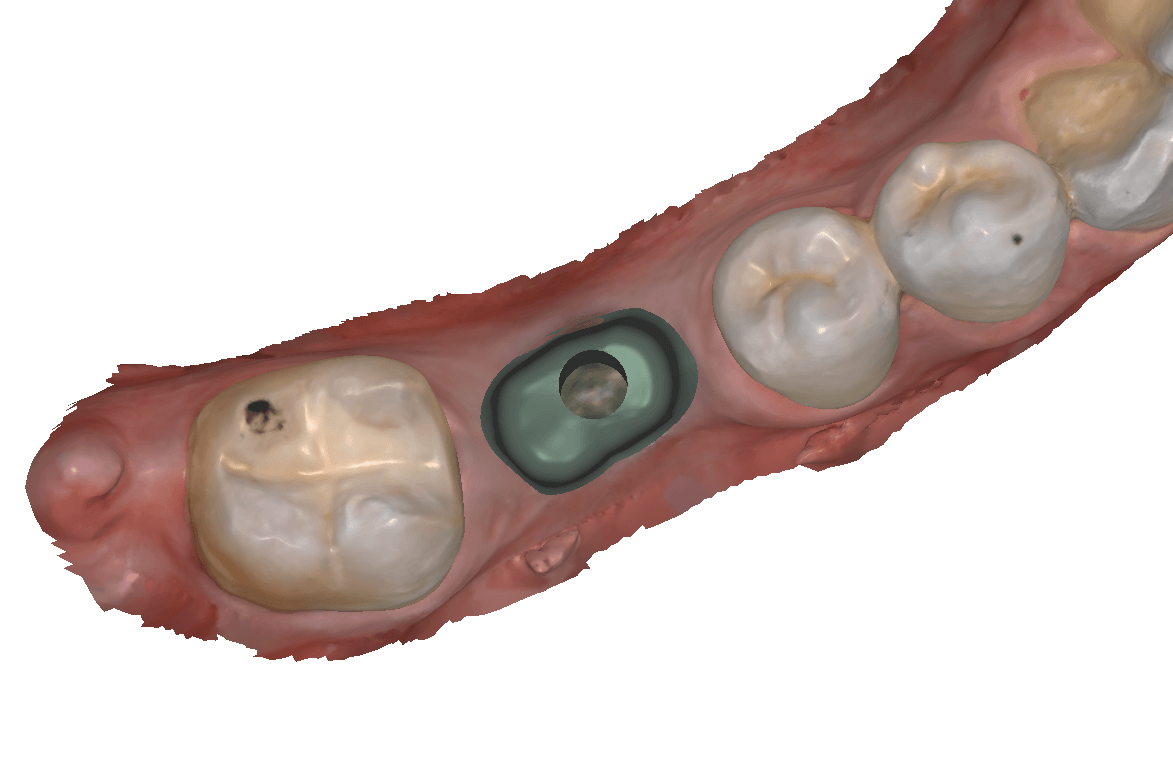
The following videos illustrate how you can image a scanbody intra-orally and then design it in cad software. Here we used exocad to identify the biomax RP implant and designed both the custom titanium abutment and the suprastructure, both of which were milled with the CORiTEC ONE
There are so many implant and component libraries in cad/cam dentistry which can lead to a lot of confusion. What we highly recommend is that you visually compare the part numbers that you will be using with the part numbers displayed on the millbox software. One letter or number difference and the mistakes will have a profound impact on the bottom line of a dental practice
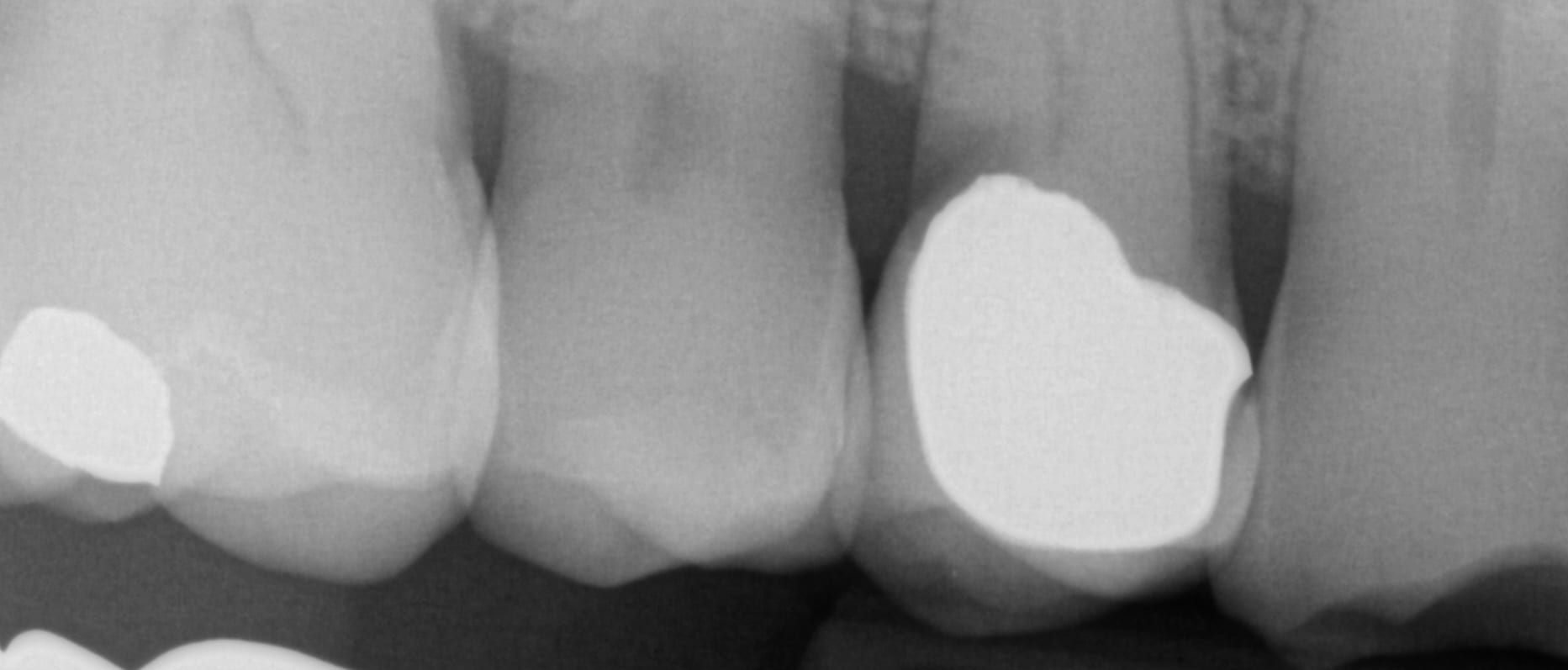
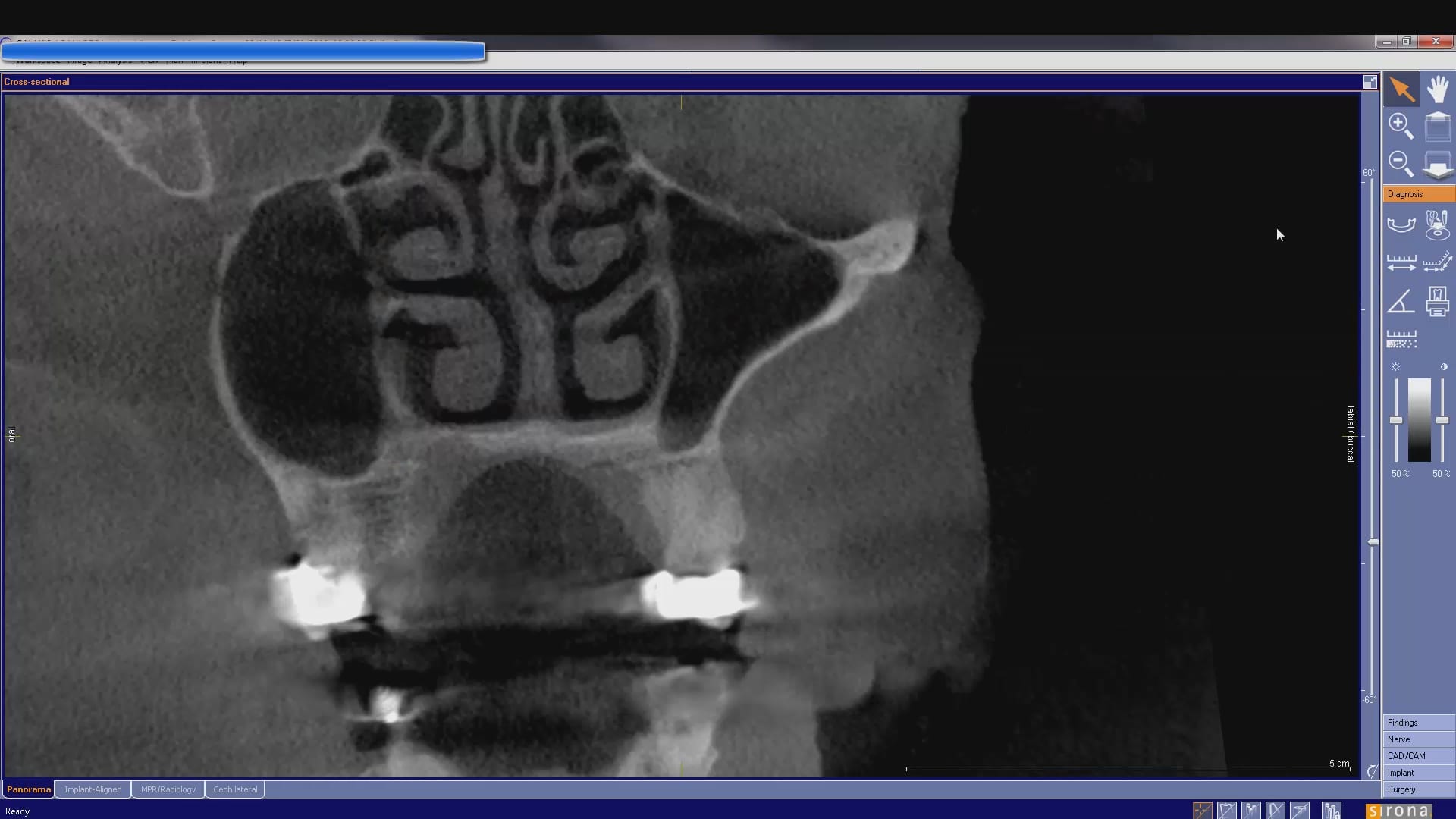
In this case presentation, we utilize the medit i500 to image the pre-existing crown and to fabricate a restoration that is a replica of the pre-existing condition. The patient was advised that the recurrent decay was in close proximity to the canal space and that endodontic treatment may be a possibility. The CBCT showed no evidence of any peri-apical radiolucency and the premolar tested vital prior to treatment
CT used to evaluate apex of premolar for crown replacement
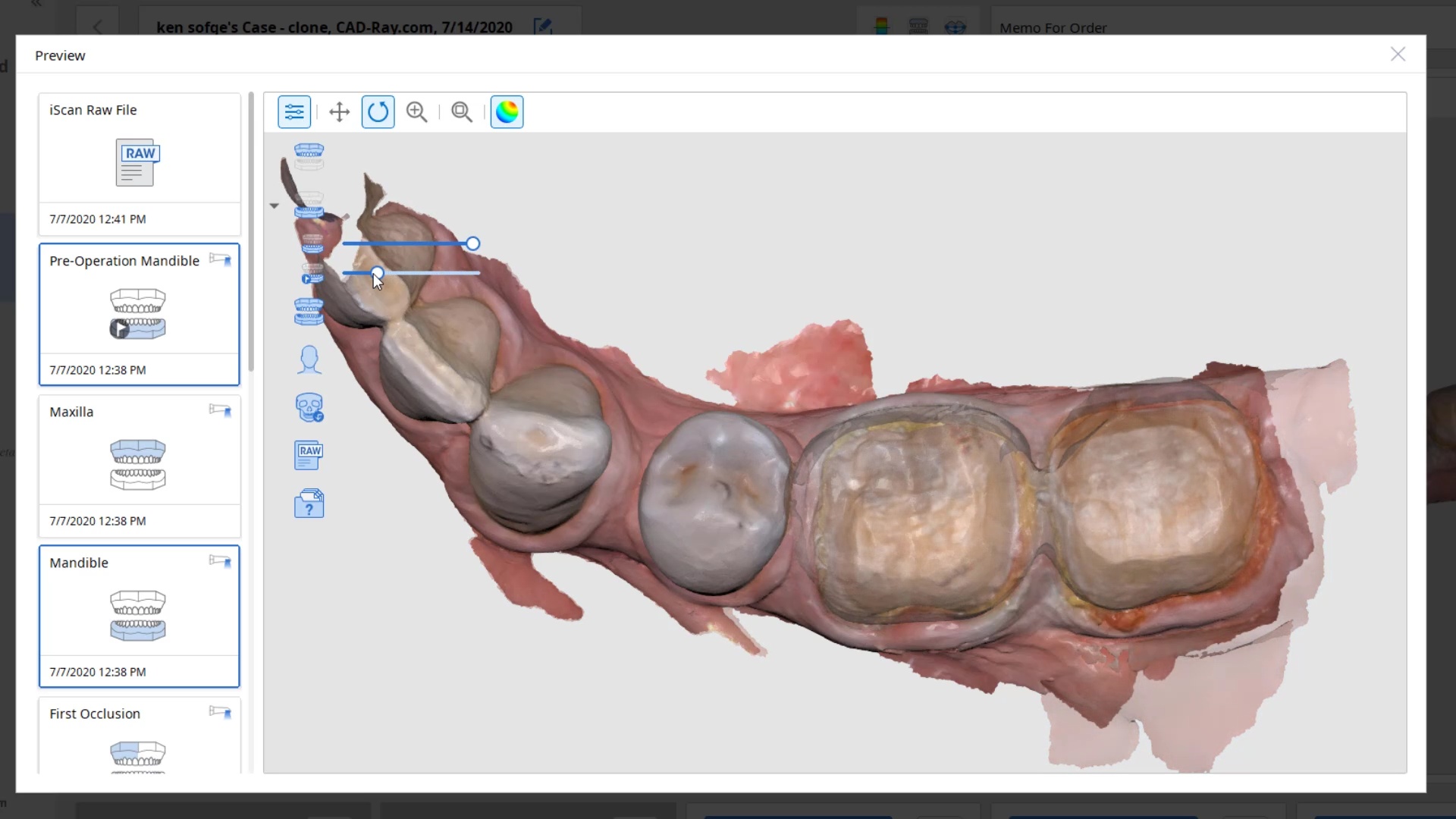
Case set up involved imaging the pre-existing condition in the pre-op catalog box. Excess information was cropped to reduce file size. The data was then copied to the maxillary arch catalog box and the area to prepared was edited out in preparation for final optical impressions.
Immediate Post Op
The remaining decay and previous build up material was removed just prior to bonding the restoration with NX3 dual cure resin cement so the dentin was exposed for the least amount of time possible.
In this case presentation, we feature a crown that needs to be replaced due to open margins and recurrent decay.
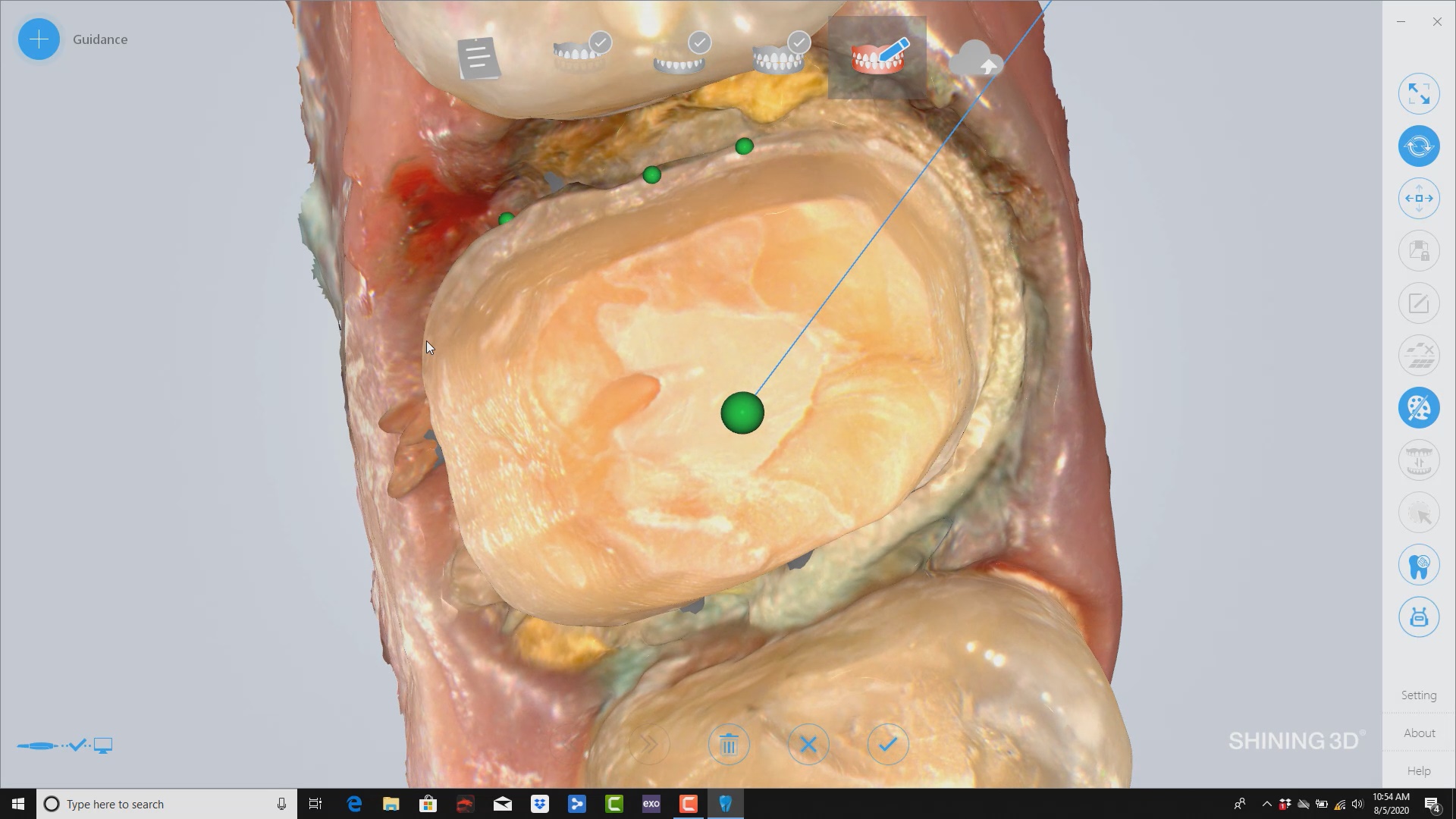
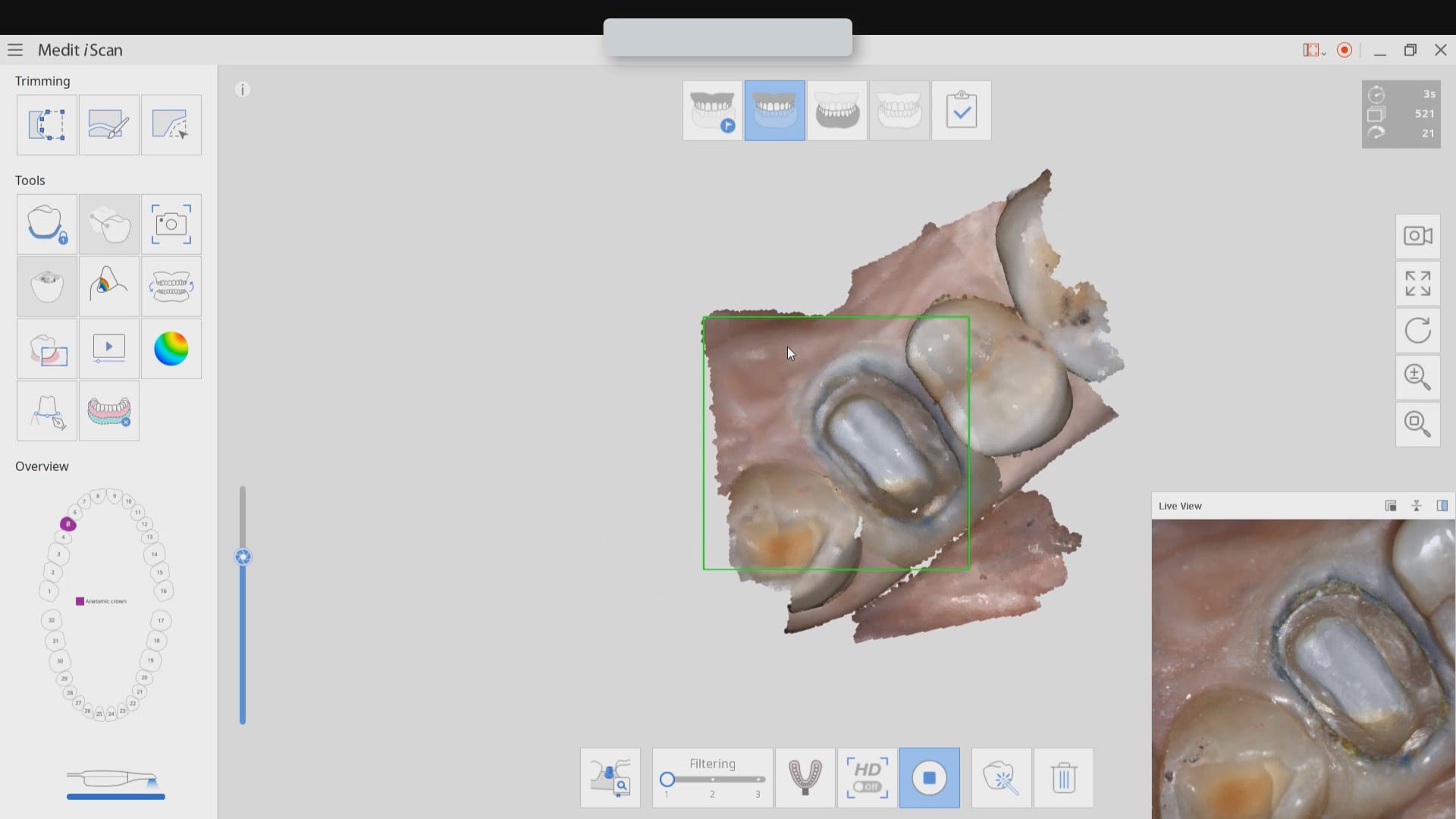
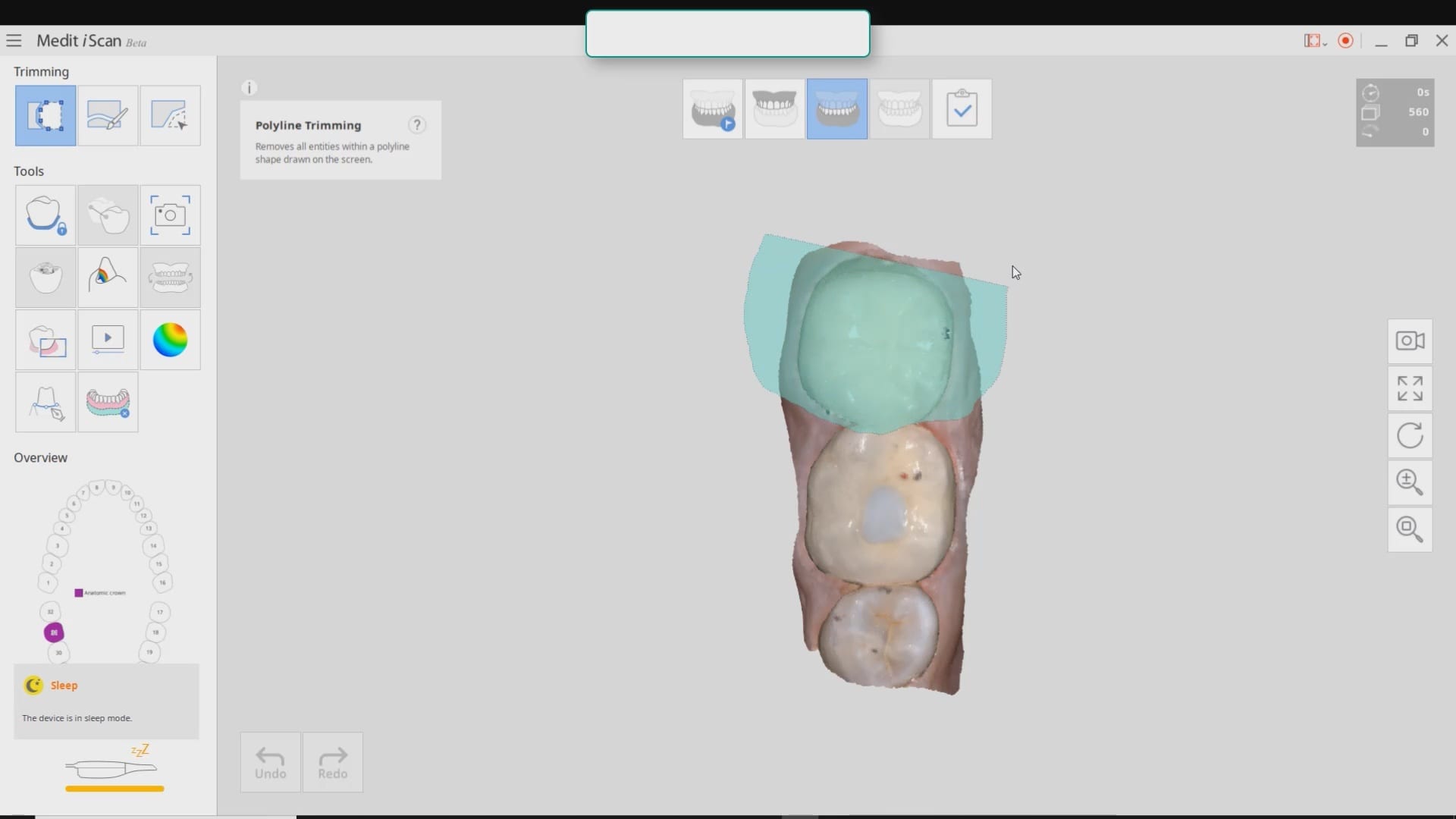
With the Medit i500, after the patient is anesthetized and the area is isolated, the pre-existing crown is imaged in the pre-op catalog box. The area to be prepared is cropped out in anticipation of the imaging the modified preparation.
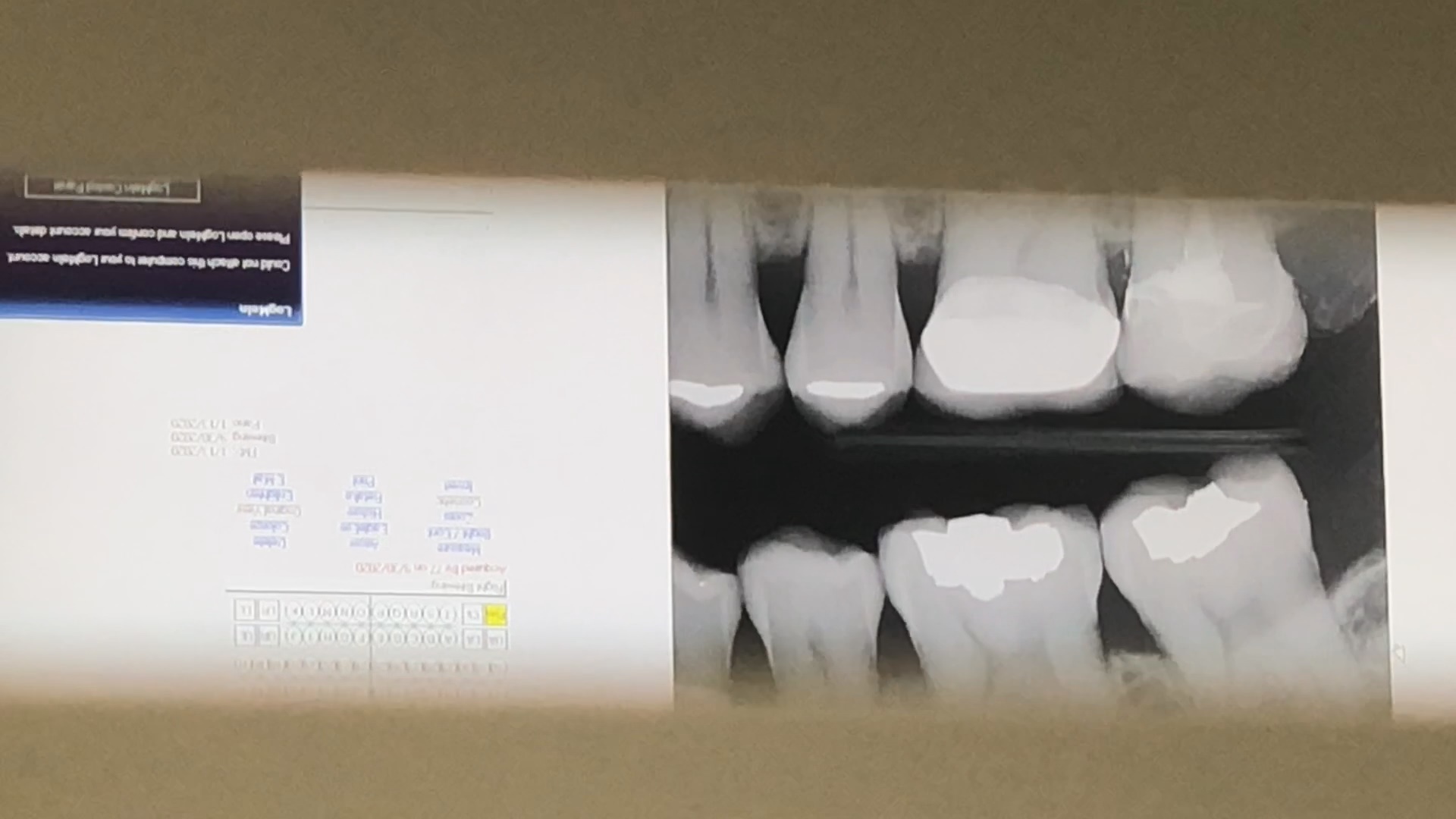
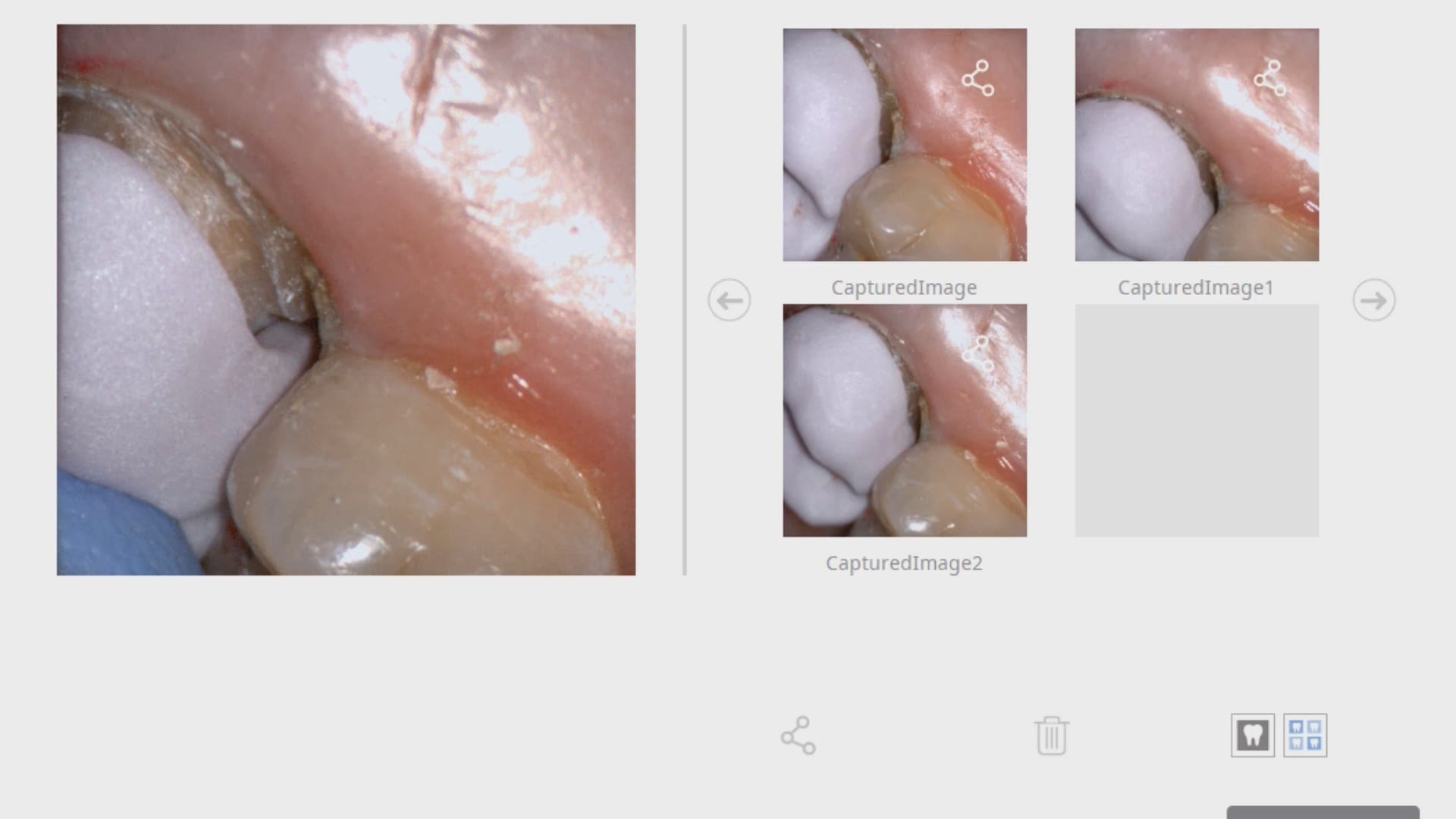
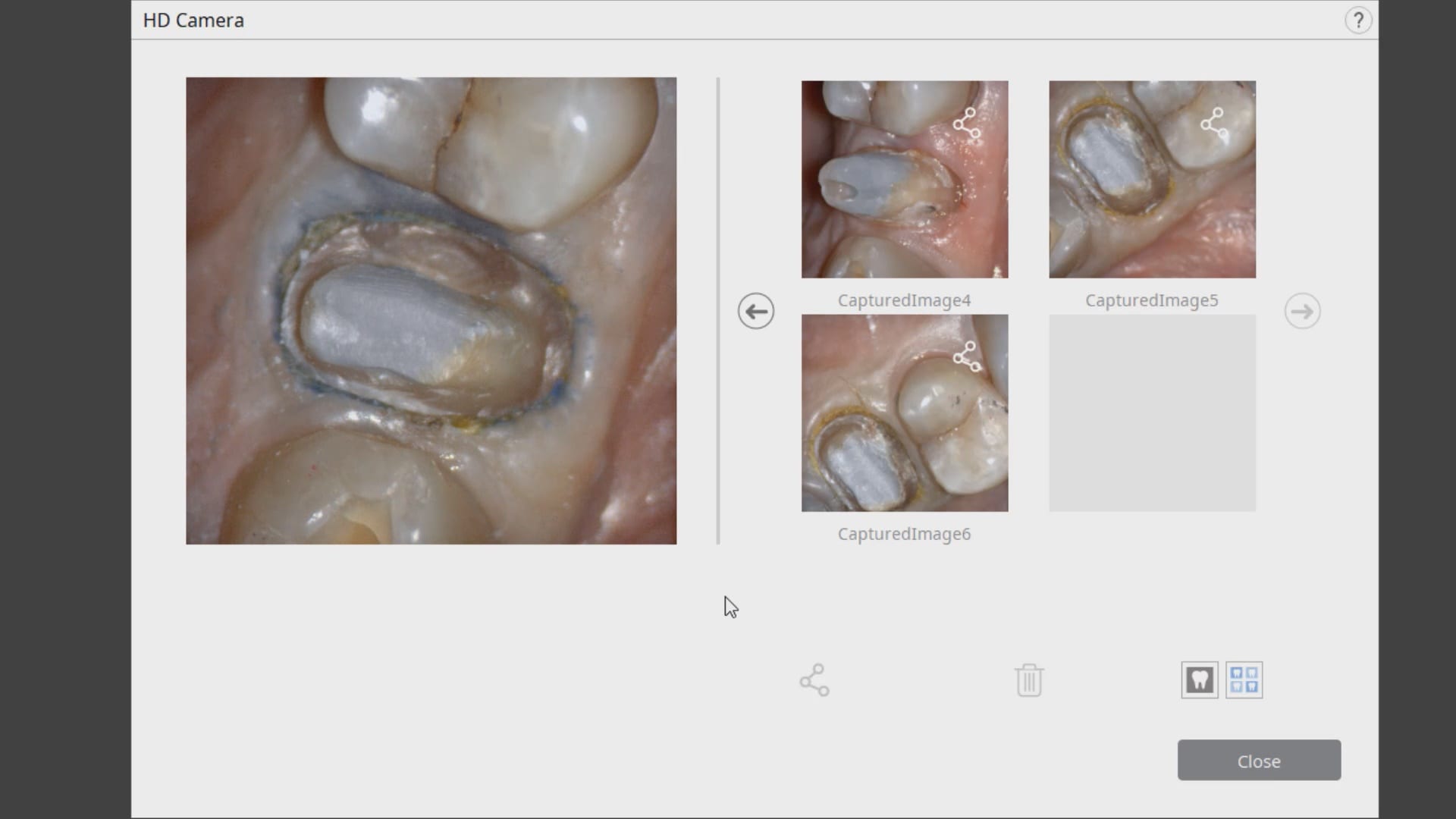
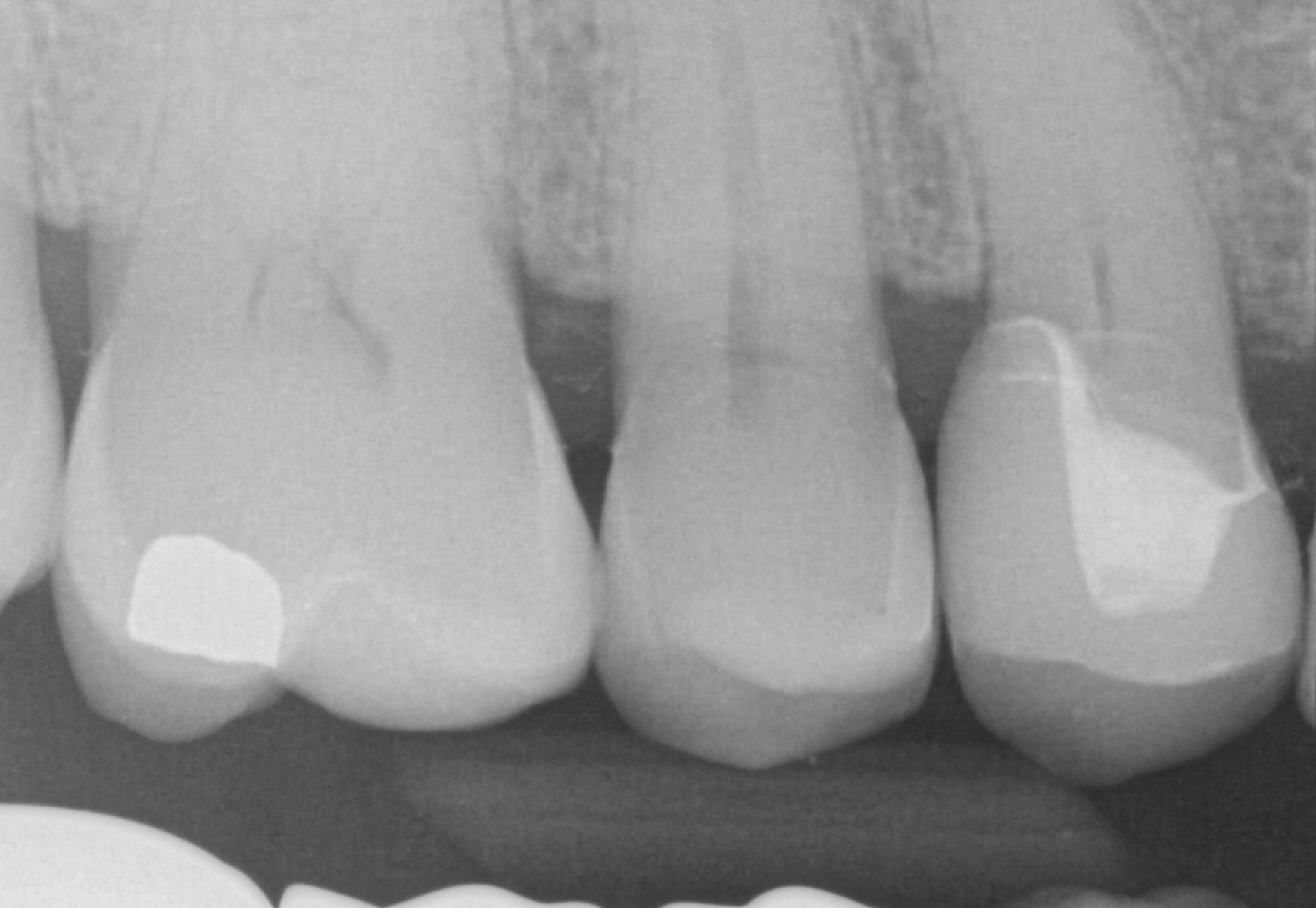
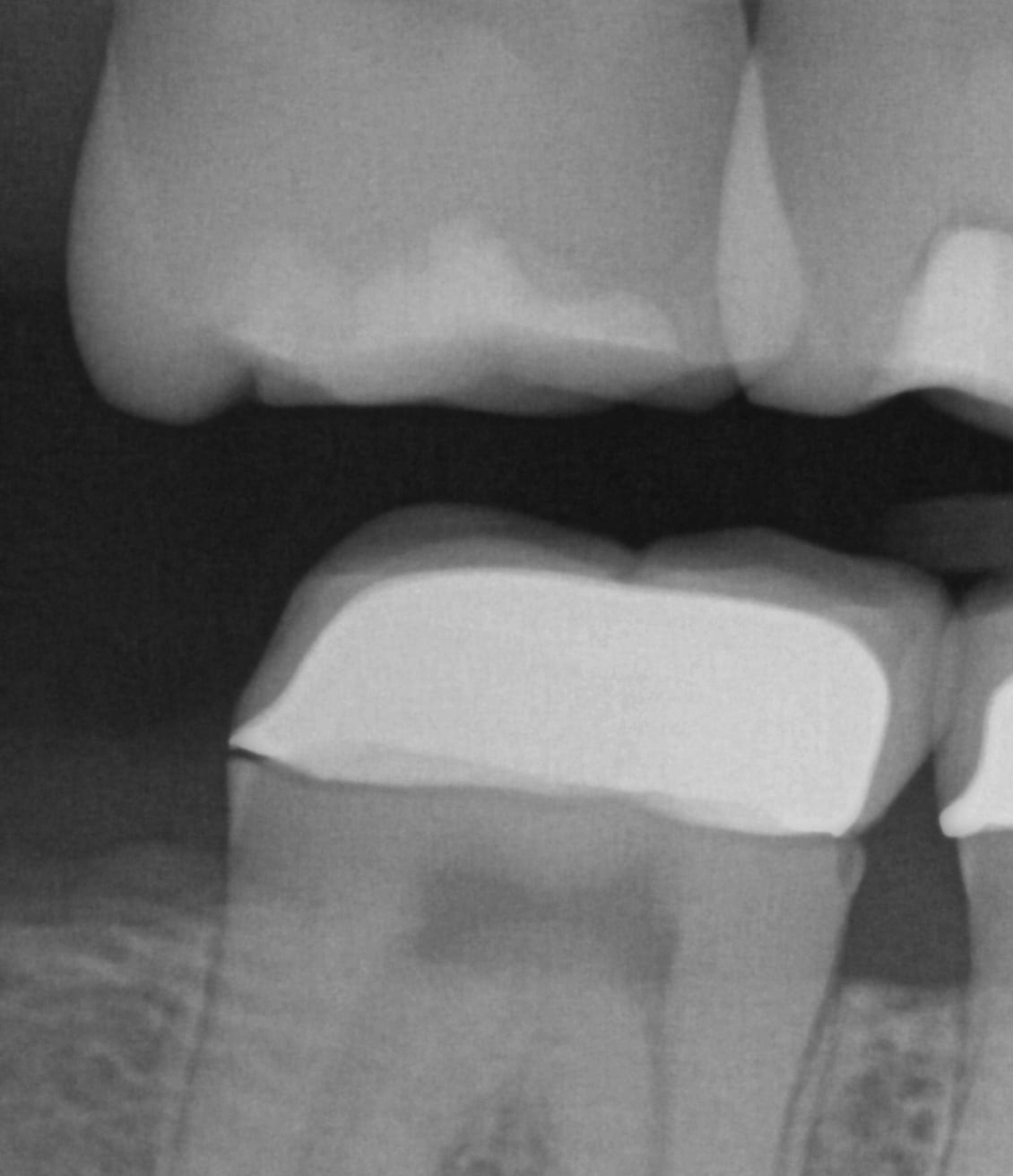
Once the crown is removed, expasyl is packed into the sulcus with a Number 2 cord. With the pre-op bitewings X-ray it was readily apparent that the tissue should be positively displaced in order to capture the margins. It took two layers of cord to achieve hemostasis for imaging with the Medit i500.
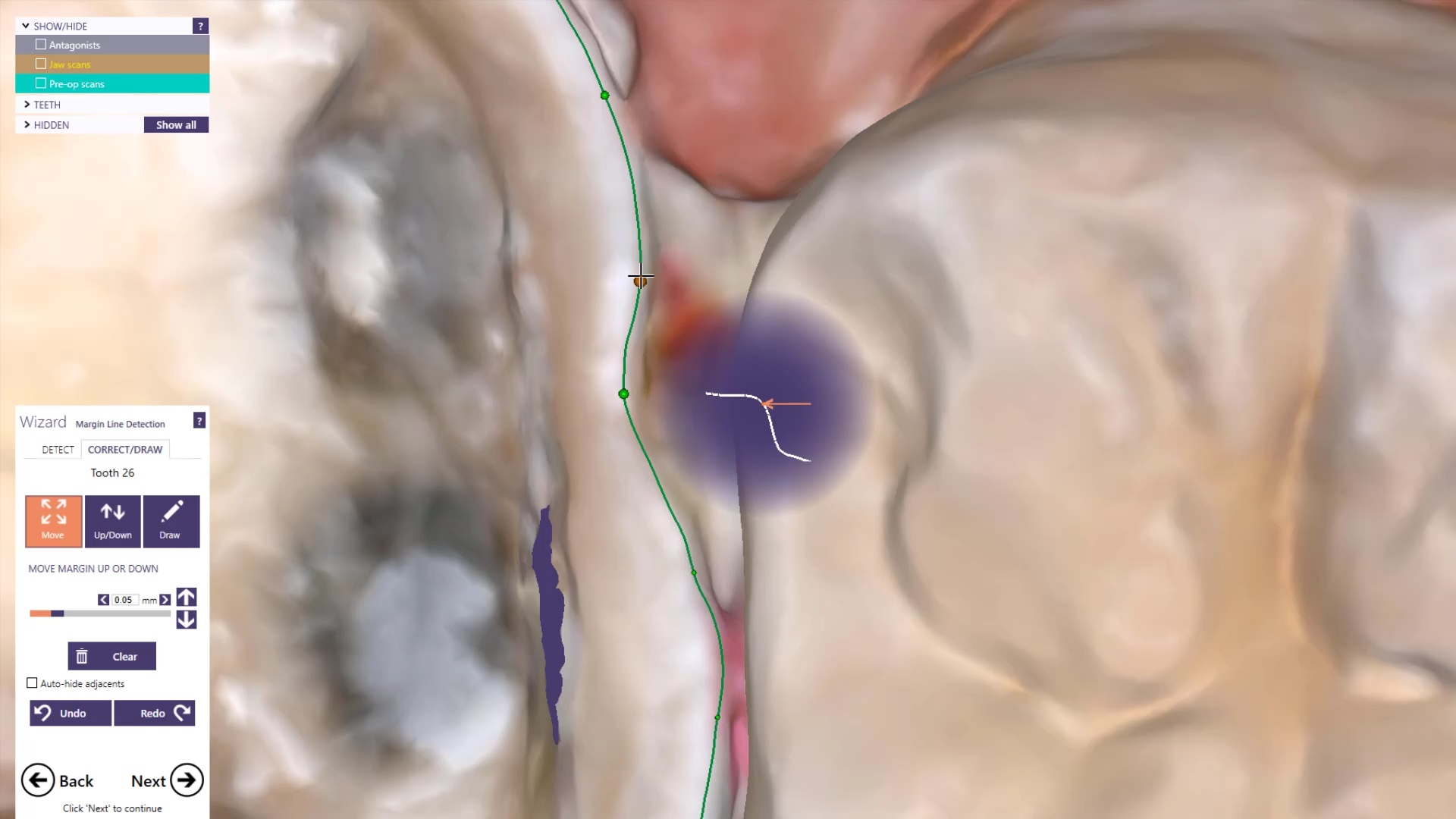
While placing the margin in the native imaging software, it was noted that some tissue was obscuring the margin on the lingual side. The area was isolated both clinically and in the software. It was cropped out and filled in with ‘good data’ after proper protection of the adjacent teeth and margins so that we did not obscure their geometry.
Once the margins are identified and the case is processed it is automatically imported into exocad for design and then sent to the Imes Icore CORiTEC Once for manufacturing. The emax restoration was tried in and then delivered after crystalization.
The field of view of or scan area is probably the most important factor to keep in mind with ios. i don’t know of a single study that discusses this...
An often overlooked characteristics of an intra-oral scanner is the scan area / window. The larger the area, the more likely it is that your scanner will stay on track...
In the world of digital dental scanning, precision and accuracy are paramount. To shed light on the potential pitfalls and challenges faced by dental professionals, Dr. Armen Mirzayan of CAD-Ray...
OXO has made capturing implant locations very easy. The software is very simple and intuitive and we can get you from a to z very quickly. But first lets showcase how...
DOWNLOAD THE CASE TO DESIGN ALONG One of the most challenging designs to do chairside is the design of a multi unit temporary that needs to be printed. This is...





























































































You must be logged in to post a comment.